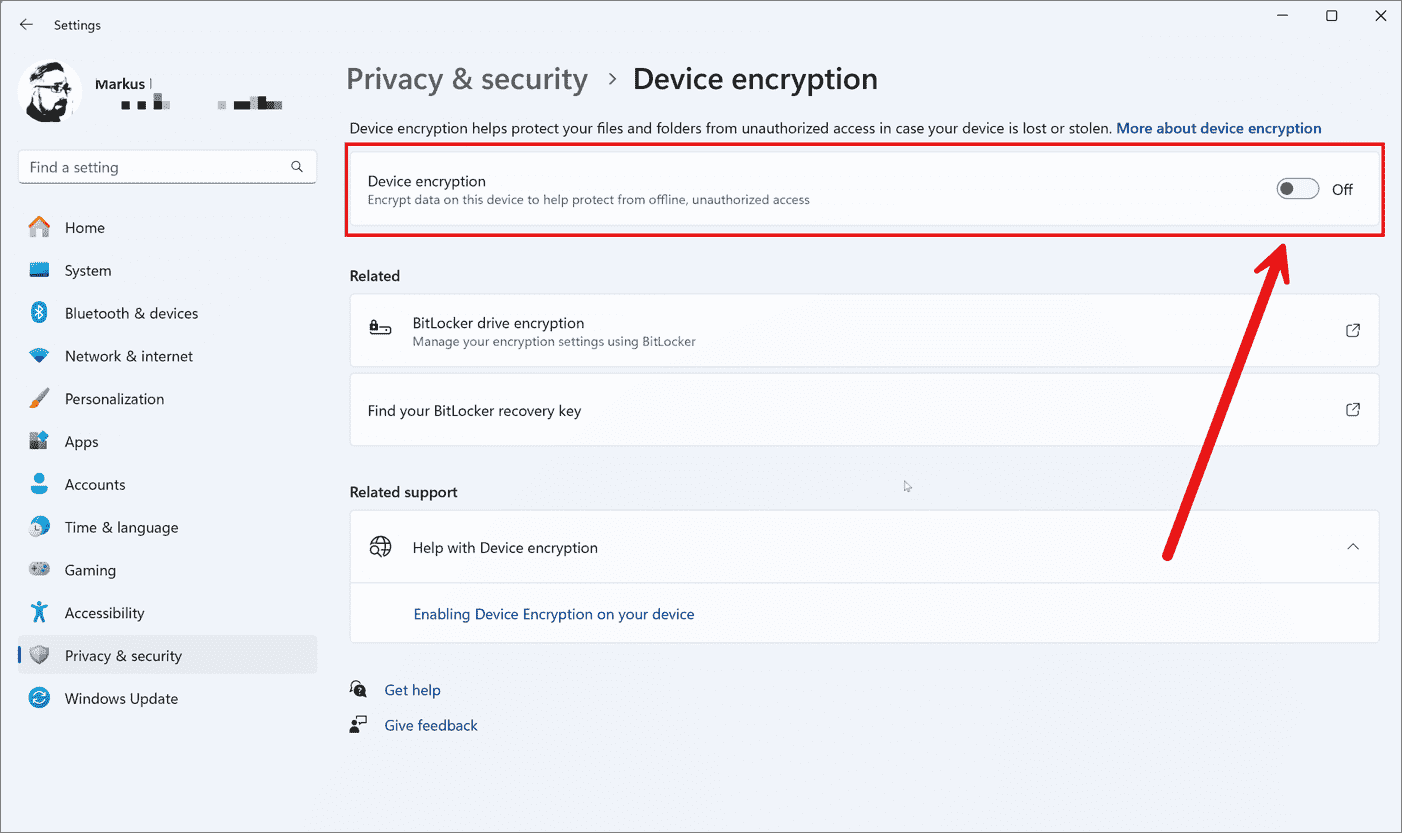
Microsoft Confirms FBI Access to Windows 11 Encryption Keys — What It Means for Your Privacy

Microsoft Windows 11 logo
When a major platform vendor confirms that a national law enforcement agency can obtain keys linked to consumer devices, it forces a reckoning that mixes technical nuance with legal and ethical weight. Microsoft’s confirmation that the FBI can access encryption keys tied to Windows 11 accounts — and that some Windows editions increasingly rely on online accounts for recovery and key management — is not just a headline. It is a structural shift in how modern operating systems balance convenience and control against user privacy and state power.
This feature story dissects what that confirmation actually means, how Windows 11 ties device encryption to cloud services, what legal channels law enforcement uses to request keys, and most importantly, what ordinary users can do today to reduce exposure without sacrificing usability.
WHY THIS MATTERS: FROM RECOVERY KEYS TO REAL-WORLD ACCESS
Full-disk encryption protects data at rest: if an attacker steals a device, the encrypted drive is useless without keys. But modern operating systems also bake in recovery mechanisms precisely so users can regain access if they forget a password, suffer hardware failure, or change components. Those recovery mechanisms often mean storing encryption keys or recovery keys in the cloud, associated with an online account.
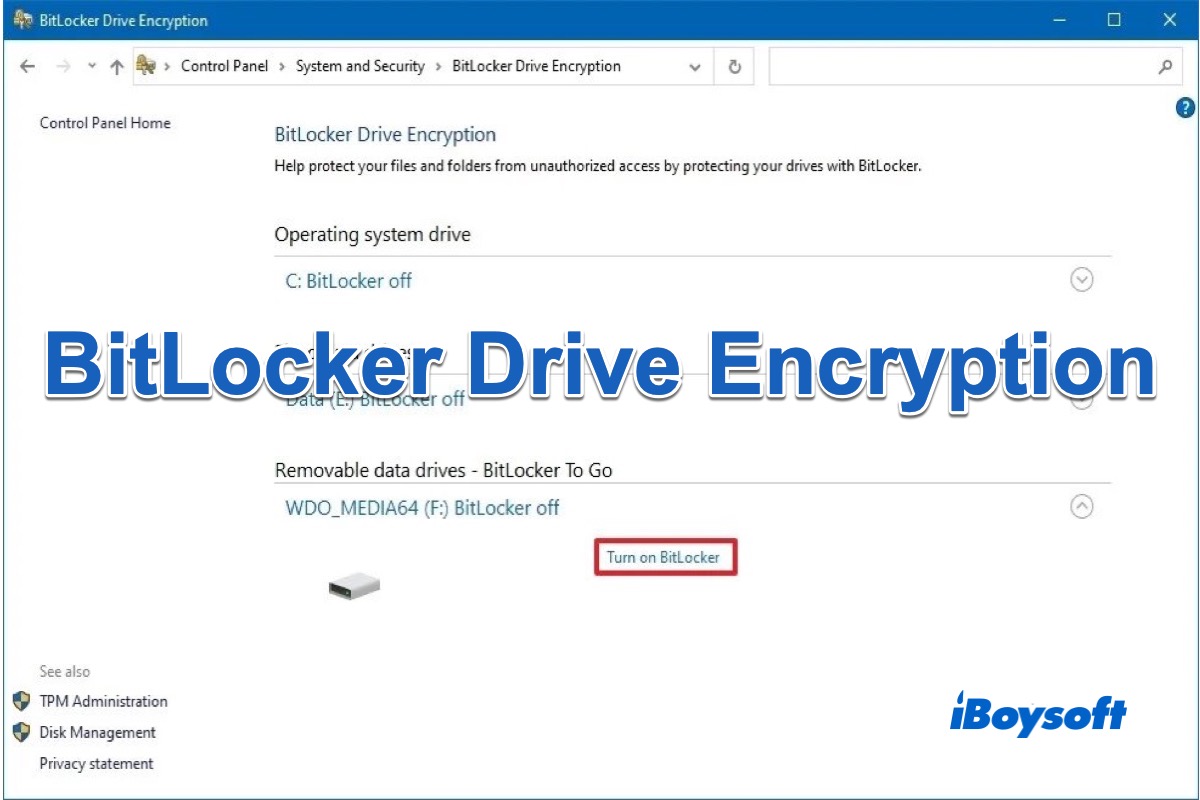
BitLocker drive encryption
That cloud convenience is a double-edged sword. Physically losing a laptop is less catastrophic if your encryption key is recoverable, but the same cloud-based key becomes a legal target: court orders, warrants, or other law enforcement compulsion can force providers to hand over keys or to assist in decryption. When a vendor publicly confirms that such access is possible, it changes the threat model for every user who relies on online account recovery.
TECHNICAL FRAMEWORK: HOW WINDOWS 11 HANDLES KEYS
BitLocker, TPM, and Cloud Recovery
Windows devices typically use a combination of hardware and software to protect drives. Trusted Platform Modules (TPMs) store cryptographic secrets in silicon and provide a root of trust. BitLocker is Microsoft’s full-disk encryption technology that can leverage the TPM to protect the machine key so that the system can boot normally without prompting the user for a password at every startup.
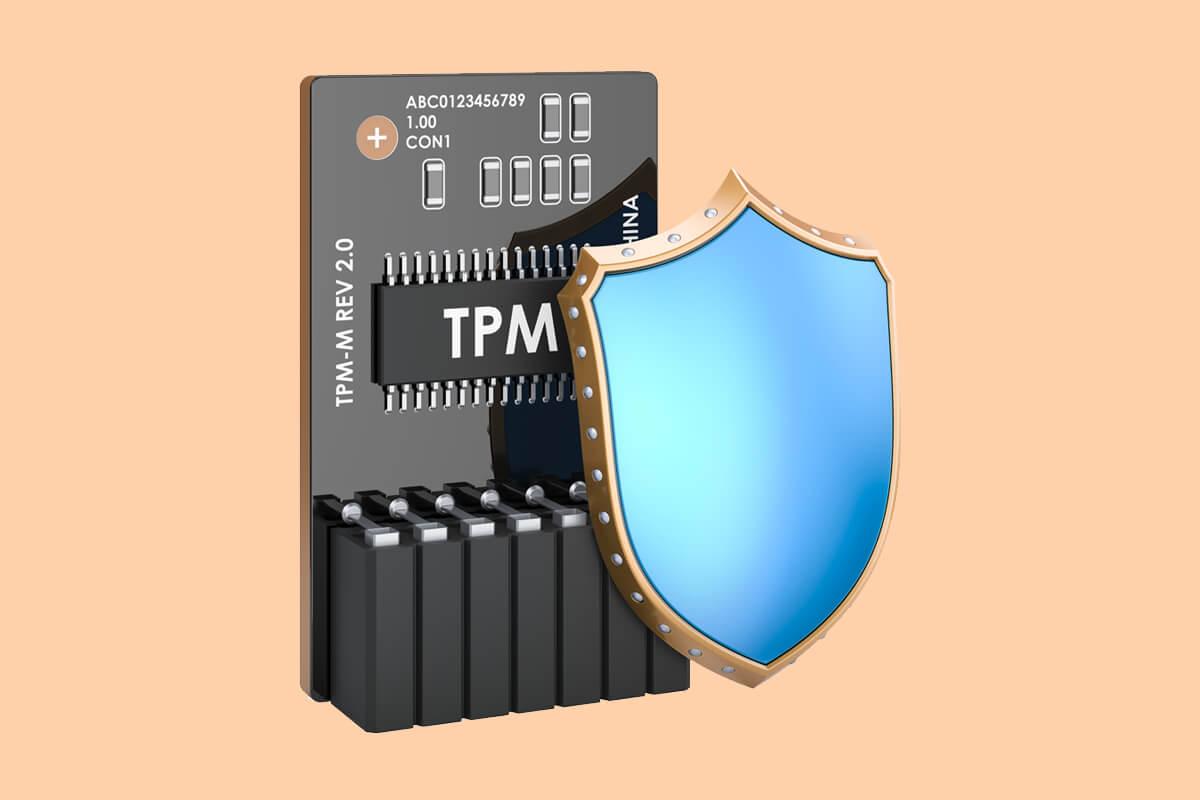
Trusted Platform Module TPM
For recovery, Microsoft supports mechanisms that allow a user’s BitLocker recovery key to be backed up to their Microsoft account. This is especially common on consumer devices and devices configured with an online account during setup: the OS offers to save the recovery key to the cloud so the user can retrieve it later via account login.
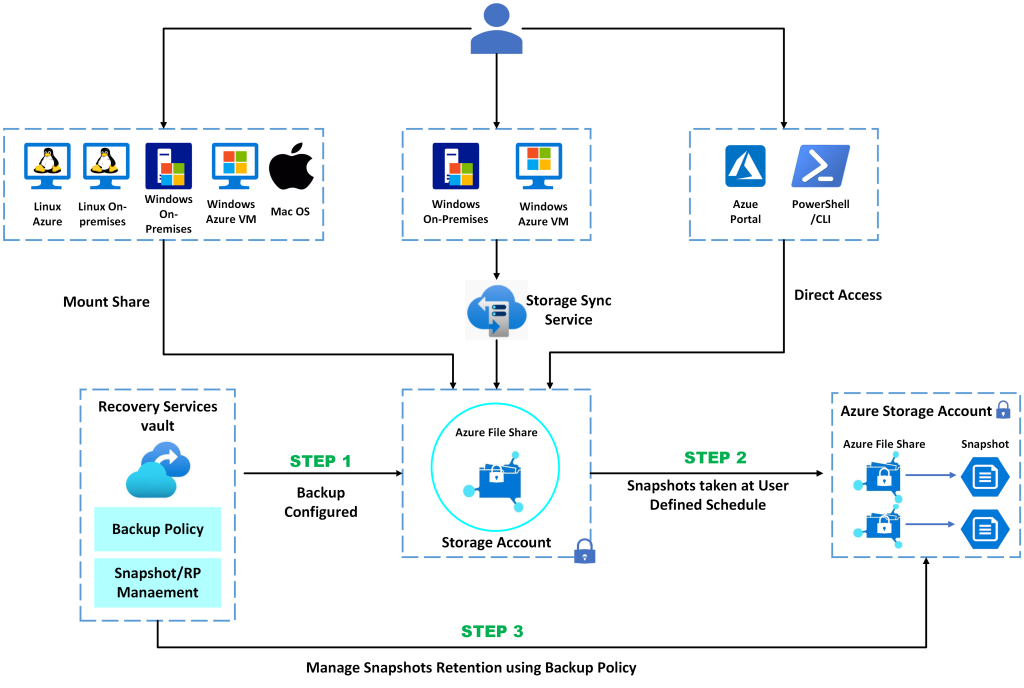
Microsoft account cloud backup
That cloud backup is the focal point of privacy concerns: once the recovery key exists in a vendor-controlled cloud account, it becomes subject to the vendor’s policies and to lawful process served on that vendor.
What “Access” Typically Means
When the vendor confirms that law enforcement can obtain “access,” it usually means two things, depending on technical design and legal conditions:
- Production of stored keys: The company can export a backup of a recovery key or escrowed key tied to a user account and provide it to law enforcement after receiving a valid legal request.
- Active assistance: In some cases, a vendor may be able to perform operations on behalf of law enforcement — for instance, decrypting data in a controlled environment or enabling access if the key is only usable within vendor-managed services.
Either pathway results in decrypted content reaching authorities, though the safeguards, transparency, and legal thresholds vary by jurisdiction.
LEGAL PATHWAYS: WARRANTS, SUBPOENAS, AND CROSS-BORDER REQUESTS
There are established legal mechanisms that law enforcement uses to compel tech companies to provide data and keys. In the United States, a judge-issued warrant is the most common route for obtaining content or keys associated with a specific account. The exact process depends on the nature of the investigation and the legal standard (probable cause for many warrants, different thresholds for certain subpoenas or administrative orders).
FBI law enforcement warrant
Requests can also cross borders. Mutual legal assistance treaties (MLATs) allow foreign governments to seek evidence from companies headquartered in another country, usually via diplomatic and judicial channels. In some cases, law enforcement in one country will seek cooperation from the FBI or the U.S. government to approach a U.S.-based company.

Legal request cross-border MLAT
Transparency reports from vendors often detail how many such requests are fulfilled, but those reports rarely reveal granular information about key production or the number of recovery keys handed over. Public confirmation by a vendor that a particular agency can obtain keys signals a policy-level acceptance that these keys are not beyond legal compulsion.
REAL-WORLD SCENARIOS: WHEN CLOUD-ESCROWED KEYS MATTER
How likely is it that a recovery key in the Microsoft cloud will be handed over? Context matters. Below are typical scenarios where cloud-escrowed keys become relevant:
- Criminal investigations: Investigators seeking evidence on a seized laptop can serve a warrant on the vendor to produce the recovery key.
- Counterterrorism or national security cases: Specialized legal tools and heightened secrecy can increase the likelihood of cooperation and limit public oversight.
- Cross-border investigations: Foreign governments working through U.S. channels can compel U.S. companies under certain conditions.
In less extreme but still consequential cases — civil disputes, custody battles, or regulatory investigations — similar legal paths can be used, albeit under different standards.
COMPARISON: ONLINE ACCOUNT KEY ESCROW VS LOCAL-ONLY KEYS
To make the trade-offs clear, the following table summarizes the practical differences between storing recovery keys in a vendor cloud vs keeping keys local or using user-managed encryption.
| Aspect | Vendor Cloud Key Escrow | Local / User-Managed Keys |
|---|---|---|
| Ease of recovery | High — recover via account | Low to medium — requires user backups |
| Risk of lawful access | Higher — subject to vendor legal compulsion | Lower — provider cannot directly produce keys |
| Usability for nontechnical users | Better — fewer steps to restore | Worse — requires careful backup management |
| Dependence on vendor policies | Yes — governed by terms and transparency | No — user-controlled |
| Remote assistance by vendor | Possible | Typically not |
PRIVACY TRADE-OFFS: CONVENIENCE, SECURITY, AND TRUST
Designing modern consumer platforms means reconciling conflicting priorities. Vendors push online accounts and cloud backups because they reduce support costs, improve product continuity across devices, and lower the barrier to entry for nontechnical users. Governments, meanwhile, view access to data and keys as a critical investigative tool.
For privacy advocates, the core issue is trust: can users trust a vendor to resist overbroad requests, to apply strict legal review, and to be transparent about how many times keys are produced? For civil liberties defenders, the worry is that ubiquitous key escrow becomes a routine surveillance vector rather than an exceptional tool of last resort.
PRACTICAL ADVICE: REDUCE YOUR EXPOSURE
Not every user needs to overhaul their computing habits, but anyone who values privacy should consider concrete steps to reduce the chance a vendor-held recovery key is ever produced.
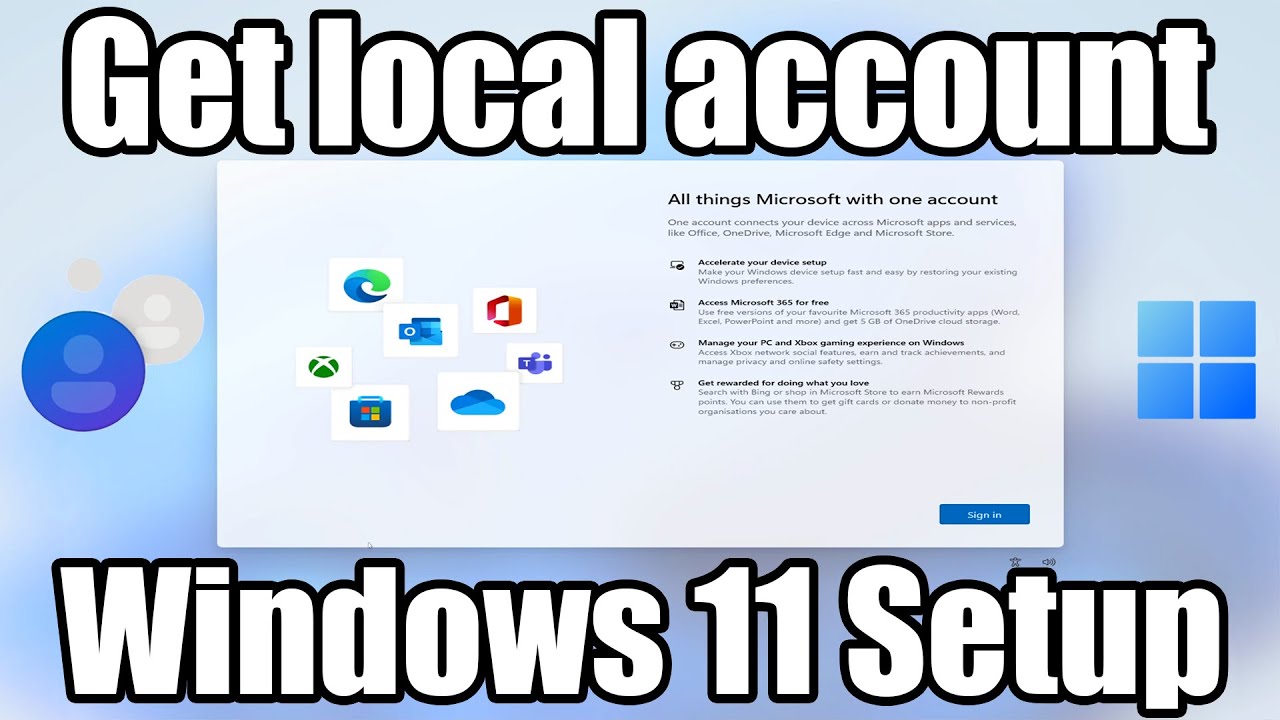
Local account setup Windows
Options to consider
- Use a local account when possible: Skip the online account during setup to avoid automatic cloud key backup.
- Disable cloud recovery backups: If your device offers to save recovery keys to the cloud, decline and store them offline instead.
- Keep your own encrypted backups: Use external encrypted drives with user-managed keys and keep copies in secure locations.
- Use third-party full-disk encryption: Consider solutions that do not integrate with vendor cloud escrow and allow key custody by the user.
- Adopt strong account security: Enable two-factor authentication on any account you use, and monitor account activity.

Third-party encryption VeraCrypt
These options trade convenience for control. For many everyday users, cloud recovery is a legitimate convenience, but it is essential to understand the privacy cost of that convenience.
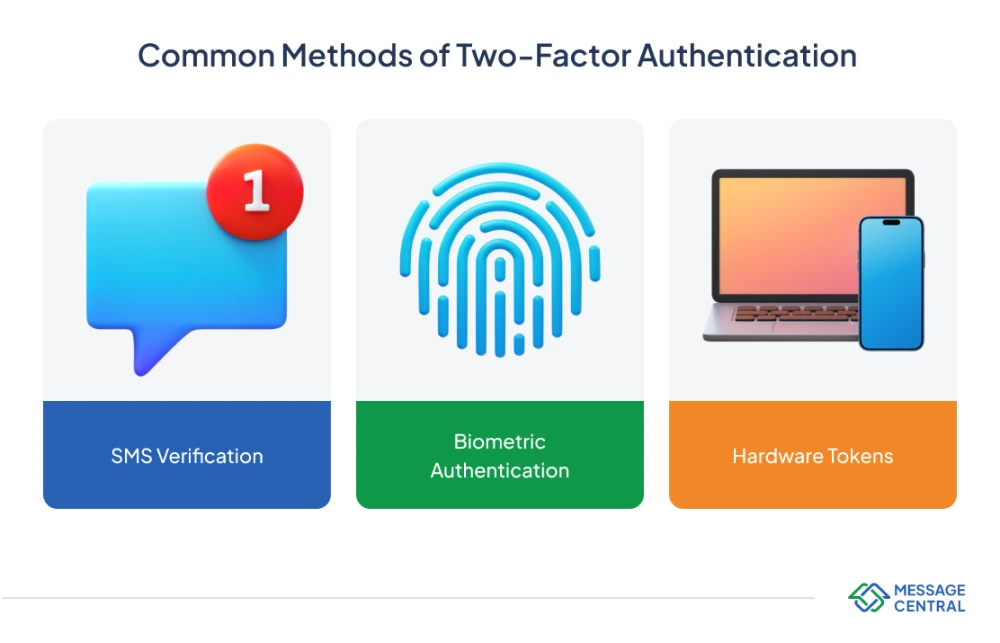
Two-factor authentication security
ENTERPRISE DIFFERENCES: CORPORATE KEYS, MDM, AND POLICY
Enterprises often use centralized key management and mobile device management (MDM) policies that differ from consumer defaults. Corporate environments frequently configure escrow and recovery mechanisms intentionally so that IT can service devices and comply with corporate investigations or discovery requests.
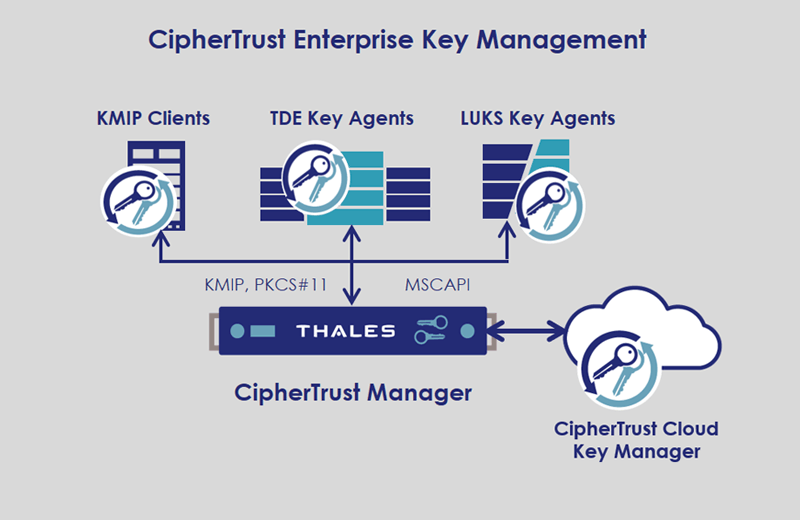
Enterprise key management MDM
That institutional control is appropriate for corporate governance, but consumers using a company-managed laptop should assume that the employer can access keys. Personal devices provided by employers should never be treated as private without clear policy understanding.
TRANSPARENCY, ACCOUNTABILITY, AND REGULATORY RESPONSES
One takeaway from the confirmation that law enforcement can obtain keys is that transparency matters. Users deserve clearer, more granular disclosures of when keys are backed up, what legal standards must be met for production, and how often such production occurs. Policy levers that could improve accountability include:
- Detailed transparency reports: Companies should report counts of key productions separately from general content requests.
- Stronger notice requirements: Where legally permissible, users should be notified when keys tied to their account have been requested.
- Legal reform: Narrower statutory standards and stricter judicial oversight can limit overbroad compulsion.
Absent these guardrails, the convenience of online account recovery risks becoming normalized into a surveillance-ready infrastructure.
WHAT TO WATCH NEXT
Several developments could alter the landscape in the months and years ahead. Regulatory action in major markets, changes to vendor policies, and technical innovations that enable strong local-only encryption with usable recovery models could all shift the balance. Users should watch for product updates that change default behavior during setup, as well as any published vendor commitments about key handling and transparency.
Questions to ask your vendor or IT admin
- Are recovery keys automatically backed up to cloud accounts by default?
- Can a vendor produce my recovery keys in response to a legal request?
- What notification will I receive if such a request is made?
CONCLUSION: A NEW LAYER OF DIGITAL CHOICE
Microsoft’s confirmation that the FBI can obtain encryption keys tied to Windows 11 online accounts is a reminder that technical features are inseparable from policy and law. Cloud-based recovery bridges a real usability gap, but it also routes a previously private control — encryption keys — through vendor systems that are accessible by legal compulsion. For users who value privacy, the right response is informed choice: understand defaults, weigh convenience against exposure, and take explicit steps to control where keys are stored.
Ultimately, the debate is larger than any single company. It is about whether modern consumer software will bake key escrow into everyday life, or whether vendors, regulators, and civil society will insist on designs that keep keys in the hands of users except in the narrowest, most accountable circumstances. That debate will shape our digital privacy for years to come.
Practical privacy steps: prefer local accounts, disable automatic key backup, use external encrypted backups, and enable two-factor authentication.