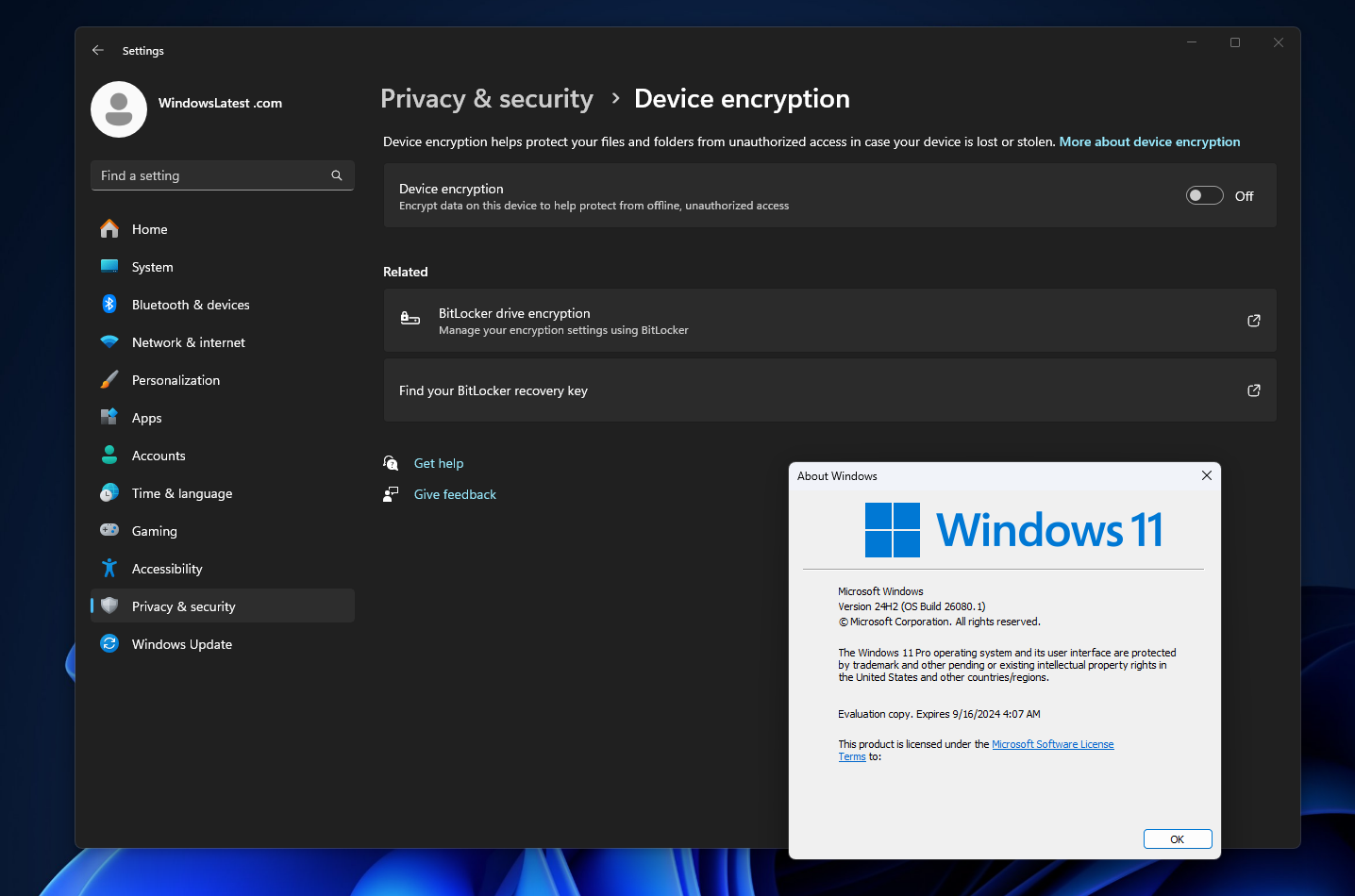
Windows 11 Forced Online Accounts and Law Enforcement Access
Microsoft’s recent push toward mandatory online accounts during Windows 11 setup has stirred more than annoyance; it has rekindled a debate that sits at the crossroads of convenience, cloud services, and civil liberties. When a desktop operating system nudges — or requires — you to tie your device to a cloud-backed Microsoft account, the privacy and security calculus changes. For some users this is merely an added step in setup. For others it represents a pathway that could let law enforcement obtain access to encrypted material more easily than before. This article unpacks how that pathway works, what limits exist on government access, and practical steps you can take to retain control over your secrets.
How Microsoft Accounts Change the Key Landscape
The difference between a local account and a cloud-backed Microsoft account is not cosmetic. When you use a Microsoft account to sign into Windows, several convenience features are tied to that decision: synchronization of settings, password recovery flows, and — crucially — the option for Windows to back up device recovery keys to the cloud. That backup might be automatic in some configurations and user-initiated in others. BitLocker and device encryption systems rely on a recovery key in case normal authentication fails; storing that key in the cloud makes recovery easier for users, but it also creates a secondary target for anyone seeking access to the encrypted volume.
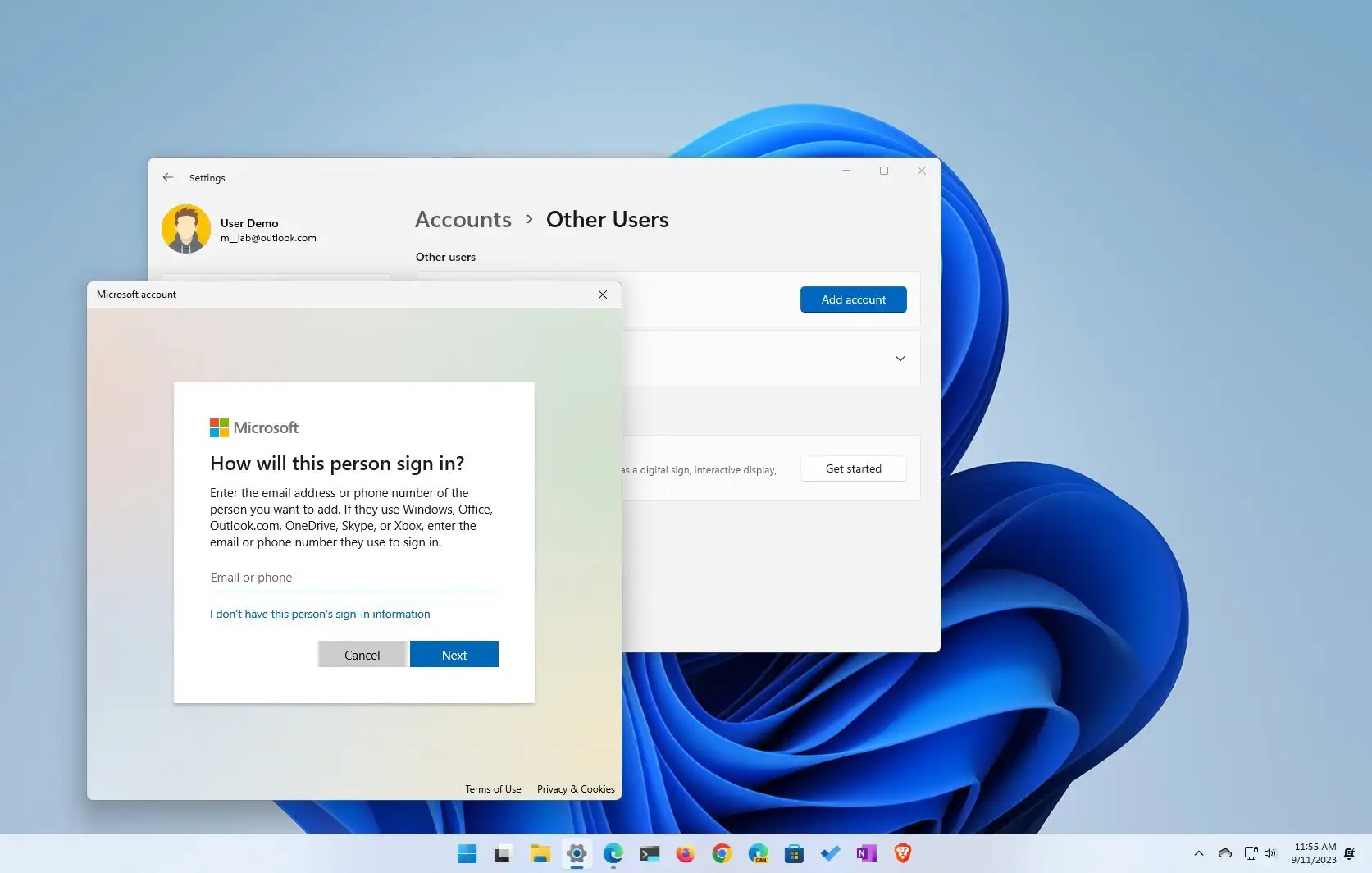
Windows 11 Microsoft account setup
Two technical realities matter:
- Local keys vs. cloud escrow: If an encryption key exists only on the device (protected by TPM and a user passphrase) and is never uploaded, an external party cannot obtain it without physical access or unlocking the device. If a recovery key is uploaded and associated with a Microsoft account, it can potentially be produced by Microsoft in response to legal process.
- Identity tying: A cloud account ties device identifiers and recovery information to a globally accessible identity. That identity is subject to the legal frameworks applying to Microsoft’s data stores, which often means that, with the proper legal instruments, the company can be compelled to hand over stored keys or other data.
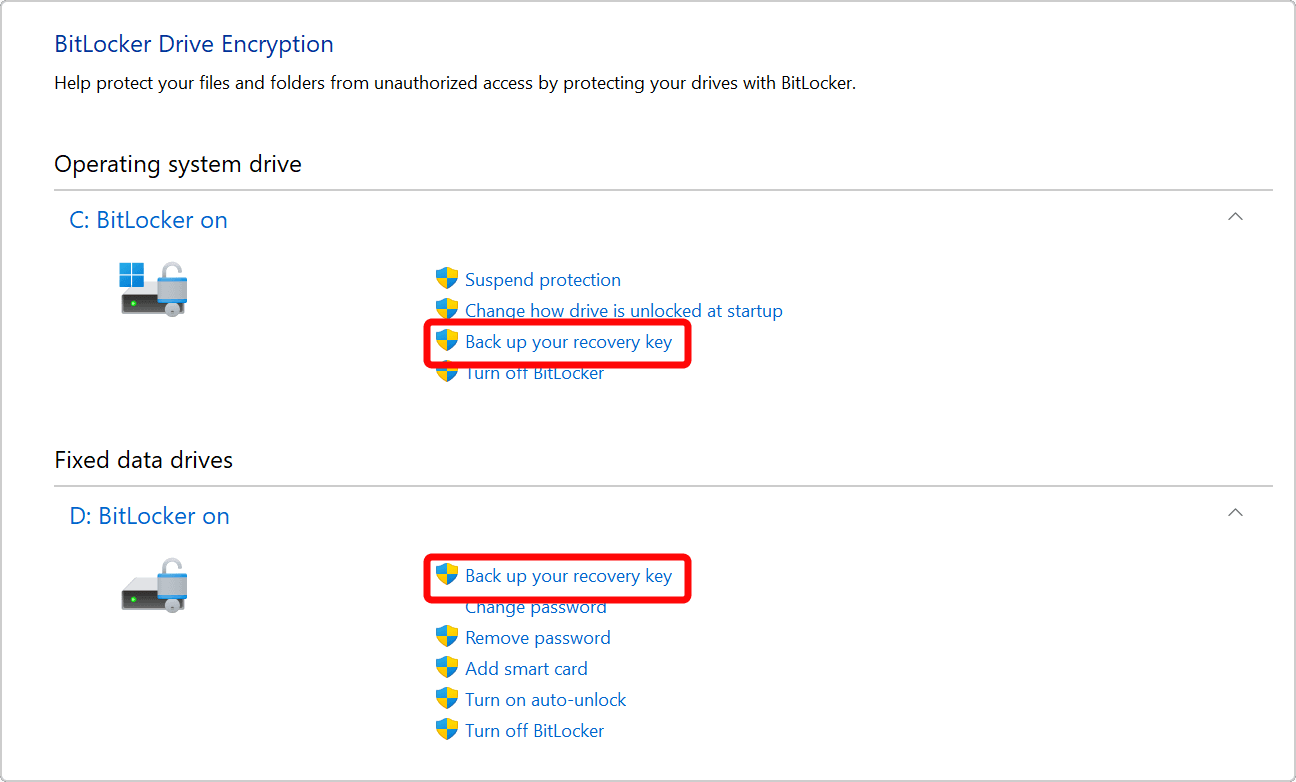
BitLocker recovery key cloud backup
What Law Enforcement Can and Cannot Do
It’s important to separate technical possibility from legal reality. Technically, if a recovery key backed up to a Microsoft account exists, Microsoft controls that copy and could provide it. Legally, Microsoft will only turn over that material in response to appropriate processes: search warrants, court orders, subpoenas or other legal procedures under applicable law. In many jurisdictions, these require judicial approval and specific showing of probable cause.
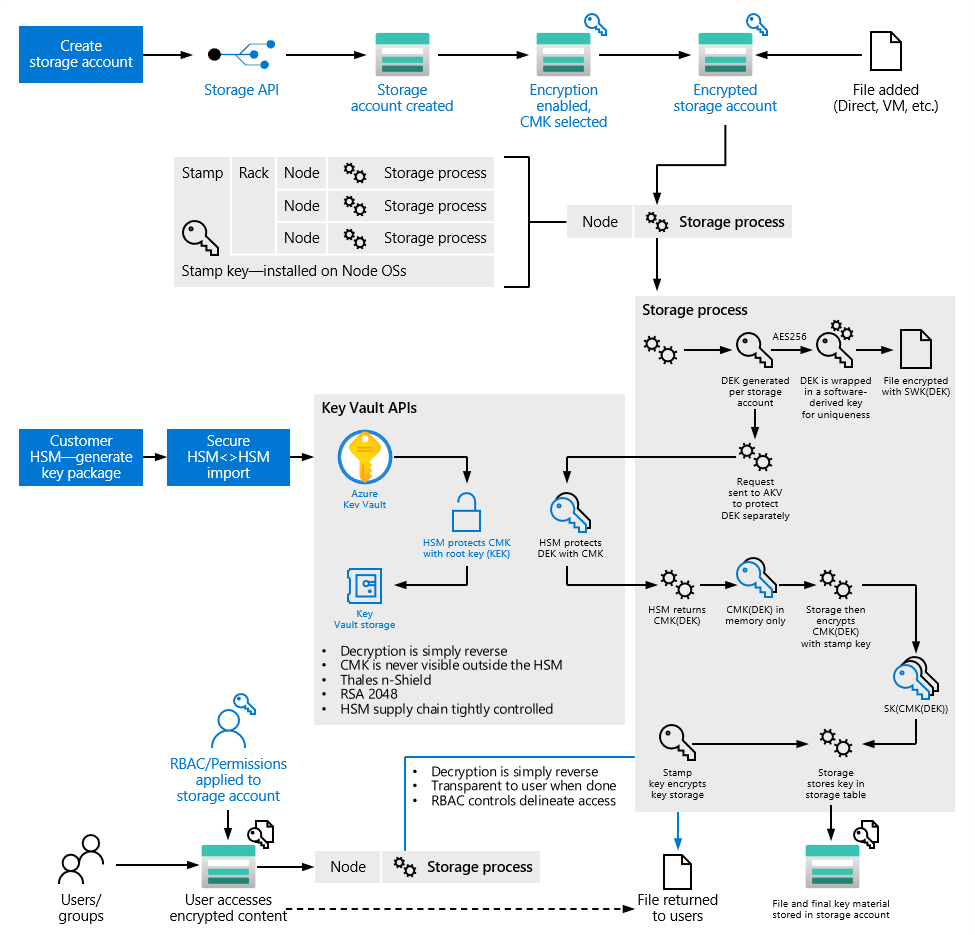
Azure AD enterprise encryption keys
There are several common legal pathways law enforcement might use:
- Search warrants: For criminal investigations, agents typically seek a warrant supported by probable cause to compel a provider to produce data associated with an account.
- Court orders or subpoenas: Some kinds of data can be compelled with statutory subpoenas or court orders that have a lower evidentiary bar than a warrant, depending on local laws.
- Mutual legal assistance: When data resides in another country, law enforcement may request cooperation under bilateral agreements or treaties.
Even when legal instruments are properly issued, Microsoft and other providers sometimes push back, challenge overly broad requests, or attempt to narrow their scope. The company publishes transparency reports and has historically resisted some government demands, but those protections are not absolute: providers comply with lawful orders and in many cases must do so under threat of penalties.
Why Encrypted Data Isn't Always Safe From Compelled Disclosure
There’s a common assumption that strong encryption makes data completely inaccessible to anyone without the passphrase. That is true when keys exist only in a form only the user knows. But real-world deployments introduce recovery mechanisms to reduce the risk of lockout, especially for non-technical users and managed devices. Those same safety nets create avenues for compelled disclosure.
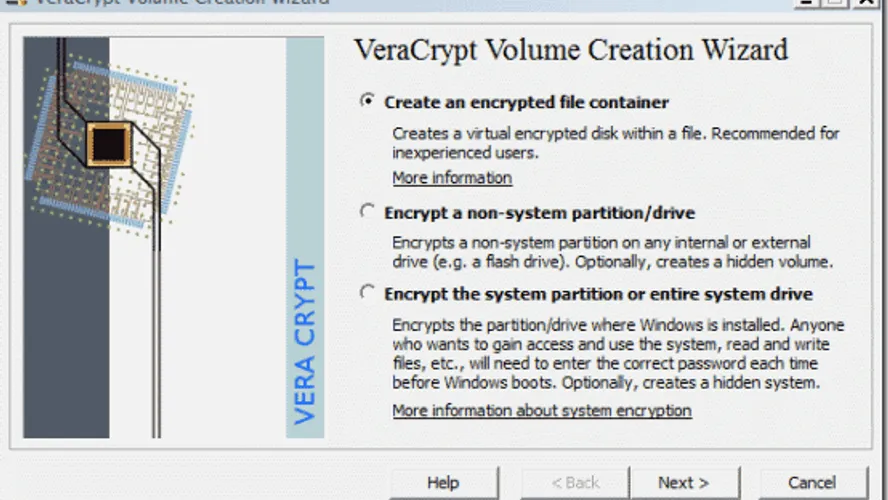
VeraCrypt alternative encryption tool
Consider the following scenarios:
- User-saved recovery key: A user sets up device encryption and chooses to save the recovery key to their Microsoft account. Law enforcement serves a warrant on Microsoft and receives the key. With that key they can decrypt the disk without forcing the user to reveal a passphrase.
- Enterprise-managed devices: Organizations using Azure Active Directory and Intune routinely escrow recovery keys to the organization. Administrators can recover drives without needing the user’s password. If law enforcement obtains the organization’s key material through legal process, devices can be decrypted.
- Cloud-synced credentials and backups: Password vaults, browser-saved credentials, and backups stored in the cloud can be requested and produced if they are keyed to the provider’s account and stored in a retrievable form.
Distinguishing Compulsion From Remote Access
There is a practical difference between law enforcement compelling a company to hand over data and an agency remotely accessing devices by hacking. Compelled production is a legal process: data exists in the provider’s possession and is transferred under court supervision. Remote intrusion requires technical exploitation of a device and often involves different investigative authorities and procedures. While both are avenues to obtain data, the former relies on cloud copies and legal process; the latter on forensic intrusion or vulnerability exploitation.
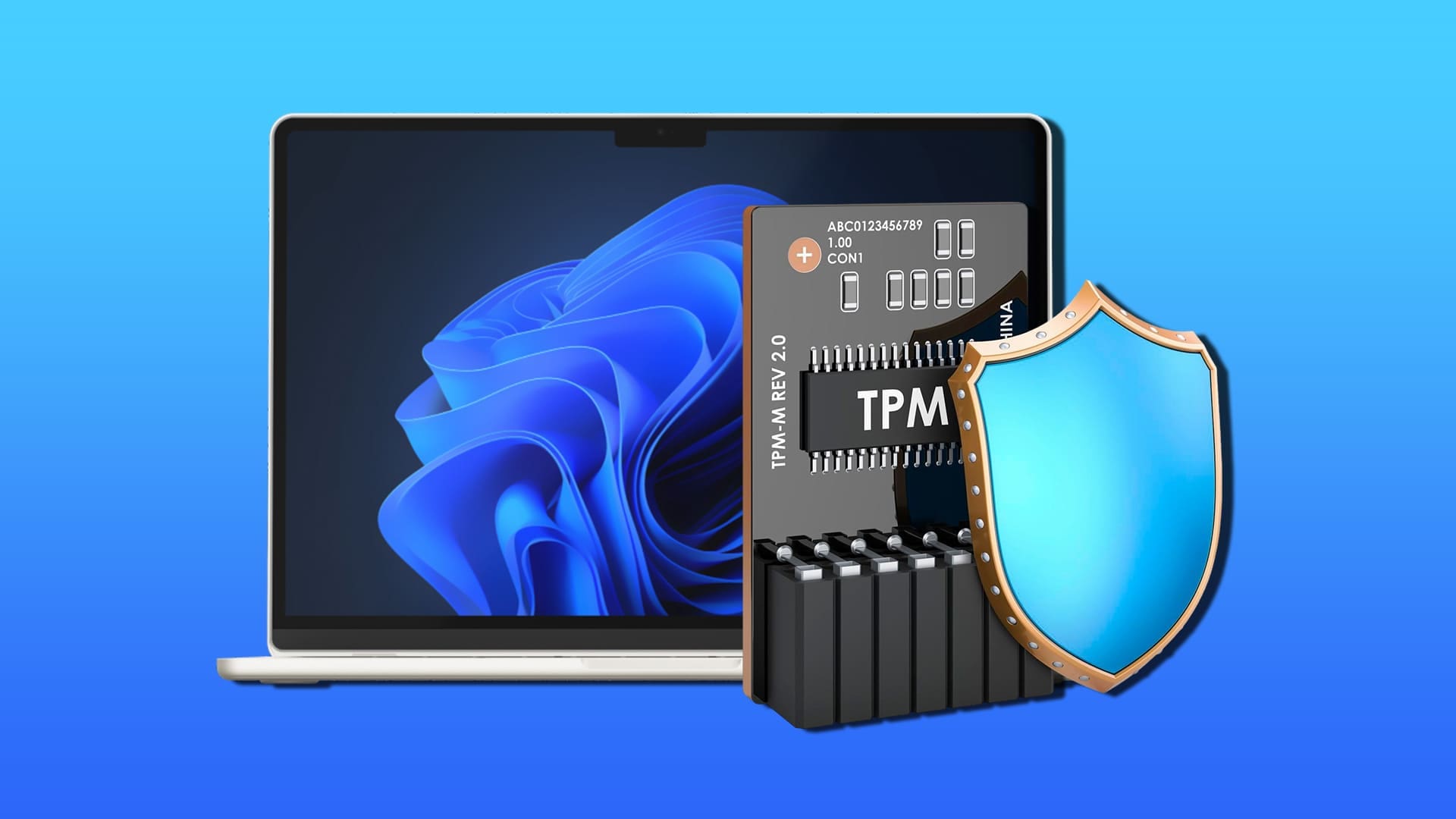
TPM authentication Windows device
Real-World Examples and Precedents
History gives us examples where cloud backups and provider-held keys have been central to investigations. Providers have been compelled to provide account contents, location data, and other stored information repeatedly. In device encryption contexts, key escrows have simplified lawful access. These precedents underline a pattern: convenience features that improve user experience can also reduce the friction for lawful access.
OneDrive cloud data escrow
At the same time, technology firms have resisted overly broad surveillance requests and, in some high-profile cases, implemented design choices that preserve user privacy. The balancing act between cooperation with government and user privacy has been ongoing for years and remains influenced by legal regimes, corporate policy, and public pressure.
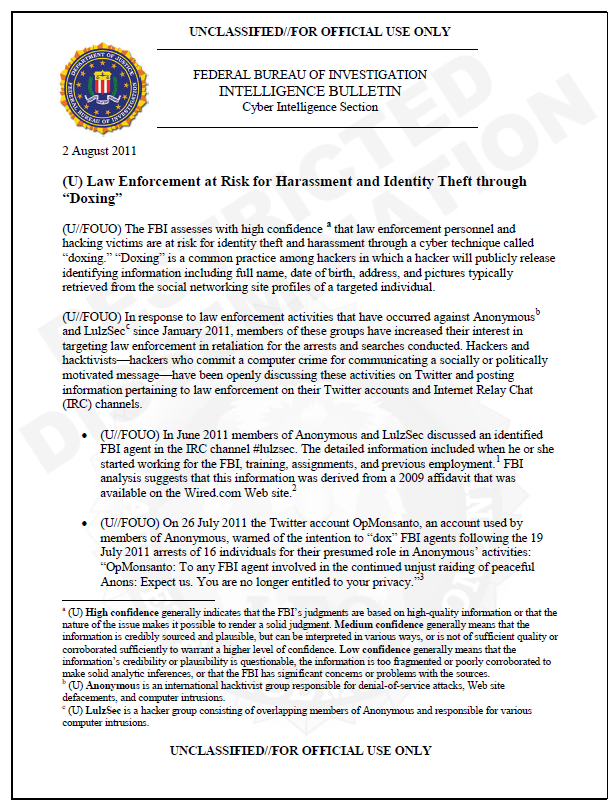
FBI legal process data warrant
Who Is Most Affected?
Different user groups face different levels of risk:
- Casual consumers: Likely to accept default settings, including saving recovery keys to the cloud. Their data is convenient to recover, but also potentially easier for authorities to access with lawful process.
- Enterprises: Benefit from centralized recovery and management, but sensitive organizations must consider that IT-controlled escrow introduces points of access that could be targeted or compelled.
- High-risk individuals (journalists, activists): Face the highest stakes and should avoid default conveniences that leak recovery keys to third parties. They need threat-model specific practices to minimize exposure.
Practical Steps to Reduce Risk
No single measure is a silver bullet, but a layered approach reduces the likelihood that law enforcement can obtain readable data without user cooperation.
- Use a local account where possible: A local account keeps a device’s identity off provider servers and reduces automatic recovery key upload. For users who prefer to avoid cloud links, this is a primary step.
- Control recovery key storage: During setup, decline automatic uploads of recovery keys to cloud services when that option is available. Instead, store keys offline: printed and locked away, or on an encrypted USB kept in a secure physical location.
- Use strong pre-boot authentication: Combine TPM with a complex PIN or passphrase for BitLocker so that simply obtaining the recovery key or the device doesn’t grant immediate access.
- Consider third-party encryption: Tools like VeraCrypt allow you to control where and how keys are stored. They shift responsibility to you, increasing the need for careful key management but reducing third-party escrow risk.
- For enterprises, limit administrative key access: Restrict which admins or services can retrieve recovery keys and log every retrieval action. Use hardware security modules to store decryption keys where possible.
- Review account activity and backups: Periodically audit what data is synced to cloud services and remove unnecessary backups or credentials.

Digital privacy encryption tradeoffs
Tradeoffs and Usability Considerations
Every privacy-enhancing step adds friction. For most people, the convenience of automatic recovery key backup outweighs the relatively low risk of compelled production. But for people with a realistic, high-threat model, those conveniences are a liability. Advice must therefore be tailored: businesses often prioritize recoverability and uptime; individuals seeking maximum privacy must accept greater responsibility for key custody and recovery planning.
What Regulators and Companies Can Do
Policy choices can reduce harm without removing user convenience altogether. Clearer default options, transparent explanations during setup, and easy ways to opt out of cloud-based key escrow would empower users to make informed decisions. Companies could also provide privacy-first flows for sensitive users, such as an option to use local-only key storage or client-side encryption where the provider never holds key material.
Bottom Line and Practical Takeaways
Forced or strongly recommended Microsoft accounts in Windows 11 change the threat model for encrypted data. The technical capability exists for law enforcement to obtain cloud-stored recovery keys with lawful process, and enterprises often intentionally escrow keys for operational reasons. That does not mean every Windows 11 user’s files are now directly readable by investigators – keys kept only on-device and strong passphrases still provide robust protection. But it does mean users should be mindful: default convenience features have privacy costs.
Takeaway actions:
- Audit your setup: Know whether your recovery key is saved to a cloud account and where your backups live.
- Adjust defaults: If privacy is a priority, opt out of cloud-based key backup and use local account options.
- Manage keys proactively: Store recovery keys offline and use hardware-based protections.
- For organizations: Implement strict policies around key retrieval and logging, and assume legal process may target centralized escrows.
Final Reflection
Technology rarely offers pure choices between convenience and privacy—most options move the needle along a spectrum. Windows 11’s direction toward tying setup and recovery to a Microsoft identity streamlines user experience but introduces new considerations for privacy and compelled disclosure. The smartest defensive posture is a deliberate one: know which features you accept, why you accept them, and what you will do when privacy matters most. Technical measures, informed policy choices, and simple operational discipline can together preserve both usability and meaningful control over your encrypted data.
Understand the defaults, control your keys, and match your setup to your threat model.