Why the Windows 98 Underwater Screensaver Still Captivates
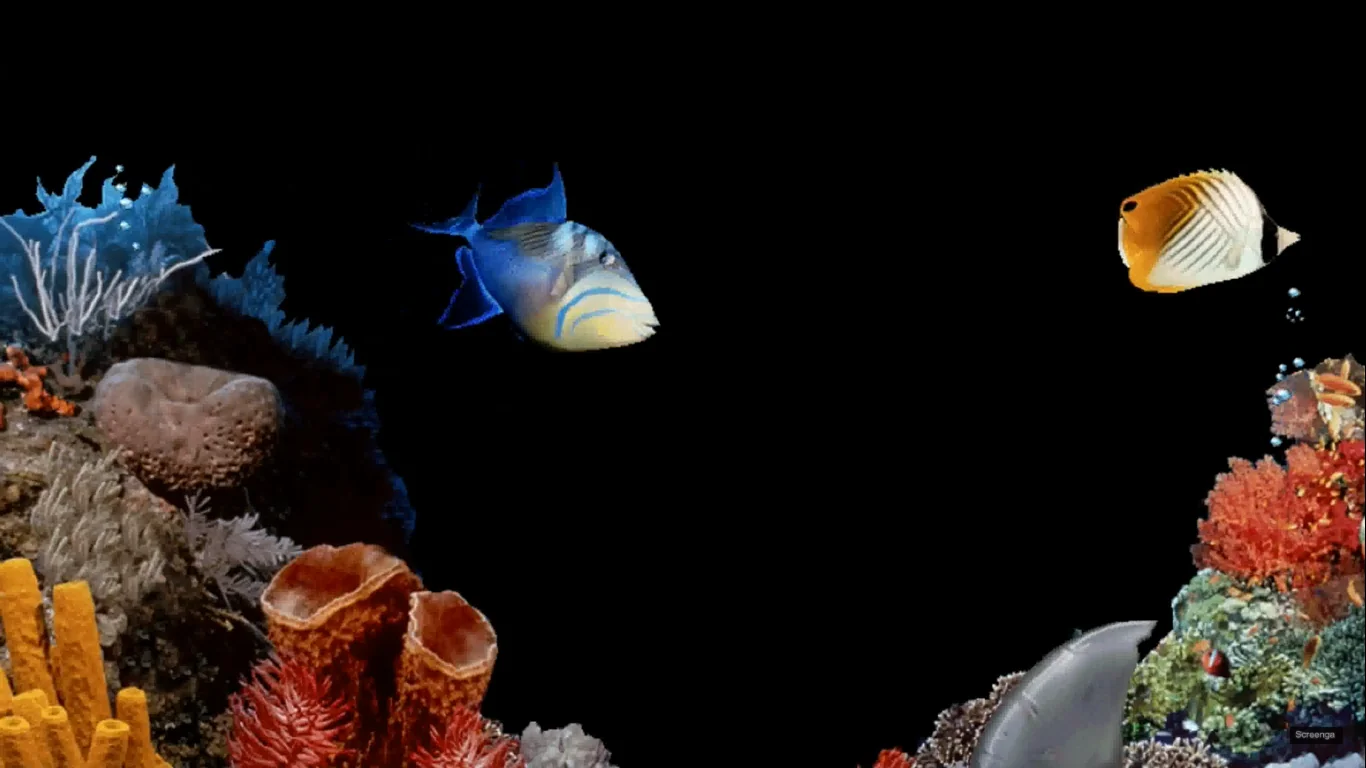
There is a particular kind of quiet memory lodged inside the sound of a slow bubble popping and the sight of pixelated fish drifting across a CRT monitor: a domestic, analog hum to early personal computing. The Windows 98 "Underwater" screensaver—an eight‑bit aquarium that many of us remember from classrooms, libraries, and the family PC—does more than idle the display. It compresses an era: the optimism of inexpensive multimedia, the constraints of slow processors and small video memory, and the sudden ability to decorate a machine with personality. This article strolls that aquarium, inspects the graphics and code beneath the surface, and asks why a small, looping program from 1998 still haunts our screens and feeds modern nostalgia.
Windows 98 underwater screensaver
A Tiny Aquarium on Your Desktop
What it looked and sounded like
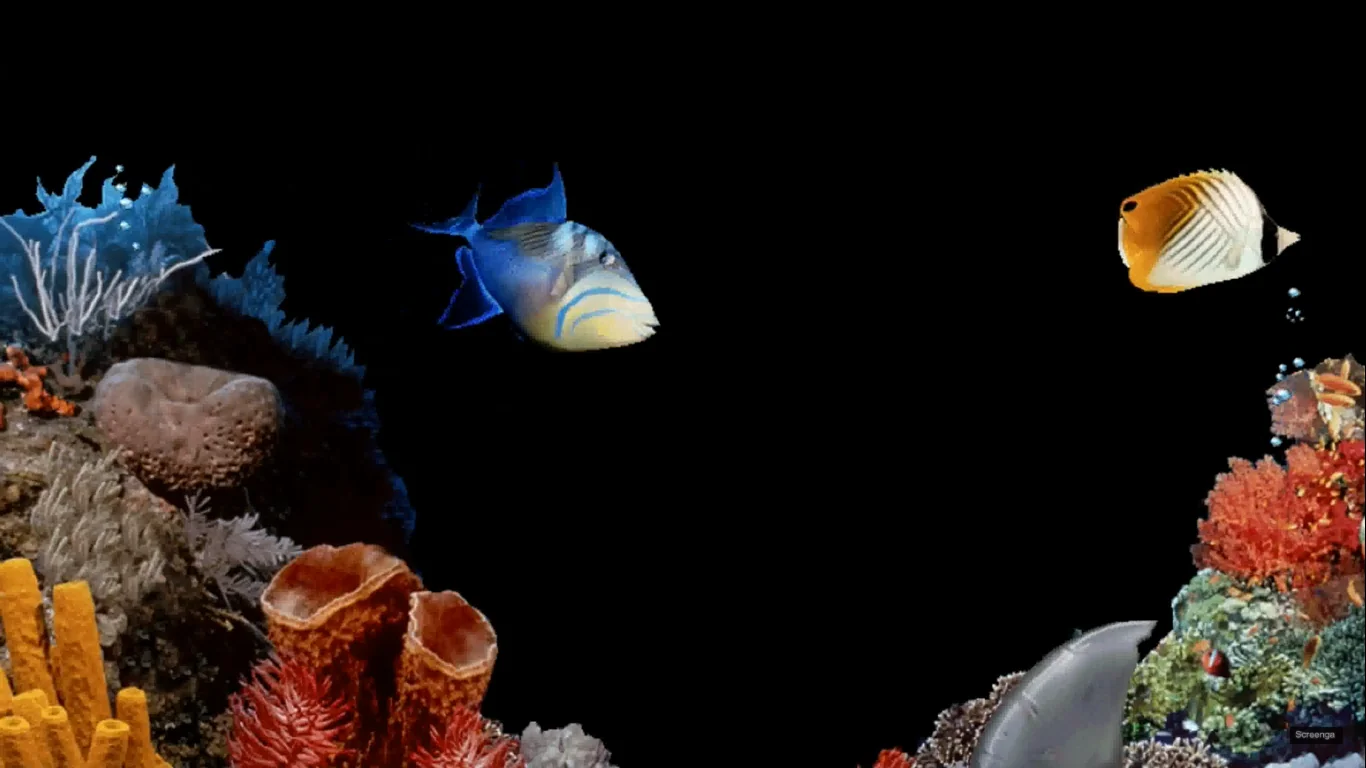
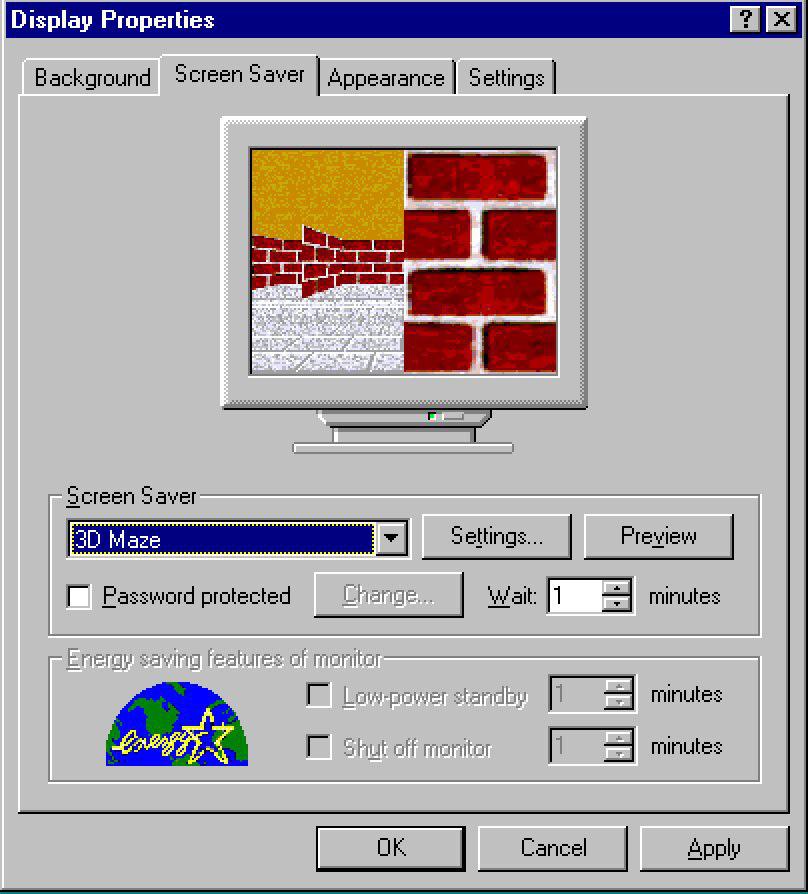
The Underwater screensaver presents a shallow panorama: a coral backdrop washed in blues, a scattering of fish that glide horizontally and shift depth with a simple parallax effect, and occasional bubbles rising to the top with a soft popping sound. On many installations it appeared in the Display Properties list under names like "Underwater" or bundled inside nature‑themed packages. The program's goal was not photorealism but ambience—a convincing suggestion of life that required very little CPU or memory.
Windows 98 Display Properties
Where it lived in Windows
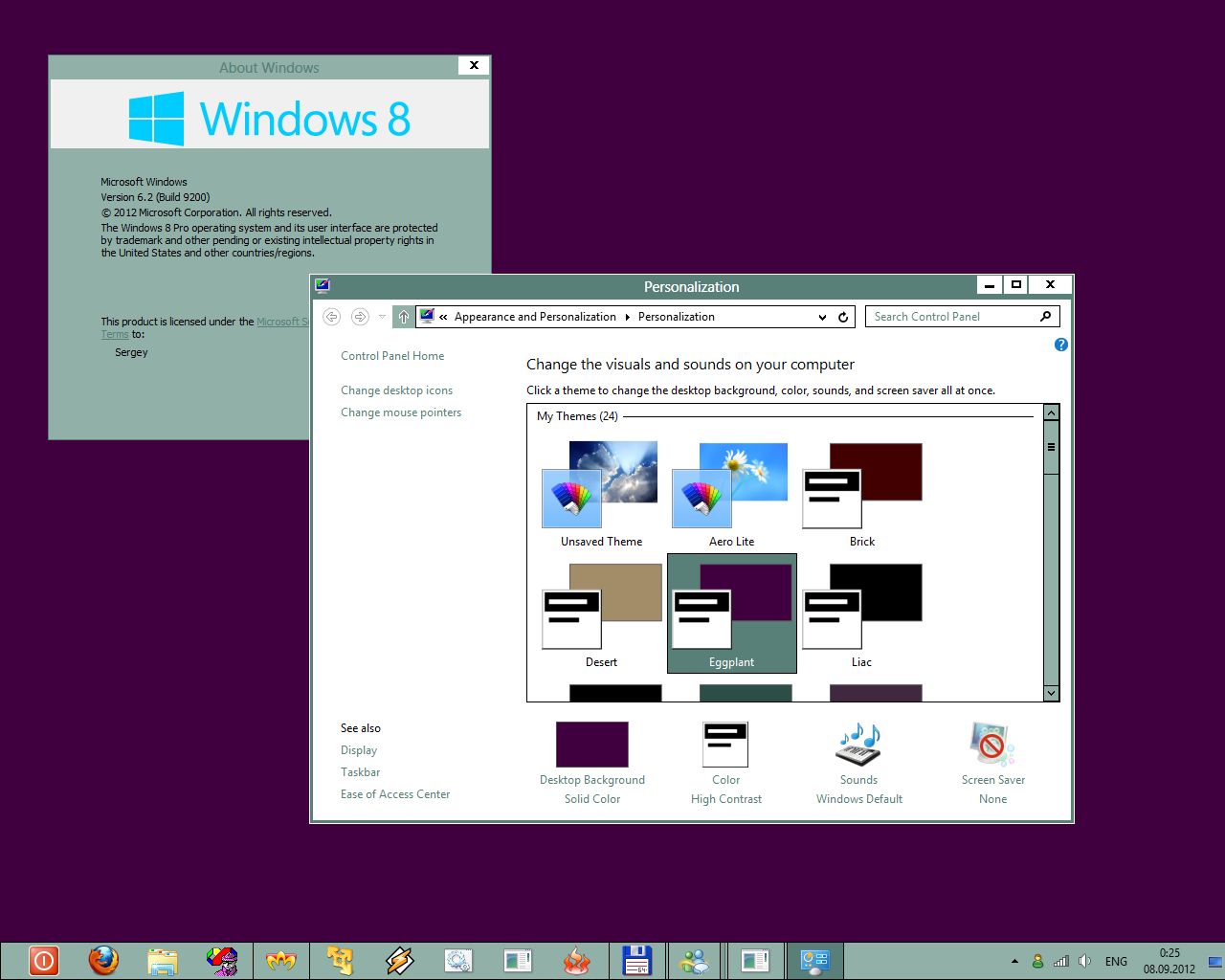
For users of Windows 98, the screensaver was part of a broader set of desktop extras and themes that shipped with the operating system or were installed through companion packs and OEM customizations. The presence of an Underwater theme—alongside Jungle, Space, and other nature collections—helped solidify a visual identity for the era's home computing experience. citeturn0search27turn0search6
The screensaver's power isn't in high fidelity; it's in familiarity. A few looping frames can become a cultural shorthand for 'this belonged to my childhood.'
Why the Underwater Screensaver Feels So Memorable
Nostalgia meets usability
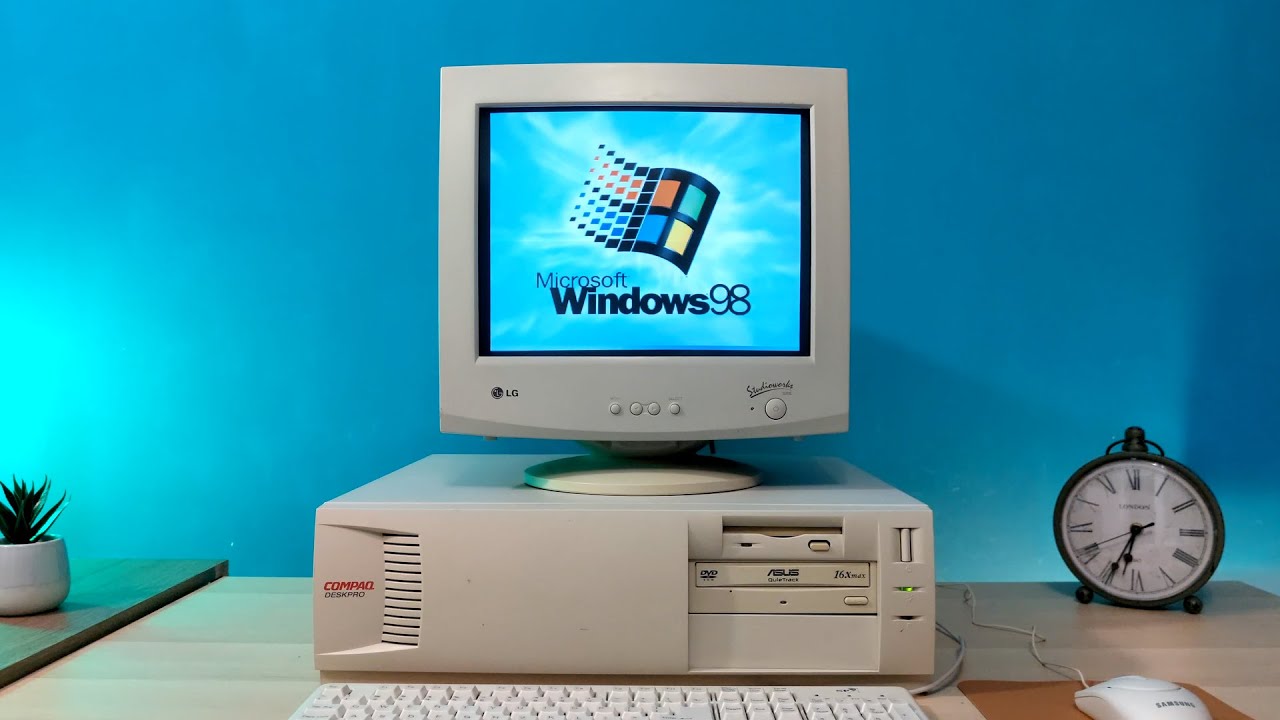
There are emotional and technical reasons the Underwater screensaver lodged itself in public memory. Emotionally, it arrived at a moment when home PCs were no longer purely work machines. Families used computers for games, homework, and clumsy early multimedia experiments; decorating the desktop was a harmless act of personalization that made the machine feel friendly. Technically, the screensaver's modest animation loop, discreet sound effects, and palette cycling exploited the tight sweet spot of realism vs. performance: enough motion to feel alive, but light enough to run on a Pentium II or equivalent without noticeably slowing other tasks.
Pentium II computer
Design economy and pattern recognition
Our brains love moving, repeating gestures. The screensaver's animation is essentially a choreographed set of repeating motions—fish follow simple paths, bubbles rise in predictable arcs, and light refracts in the same few frames. This repetition becomes familiar. Over time, the variation within the loop—subtle changes in speed, the occasional different fish silhouette—gives viewers a sense of continuity rather than monotony. That sense is key to why a program with limited frames can feel lush and evocative.
Under the Hood: How It Worked
The .scr format and Windows idle behavior
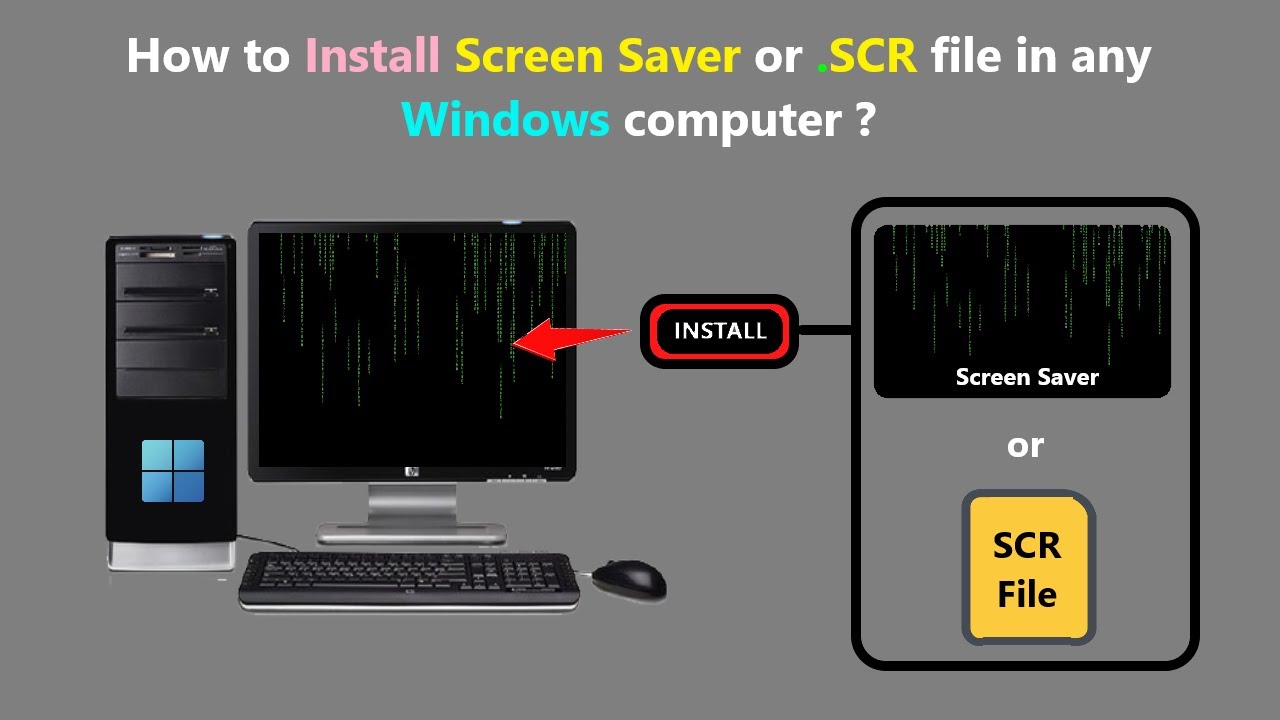
Windows screensavers are simply executable modules that the OS runs when the system is idle; they conventionally use the .scr extension and respond to command‑line arguments for preview and configuration. The Underwater screensaver was no exception: lightweight, single‑purpose, and engineered to run without hogging system resources. On many systems the files associated with it include a short DLL set and an .scr executable that coordinates drawing and sound. citeturn0reddit15
.scr file screensaver
Graphics, audio, and the illusion of depth
Several small techniques came together to suggest volume. Foreground fish sprites moved at different apparent speeds than background elements (a simple parallax). Palette cycling—reassigning color indices over time—created the impression of shifting light without redrawing every pixel. Audio was a sparse loop of soft bubble noises timed to specific visual events. None of this required 3D hardware acceleration; it was all achievable with GDI drawing calls or simple blitting, which kept the screensaver compatible with the integrated graphics chips of the time.
CRT monitor screensaver
Cultural Context: Why Screensavers Were a Thing
From phosphor burn to personality
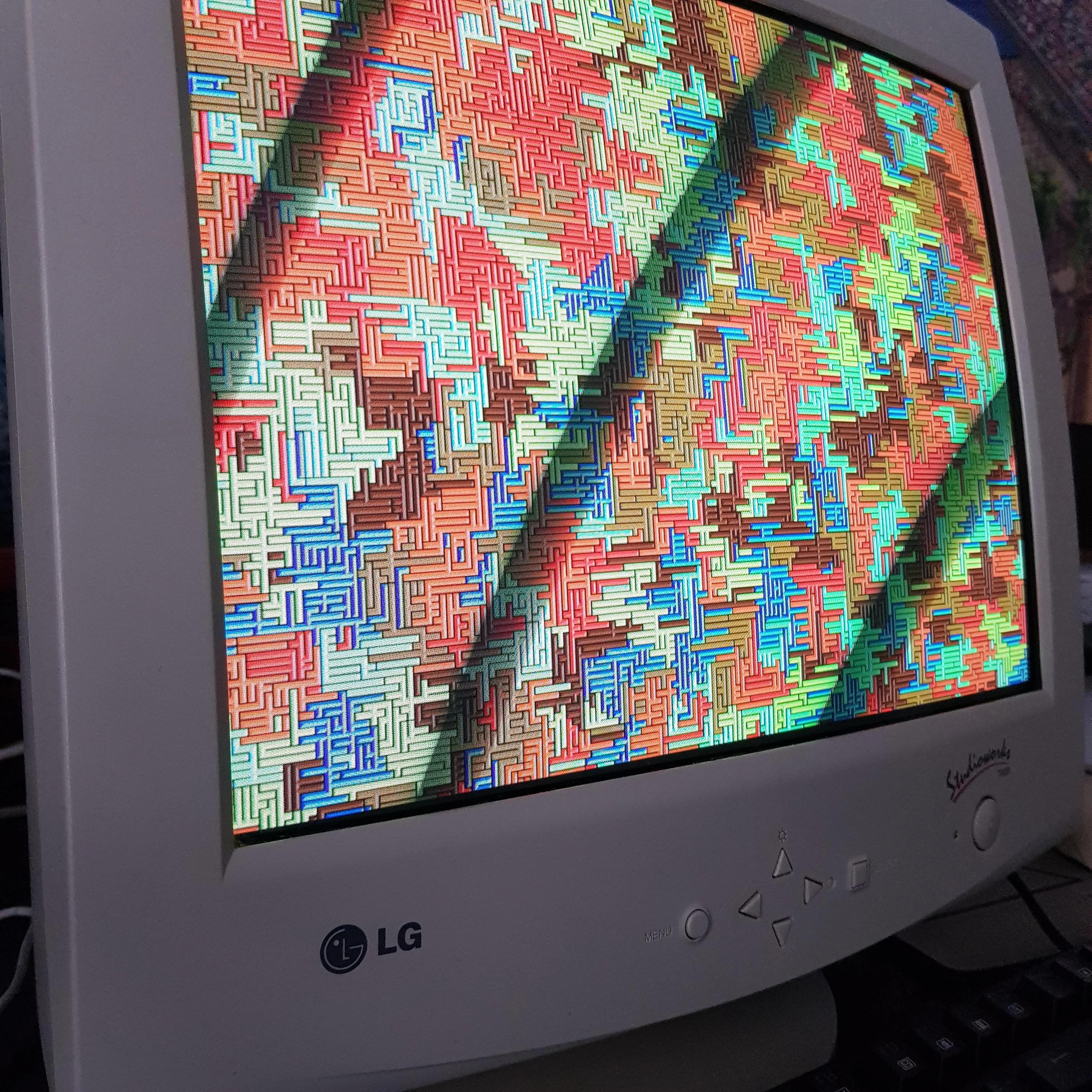
Screensavers originated to prevent phosphor burn on CRT monitors, but by the mid‑90s they had become a cultural canvas. They shifted from functional utilities to a form of expression: animated logos, starfields, and tiny 3D mazes proliferated. The Underwater screensaver sits at the intersection—visually pleasing enough to be decorative, deliberately unintrusive so users could leave it running while answering the phone or reading offline manuals.
Distribution and memory
Not every PC shipped with the same set of screensavers; OEMs and accessory packs often bundled extras, which is why some people recall an aquarium screensaver vividly while others don't. Community archives and enthusiasts later recovered many of those programs, turning them into artifacts of digital material culture. The communal memory—forums, videos, and people posting the filename fragments—keeps the mythos alive. citeturn0reddit17turn0search7
The Aesthetics of Lo‑Fi Animation
Why less looked like more
There's a current design trend—retro or low‑fi aesthetics—that borrows from the constraints of older systems. The Underwater screensaver predates the intentional retro movement, but it shares the same hallmarks: clear silhouettes, limited palettes, and motion that reads at a glance. Those constraints can focus attention and release the viewer from hyperreal expectations, allowing small gestures to register as personality.
The social life of tiny software
Small programs like screensavers circulated on floppy disks, bulletin boards, and later on the internet. In classrooms they were often shared by students and teachers alike, and some became shorthand for specific computers or rooms. That social circulation is part of their appeal: they are portable memories that migrate with people who remember them.
A three‑second loop, when played a thousand times, becomes part of the soundtrack of a generation.
Preservation, Emulation, and Revival
Why people revive old screensavers
Digital preservationists and hobbyists have rescued many 1990s screensavers, making them available in emulators or repackaging them for modern systems. The Underwater screensaver's revival is part technical curiosity and part affective retrieval: running the same .scr file on a modern monitor feels like a time machine. That said, technologies differ: modern LCDs lack the phosphor warmth of CRTs, so the visual experience changes, even if the code is unchanged.
MS Plus! themes
Modern reinterpretations
Designers and developers today borrow the Underwater's DNA: ambient motion, minimal interaction, and focus on mood. You can find browser‑based aquaria and mobile live wallpapers that mimic the original's pacing and audio cues, but often with contemporary polish—particle systems, higher frame rates, and richer sound. The contrast highlights what made the original special: it achieved a lot with a little.
- Low resource use: Runs on legacy hardware without lag.
- Ambience: Soothing, nondistracting motion.
- Cultural resonance: Easily shared and remembered.
- Limited realism: Can feel dated compared to modern animation.
- Compatibility: Modern OSes sometimes block old .scr files for security reasons.
- Context loss: LCDs and new audio change the original impression.
A Small Program, a Big Feeling
The Underwater screensaver survives—through screenshots, recordings, emulator builds, and human memory—not because it was technically groundbreaking, but because it was widely available at the moment when computers shifted from being tools to being personal spaces. The program's simple loop became a kind of background music for living rooms and computer labs. That gentle repetition, the sound of bubbles and the rhythm of fish, is not nostalgia for technology alone; it's nostalgia for a world in which the internet was still optional, and the home computer was a distinct place in daily life.
Conclusion: What the Underwater Screensaver Teaches Us
The screensaver's appeal is a reminder that thoughtful constraints can produce enduring design. A handful of sprites, a few color shifts, and a couple of sound samples produced an experience that millions of people remember decades later. That memory is valuable: it tells designers and historians that ambience matters, that small software can anchor memory, and that personal computing is as much about feeling as function.
- The Windows 98 Underwater screensaver combined modest technical tricks to create an evocative ambient experience.
- Its cultural weight comes from timing: home computing's move into everyday life in the late 90s.
- Preservation efforts and modern reinterpretations keep the screensaver's mood alive, even as hardware changes the texture of the experience.
If you remember it, you are not alone
Small digital artifacts like the Underwater screensaver are communal memory banks. They remind us that technology is a lived and often lyrical thing. The little programs we once left running at the edge of attention are now windows into how a generation learned to feel at ease with machines.