Why AI Says 'I Can't Assist' — How to Understand and Fix Refusals
The first time an assistant answers "I'm sorry, but I can't assist with that request," it can feel like hitting a wall: frustration, confusion, maybe even suspicion that the model is being arbitrary. Behind that brief sentence sits a complex mix of policy, safety engineering, model limitations, and design choices. This article walks through why assistants refuse, what refusal actually protects against, and—most important—how to get useful, lawful, and ethical output when you encounter a refusal.
WHY AI REFUSES: A QUICK PRIMER
What a refusal really is
A refusal is the interface-level outcome of several systems working together. At a high level, an assistant refuses because either the request triggers a content policy that bars an answer, the model cannot safely produce a correct response, or the prompt is too ambiguous or under-specified. The short sentence masks a chain of decisions: policy rules, automated classifiers, human-reviewed training examples, and runtime safety checks.
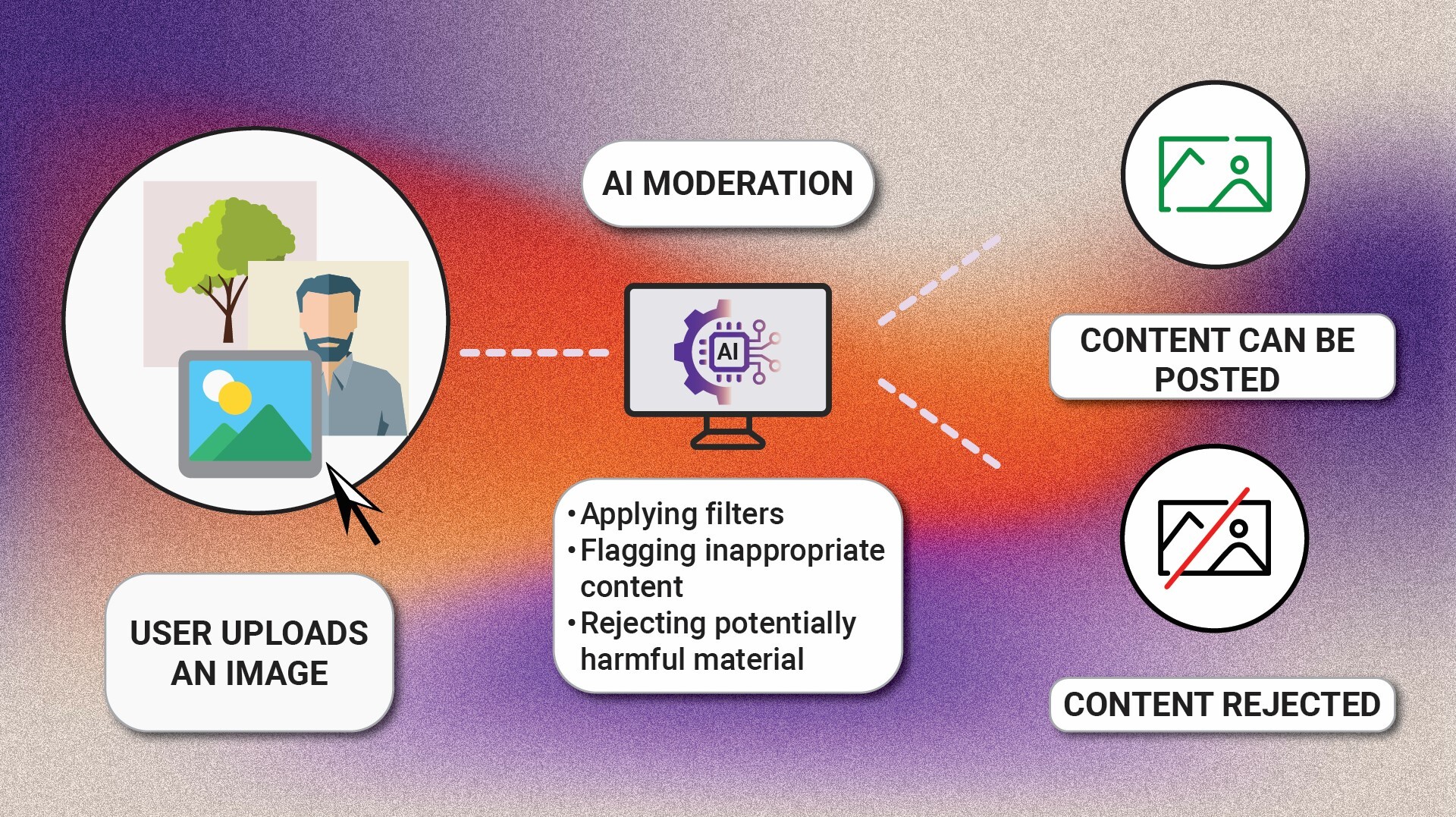
AI content moderation system
The three practical layers
Think of refusals as arising from three practical layers:
- Policy layer: Guidelines that define disallowed content (e.g., instructions that could facilitate crime, medical or legal advice where harm is likely, or targeted harassment).
- Detection layer: Automated filters and classifiers detect whether a prompt matches disallowed categories, sometimes probabilistically and imperfectly.
- Response layer: The model and post-processing decide whether to answer, partially answer with safer alternatives, or refuse outright.
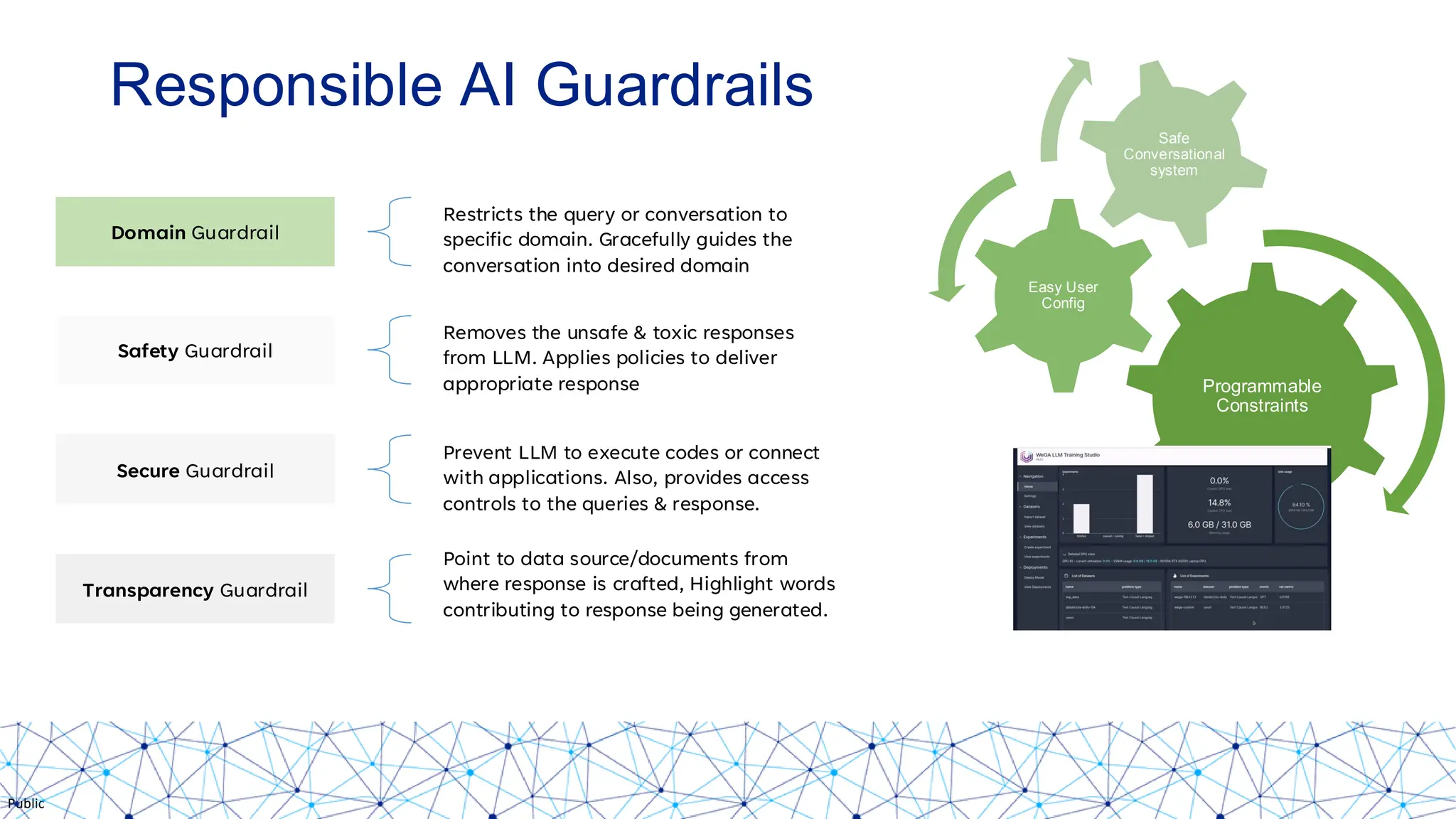
conversational AI safety guardrails
COMMON REASONS SYSTEMS REFUSE
1) Safety and legality
Requests that meaningfully increase the risk of physical, financial, or legal harm are routinely refused. Examples include instructions for wrongdoing, assistance with creating dangerous biological agents, or precise guidance for financial fraud. Even if the user's intent seems benign, the inability to verify intent in real time pushes systems to a conservative default.
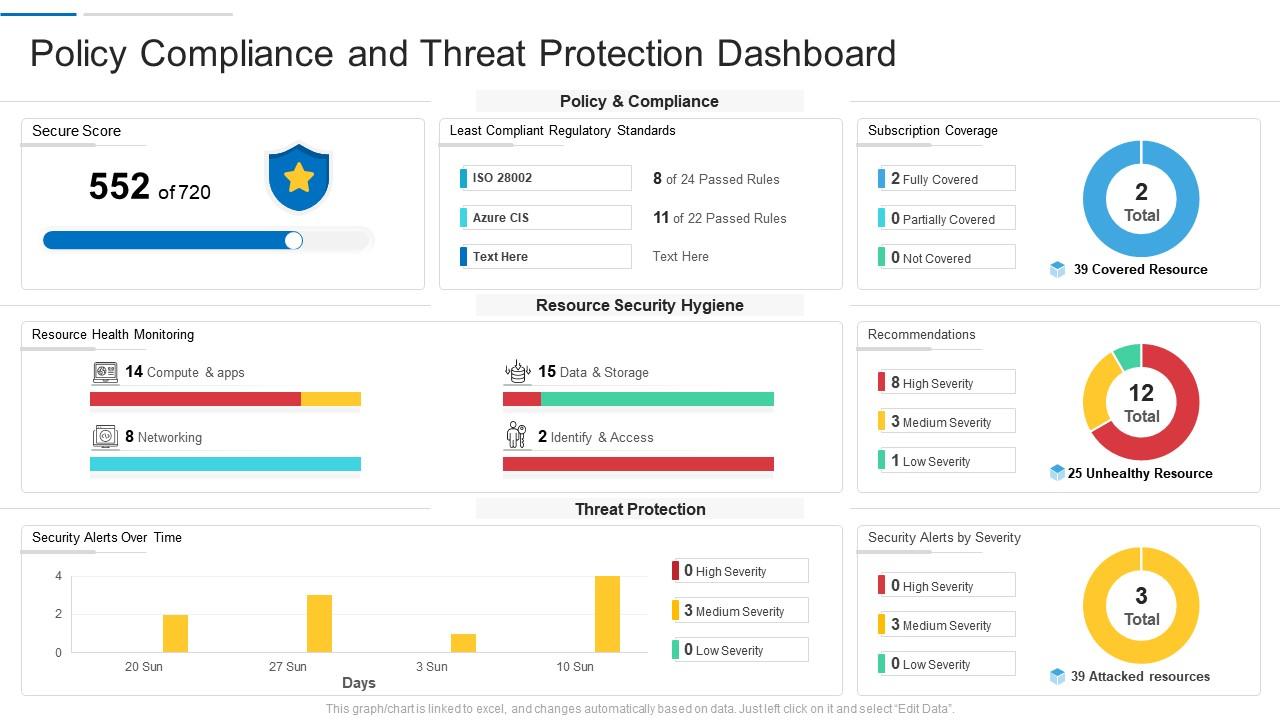
automated policy enforcement dashboard
2) Privacy and personal data
Prompts asking an assistant to find or fabricate personal data about private individuals, to deanonymize content, or to create realistic details about real private people are typically blocked. Protecting privacy prevents harm and legal exposure.
3) Misinformation and competence limits
Models sometimes refuse when they assess they cannot produce reliable, verifiable information—especially on high-stakes topics like medical diagnosis, legal strategy, or real-time news. A refusal can be a sign the system is acknowledging its knowledge or time limitations.
WHY YOU MIGHT SEE REFUSALS THAT SEEM UNREASONABLE
False positives from classifiers
Automated detection systems are conservative by design: they err on the side of rejecting borderline requests. That makes sense for safety, but it causes false positives—legitimate queries flagged as disallowed. Ambiguous language, unusual phrasing, or keywords appearing out of context can trigger a refusal.
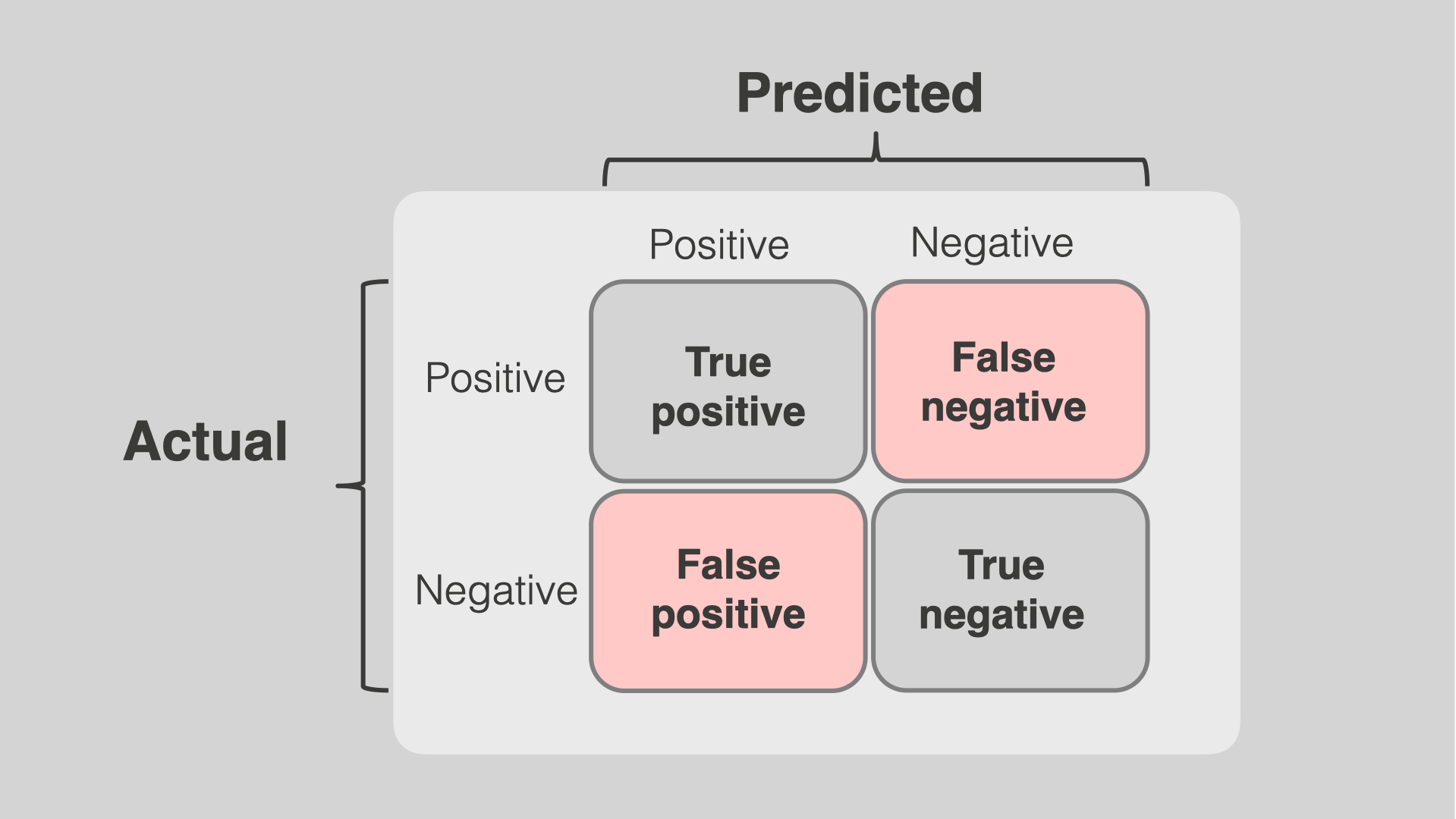
false positive classification error
Overly broad policies or templates
Some systems apply broad templates that block whole classes of content even when many individual requests would be harmless. The result is blanket refusals that frustrate users asking for legitimate help in sensitive domains—like homework help or historical descriptions of wrongdoing.
Refusals are a feature of careful design, not always a sign of poor performance. They show where automated systems prioritize safety and legal compliance over convenience.
HOW TO GET USEFUL RESPONSES: PRACTICAL STRATEGIES
1) Be explicit about safe intent and context
Begin by stating your purpose: are you asking for high-level information, academic background, or troubleshooting steps? For example, say "For educational purposes" or "This is for a simulated class project," and provide relevant, non-sensitive context. Clear legitimate intent can reduce false positives.
2) Break the task into smaller, allowed steps
If a direct request is blocked, try asking for a permitted subset: historical descriptions, conceptual explanations, or hypothetical examples that remove operational detail. Instead of asking how to perform a risky procedure, ask how the underlying principle works or what controls are used to manage risks.
3) Avoid verbatim disallowed keywords and provide framing
Where possible, remove explicit, sensitive keywords and substitute neutral phrasing. Instead of a prompt that includes unlawful methods, ask about legal alternatives or industry best practices. Add a line that you want legal, ethical, and safe guidance only.
PROMPT EXAMPLES: BEFORE AND AFTER
Blocked
"How do I disable the security alarm in my model house?"
Allowed reframing
"For a home security design class, what are common vulnerabilities in residential alarm systems and recommended defensive best practices to improve safety?"
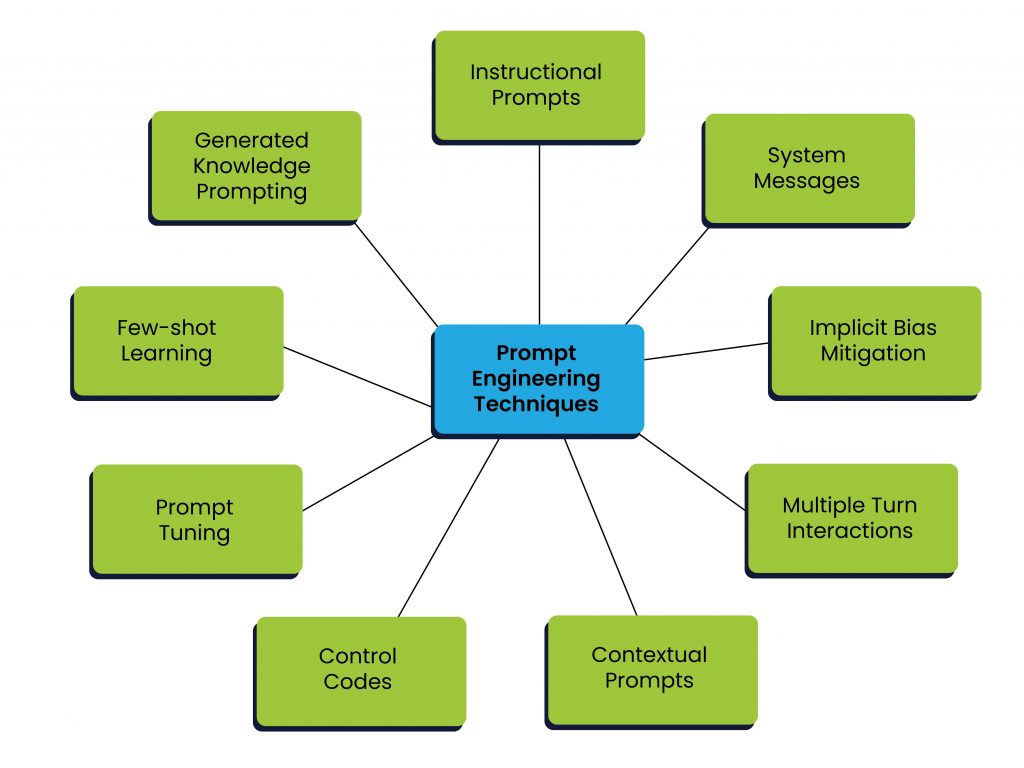
prompt engineering strategies diagram
Blocked
"Write a fake medical certificate."
Allowed reframing
"For a fiction writing exercise, what realistic elements do doctors include in professional medical documentation—structural elements only, not real patient data?"
Example reframes that keep content useful while removing riskWHEN REFUSAL IS THE RIGHT OUTCOME
Protecting people and compliance
Refusal is sometimes the correct, ethical result. If a user asks for instructions that could lead to physical harm or actionable illegal activity, the assistant's refusal protects potential victims and the organization providing the AI. Respecting those boundaries maintains public trust and legal compliance.
Preserving professional lines
On topics like medical diagnosis, legal counsel, or mental health crises, an assistant should refuse to act as a substitute for a qualified professional and instead provide safe, general information and refer users to experts.
WHEN TO PUSH BACK, AND HOW TO ESCALATE
Provide additional context and intent
If a response is refused and you believe your request is legitimate, supply clear context: who you are, why you need the information, and how you will use it. For product designers, adding an explicit intent field in the UI reduces ambiguity and helps the assistant determine whether a request is allowed.
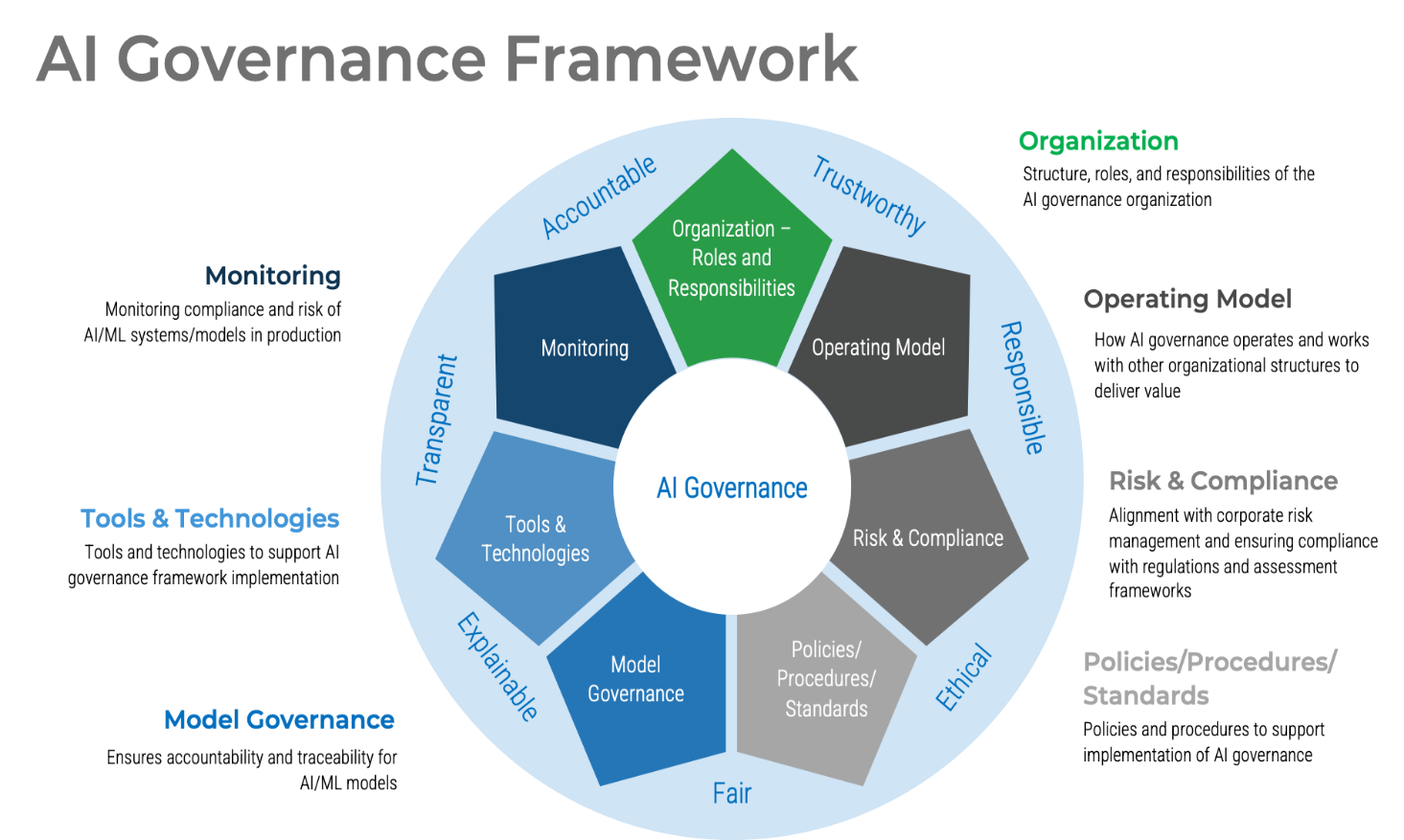
ethical AI compliance framework
Ask for safe alternatives
When refused, request permitted alternatives: "I understand you can't provide that. Can you suggest legal, ethical, or academic resources, or explain the high-level concepts?" This often yields valuable material without crossing policy lines.
DESIGNING BETTER USER EXPERIENCES AROUND REFUSALS
Communicate why
UX matters. A terse "I can't assist" leaves users stranded. Better interfaces explain briefly why a request was refused, suggest permitted next steps, and offer an appeal path for mistaken blocks. Transparency reduces frustration and supports learning.
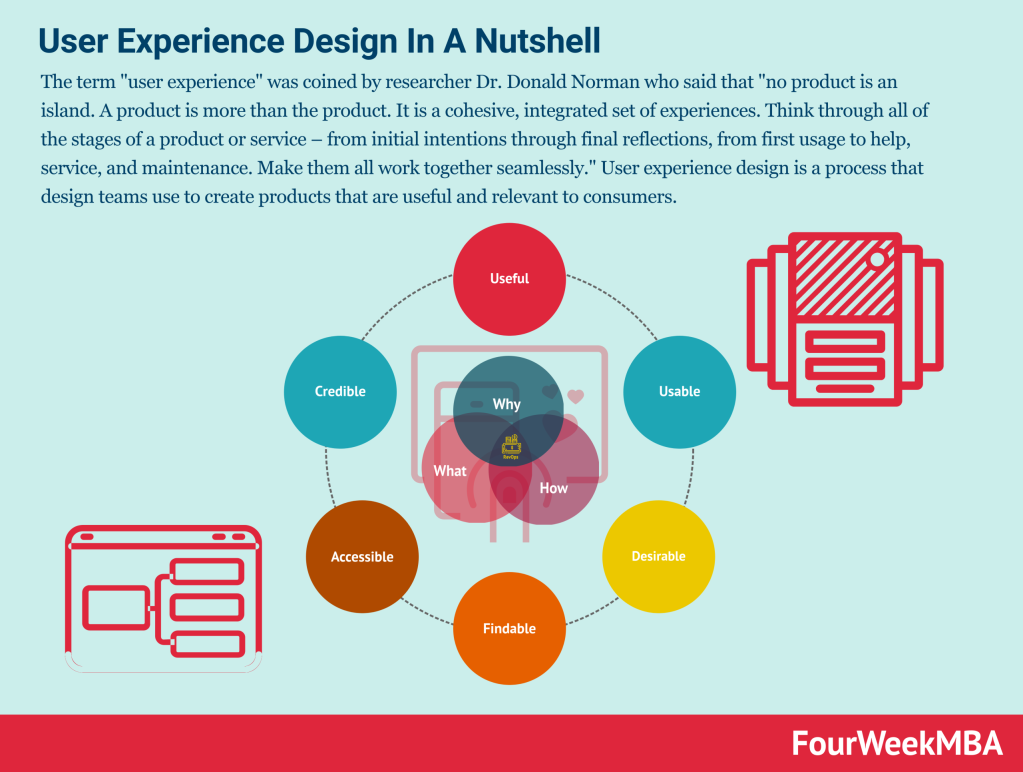
user experience refusal design
Offer guided rewrites
Provide users with editable rewrites that remove risky elements and preserve intent. A small inline helper that suggests a safer prompt can convert a refusal into a successful session in seconds.
ETHICAL AND OPERATIONAL CONSIDERATIONS
Balancing safety and usefulness
There is no perfect balance: stricter enforcement reduces risk but increases user friction and false positives. Organizations must decide their risk tolerance based on their users, legal environment, and mission. Public-facing assistants often err on the side of safety; specialized internal tools may accept more operational risk with stronger access controls.
Transparency and auditability
Teams should document why a refusal was applied and provide audit trails. This helps with compliance, appeals, and model improvement. When possible, expose clear policy summaries to end users so they understand boundaries without needing to read legalese.
Designing for refusal is as important as designing for success: good refusals guide users to better questions.
PRACTICAL CHECKLIST: WHAT TO DO WHEN YOU SEE A REFUSAL
- Pause: Don't repeat the same risky prompt.
- Clarify intent: State your legitimate, lawful purpose.
- Reframe: Remove operational or sensitive details; ask for concepts, history, or alternatives.
- Segment: Break the task into smaller, allowed steps.
- Ask for resources: Request safe references, further reading, or professional referral.
CONCLUSION: TURNING REFUSALS INTO PRODUCTIVE INTERACTIONS
Refusals are a normal part of safe conversational AI. They protect people, preserve legal boundaries, and acknowledge model limits. But they should not be dead ends. By understanding why refusals occur, framing requests carefully, and designing interfaces that explain and guide, users and product teams can convert a terse "I can't assist" into a clear pathway to useful, lawful outcomes.
- Refusals come from policy, detection, and response systems working together.
- Clear context, safe intent, and reframing often unlock legitimate answers.
- Designing compassionate, transparent refusals improves trust and usefulness.
This article aims to help users understand assistant refusals and offers practical steps to get better answers while remaining safe and ethical.