Unlocking Free Apps on iPhone: The Power of Sideloading
In a world where apps dominate our smartphones and tablets, the idea of paying for every application can be daunting. The App Store is filled with incredible applications, but often, premium ones come with a price tag. Wouldn't it be great if you could access these paid apps without spending a dime? Enter sideloading, a method that allows iPhone users to install apps that aren’t officially available on the App Store. In this article, we’ll delve into the world of sideloading, explaining its benefits, drawbacks, and practical steps to get you started.
What is Sideloading?
Sideloading refers to the process of installing software on your devices without using the official distribution platforms—like the Apple App Store. While it's more commonly associated with Android devices, iOS users can also benefit from this method. By sideloading, you can access a plethora of applications, including those that are typically paid, offering users a chance to explore a wider range of functionalities without financial commitment.

iPhone sideloading guide
Benefits of Sideloading Apps
Sideloading apps on your iPhone opens a new frontier of possibilities. Let's explore some of the notable advantages:
- Access to Premium Apps: With sideloading, you can install applications that are usually paid for free, allowing you to experience top-tier software without the investment.
- Exclusive Features: Many sideloaded apps come with features and customizations not available in their official counterparts, providing you with the ability to personalize your mobile experience.
- Flexibility: You can easily install apps that may not align with Apple's guidelines, expanding your options beyond the App Store's restrictions.
- Early Access: Developers often use sideloading to distribute beta versions or early releases of their apps, giving you a chance to try out upcoming features before they launch officially.
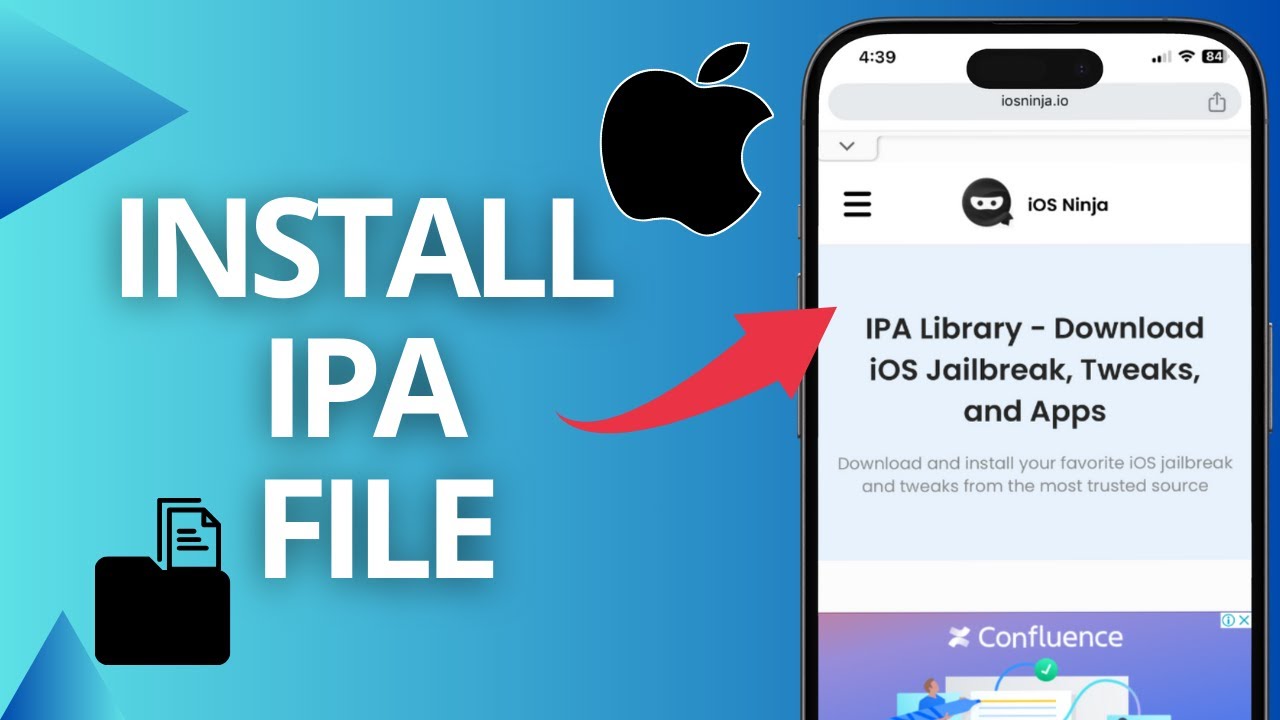
IPA file sideload iPhone
Drawbacks of Sideloading Apps
Despite its numerous advantages, sideloading isn't without its risks, which users should be aware of:
- Security Risks: Installing apps from unofficial sources can expose your device to malware or malicious software, compromising your data and privacy.
- Stability Issues: Sideloaded apps may not be as stable as those from the App Store, potentially leading to crashes or bugs that can disrupt your user experience.
- Legal Concerns: Depending on your region, sideloading certain applications can lead to legal implications, particularly if the app violates copyright laws.
- Voiding Warranty: Apple discourages sideloading, and doing so can potentially void your warranty and any support from the company.
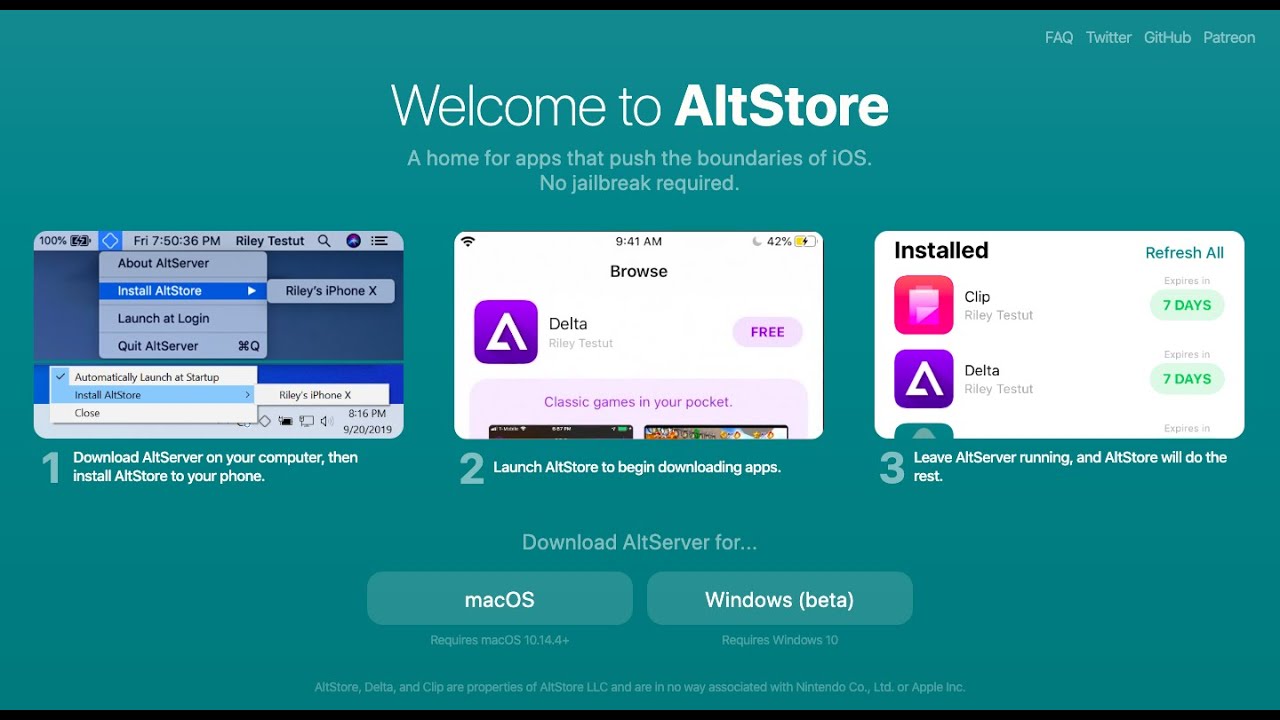
Cydia Impactor AltStore
How to Sideload Apps on Your iPhone
Sideloading on the iPhone requires some technical steps, but with careful following, it can be a straightforward process. Here’s a general step-by-step guide:
- Prepare Your Device: Ensure that your iPhone is updated and backed up. Enabling a few settings will help streamline the sideloading process.
- Download the Required Tools: Depending on the method, you'll need a computer with access to software like Cydia Impactor or AltStore, which facilitates the installation of third-party apps.
- Get the IPA File: Locate the IPA file of the app you wish to install. This is the package file used by iOS to install applications.
- Connect Your Device: Use a USB cable to connect your iPhone to your computer, ensuring that the computer recognizes it.
- Install the App: Open your chosen installation tool, drag the IPA file into it, and follow the prompts to sideload the app to your iPhone.
- Trust the App: On your iPhone, navigate to Settings > General > Device Management. Find the newly installed app and trust the developer to enable usage.
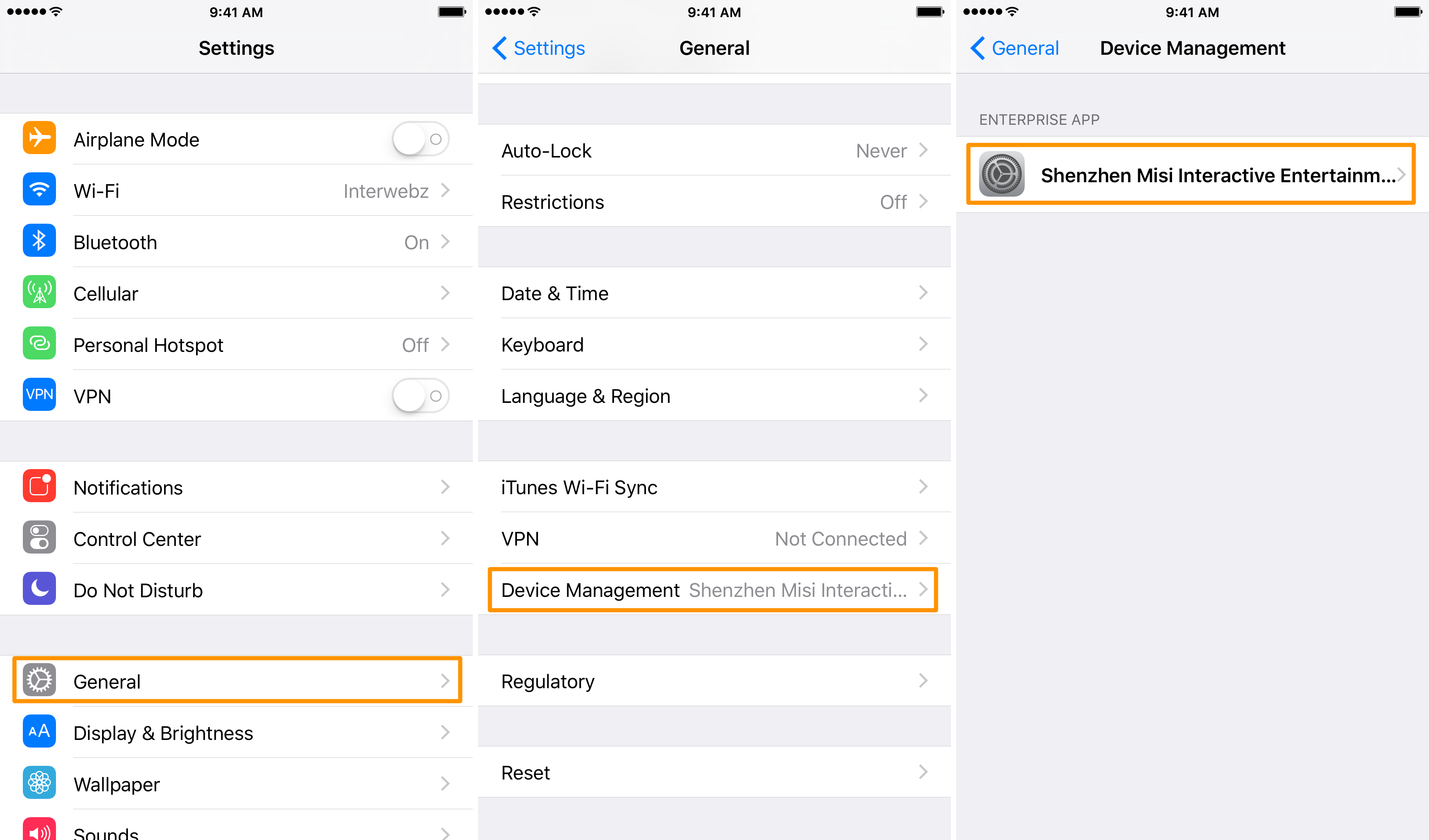
Settings General Device Management
Best Practices for Sideloading
To mitigate risks associated with sideloading, consider the following best practices:
- Research: Before sideloading an app, ensure that it comes from a trustworthy source by reading user reviews or researching its developer.
- Antivirus Software: Employ antivirus software on your computer to detect any potential threats during the installation process.
- Backup Regularly: Maintain regular backups of your device to prevent data loss in case a sideloaded app causes malfunctions.
- Stay Updated: Keep your device’s software up to date, as new updates can often patch vulnerabilities exploited by malicious applications.
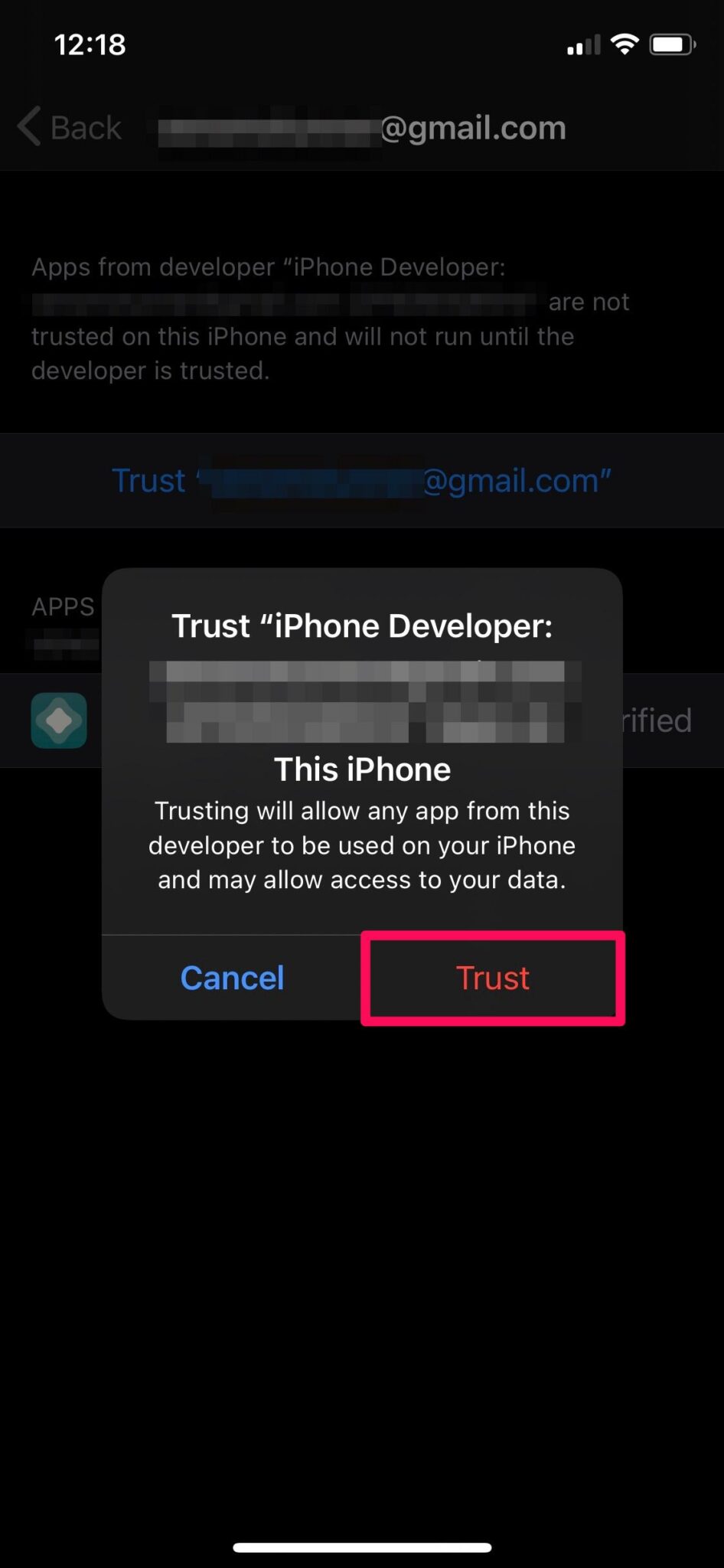
Trust the developer iPhone
Conclusion: The Freedom to Explore
Sideloading offers iPhone users an exciting opportunity to unlock new applications and experiences without the typical financial costs associated with software. However, this freedom comes with responsibility. With the potential for security risks and legal issues, users should approach sideloading with caution, conduct thorough research, and employ best practices. As technology continues to evolve, understanding the nuances of options like sideloading will empower you to make informed decisions in your digital life. Embrace the possibilities, and explore the vast world of apps available at your fingertips.
App Store vs sideloading