Two-Factor Authentication: Why It Matters and How to Use It
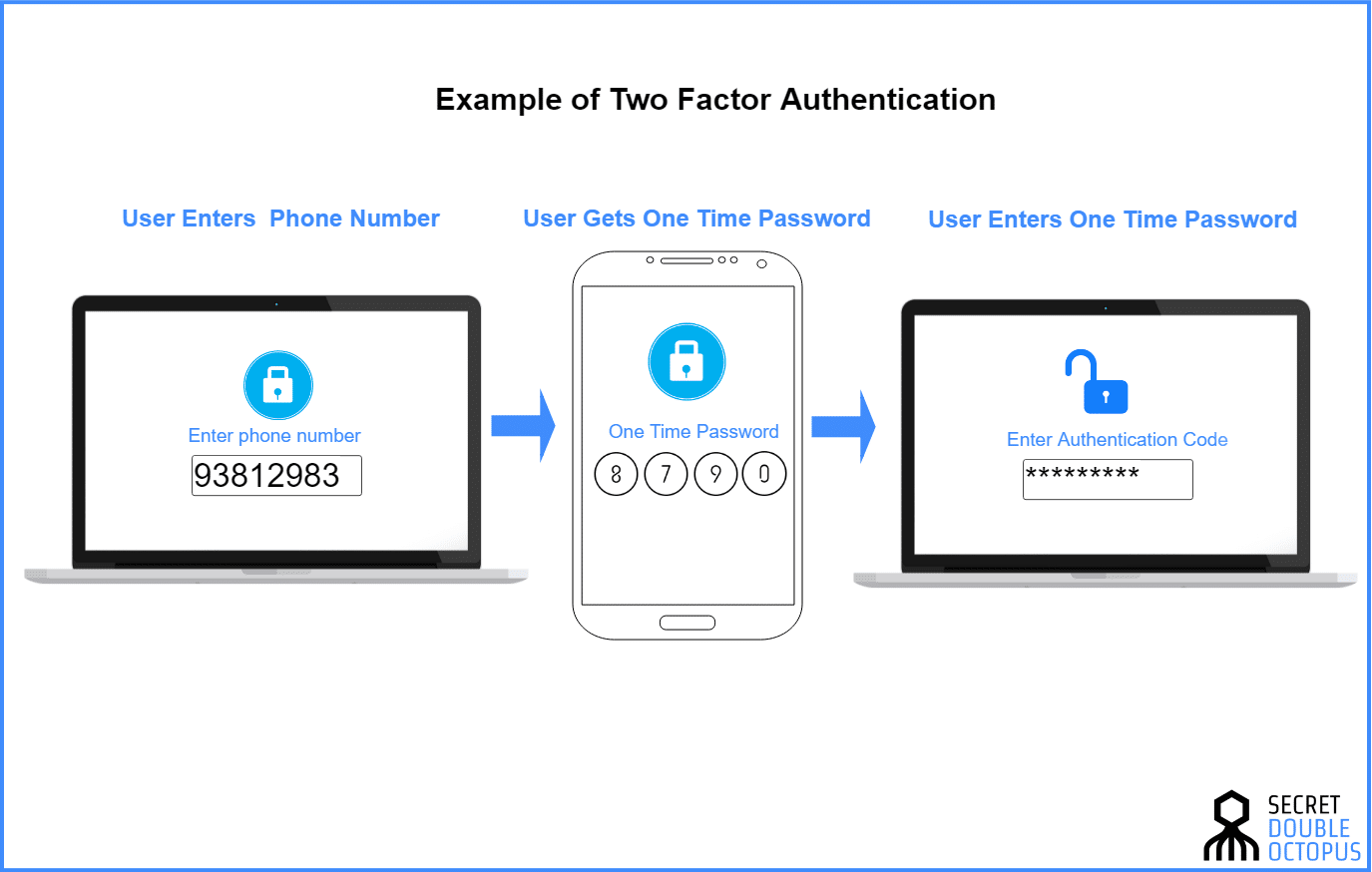
When someone's email, bank account, or social profile is taken over, the fault rarely lies with a single weak password alone. Criminals exploit predictable passwords, reused credentials, and social-engineering tricks. Two-factor authentication—commonly abbreviated 2FA—is the practical defense that turns a cracked password into an inconvenient, often-insurmountable barrier for attackers. This feature-length guide walks through what 2FA actually is, the real-world tradeoffs between methods, and concrete steps you can take today to make your accounts meaningfully safer without turning every login into a headache.
Why 2FA Matters
Passwords are brittle. They can be phished, leaked in mass breaches, guessed by automated tools, or exposed through malware. Adding a second factor changes the attacker's calculus: even if they have your password, they must also have something else — a physical device, a time-limited code, or a biometric approval — to complete the login. That extra step reduces the odds of unauthorized access dramatically, and for many services it is the difference between a one-time nuisance and a catastrophic account takeover.
Two-factor authentication raises the bar from "easy payday" for attackers to "logistically expensive and often fruitless."
What Is Two-Factor Authentication?
The three authentication factors
Authentication factors fall into three categories: something you know (a password or PIN), something you have (a phone, hardware key, or smartcard), and something you are (face or fingerprint). Two-factor authentication means combining at least two different categories. For example, a password (knowledge) plus a time-based one-time password (TOTP) from a phone app (possession) qualifies as 2FA.
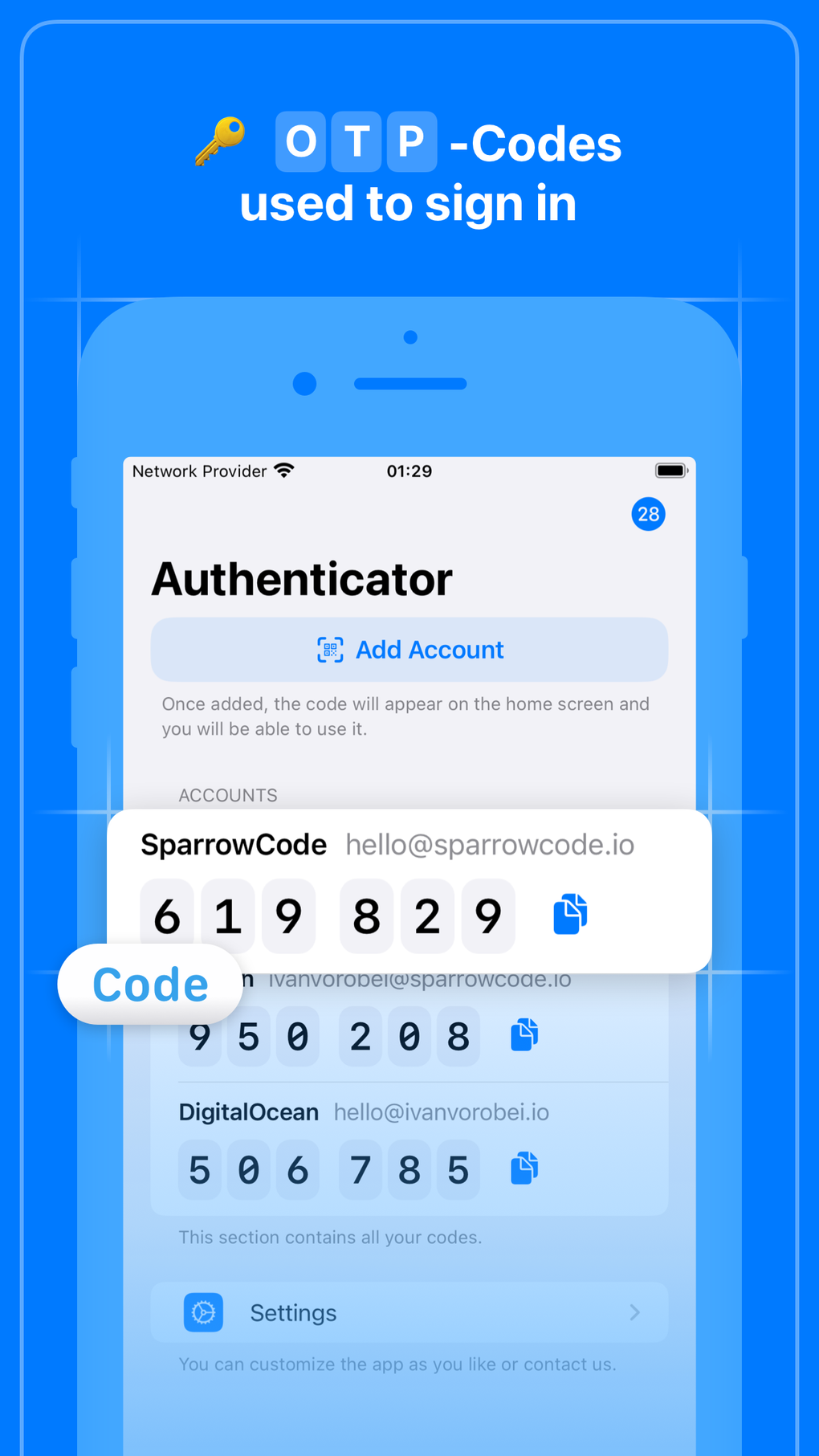
Authenticator app TOTP
How 2FA changes attacker strategies
Attackers adapt, but 2FA forces them into more complicated attacks: SIM swapping to take over a phone number, phishing sites that capture both password and one-time code in real time, or physical theft of devices. Each of those attacks is more costly and less scalable than trying leaked passwords against millions of accounts. The result: fewer successful compromises and lower downstream fraud.
Common 2FA Methods: Strengths and Weaknesses
SMS-based codes
What it is: A one-time numeric code sent by text message to your phone. Why people like it: Ubiquitous and simple. Why it's weak: Vulnerable to SIM swap fraud and interception. Use for low-risk accounts if it's better than nothing, but avoid as your primary protection for financial or high-value services.
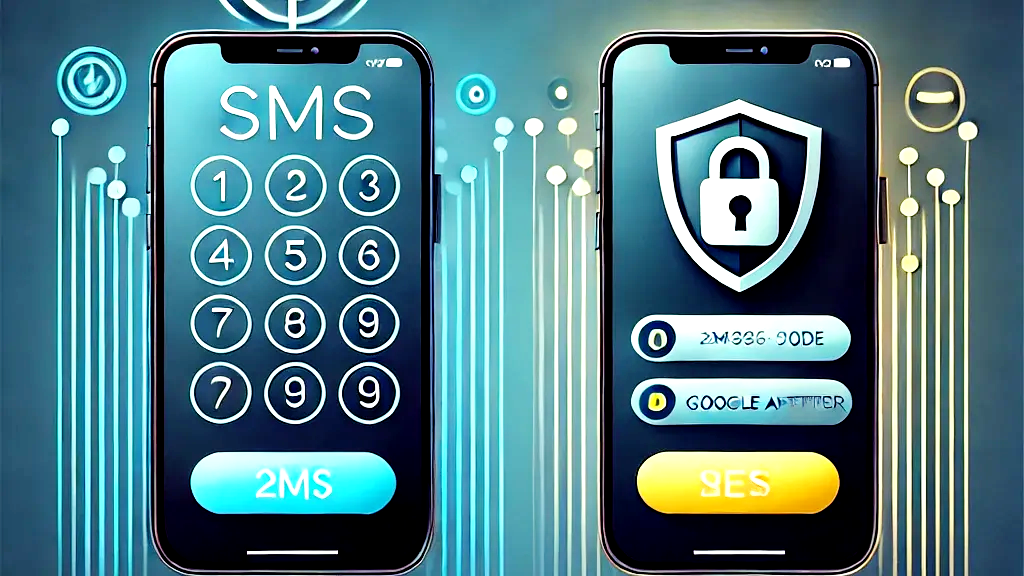
SMS 2FA vulnerability
Authenticator apps (TOTP)
What it is: Apps like authenticator tools generate time-based codes (typically 30-second windows) that you enter during login. Why people like it: Not tied to a carrier, more resistant to remote interception than SMS. Why it's better: Requires initial setup and secure backup, but is a reliable, low-friction option for many users.
Push-based authentication
What it is: When you try to sign in, the service sends a push request to an app on your device asking you to approve or deny the login. Why people like it: Very fast and easy—tap to approve. Why it's strong: Offers better phishing resistance than codes because the push contains contextual metadata (location, app, device) and can be revoked. However, push fatigue and accidental approvals are real usability and security concerns.
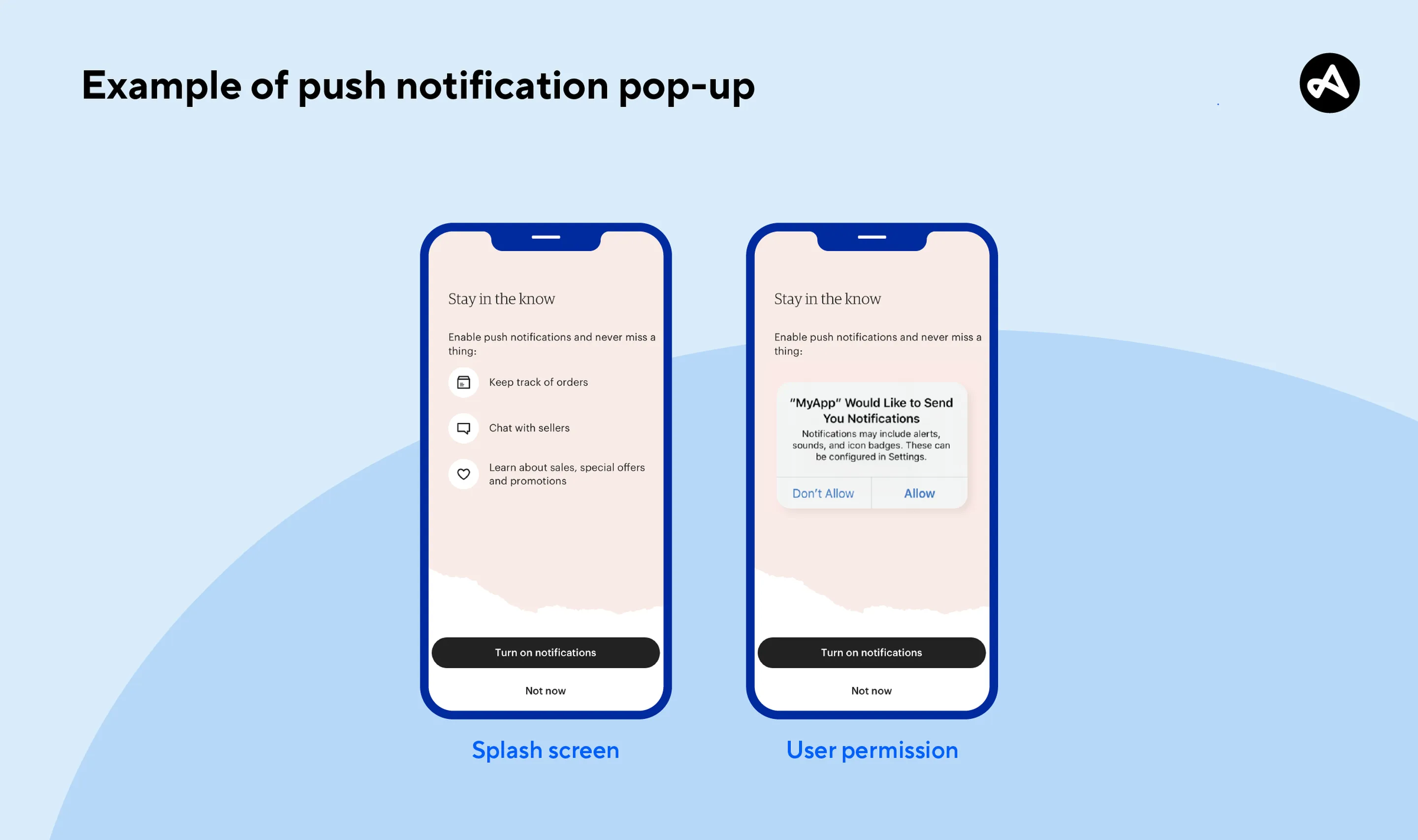
Push notification approval
Security keys and FIDO2/WebAuthn
What it is: Hardware tokens—USB, NFC, or Bluetooth devices—that perform cryptographic signing when you authenticate. Why experts like it: Strongest practical protection against phishing because the cryptographic exchange is tied to the legitimate website origin. Why it's ideal: Eliminates shared secrets that attackers can steal. Downside: Cost and carrying an extra device; but many phones and laptops now support built-in hardware credentials.
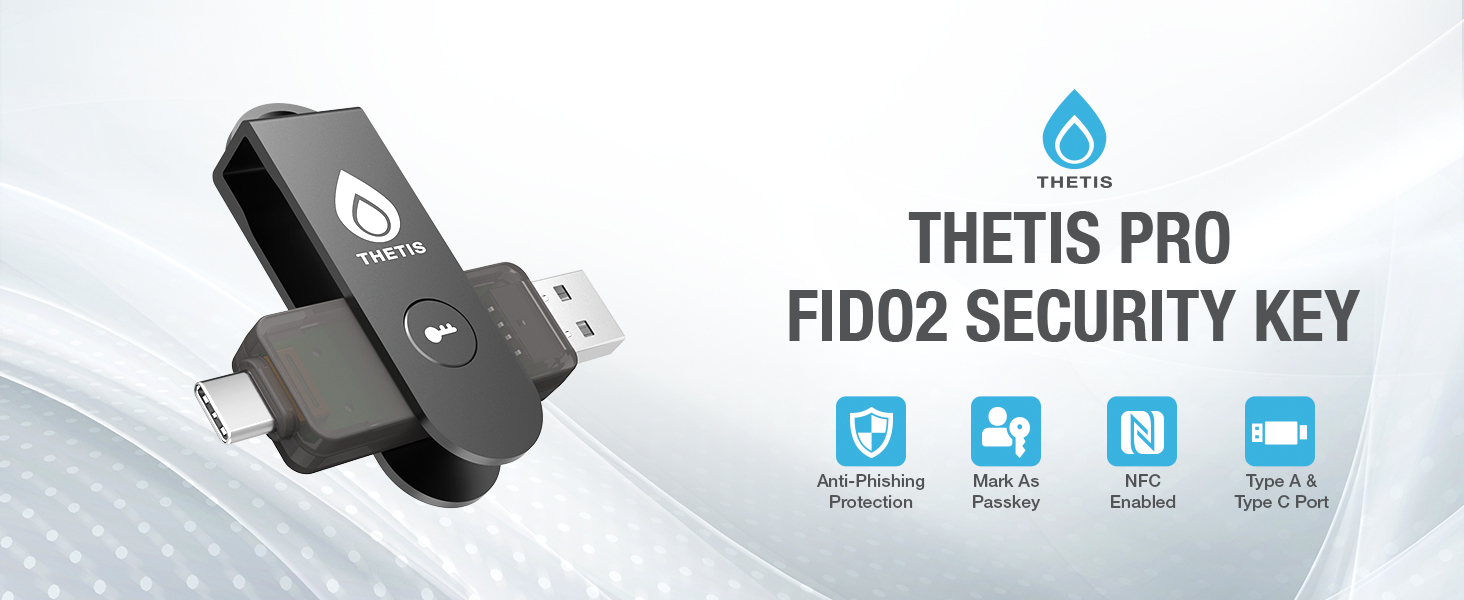
Hardware security key FIDO2
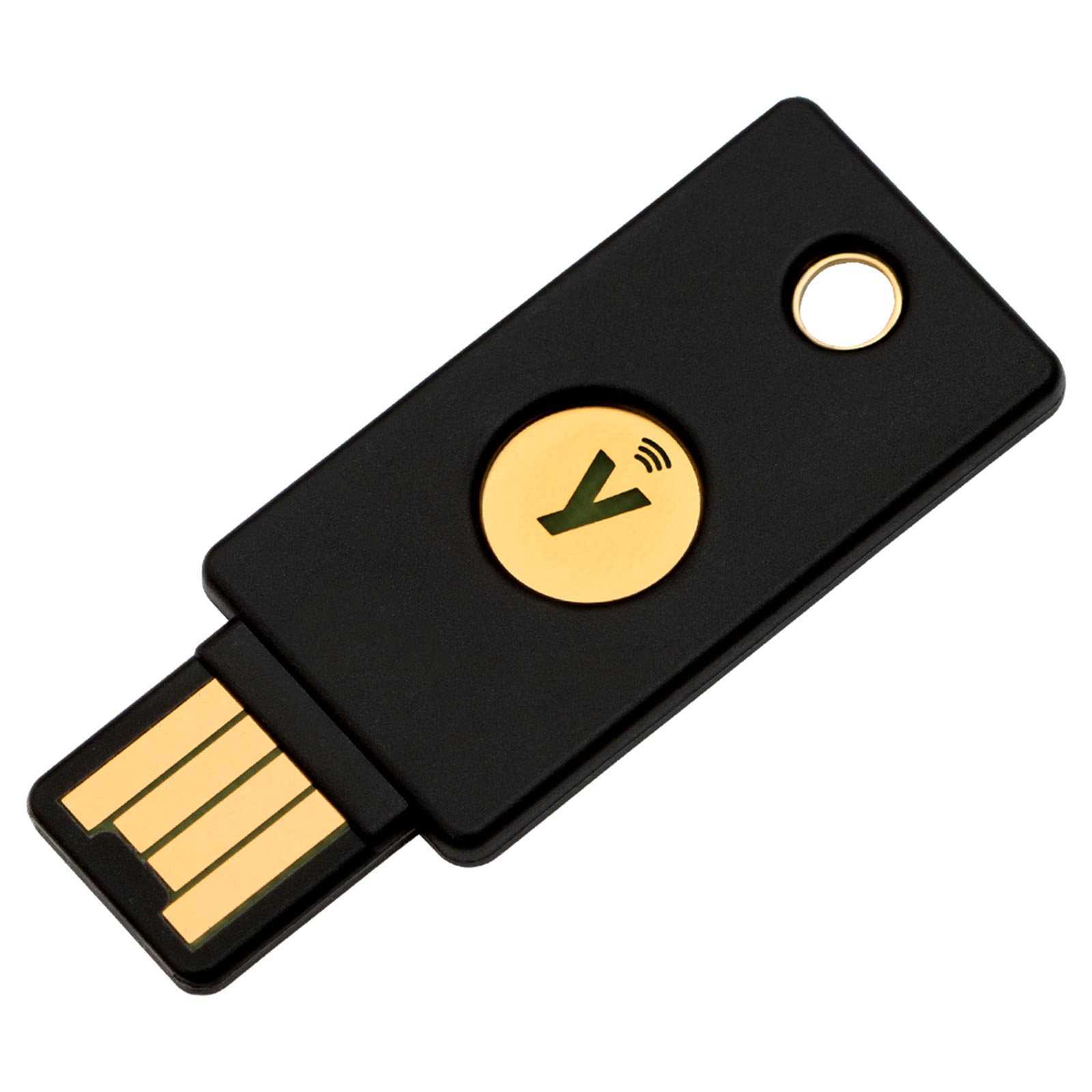
YubiKey hardware token
Biometrics and passkeys
What it is: Biometric checks (face, fingerprint) paired with platform-managed credentials (passkeys) that remove passwords entirely. Why this matters: Passkeys replace passwords with device-bound cryptographic credentials and biometric unlocks, offering a smoother, more secure user experience. Limitations: Device portability, backup and recovery complexity, and device ecosystem compatibility.

Passkeys biometric login
- Hardware keys provide near-perfect phishing protection.
- Authenticator apps are low-cost and broadly supported.
- Push is fast and user-friendly.
- SMS is vulnerable to SIM swap attacks.
- Biometrics can be device-locked and problematic for recovery.
- Hardware tokens can be lost if not backed up.
How to Choose the Right 2FA for You
Assess account value and threat model
Not all accounts require the same protection. Prioritize banking, email, cloud storage, password managers, and social channels where attackers can cause financial harm or reputational damage. For critical accounts, favor the strongest available method—hardware keys or passkeys. For lower-value services, authenticator apps provide a strong balance of security and convenience.
Consider usability and recovery
Security that makes you lock yourself out is counterproductive. Choose a method you can reliably use and recover. If you adopt hardware keys, register a backup key and store it securely. If you use an authenticator app, securely export or back up secret keys. For passkeys, know the platform's recovery options and consider linking to a trusted account backup.
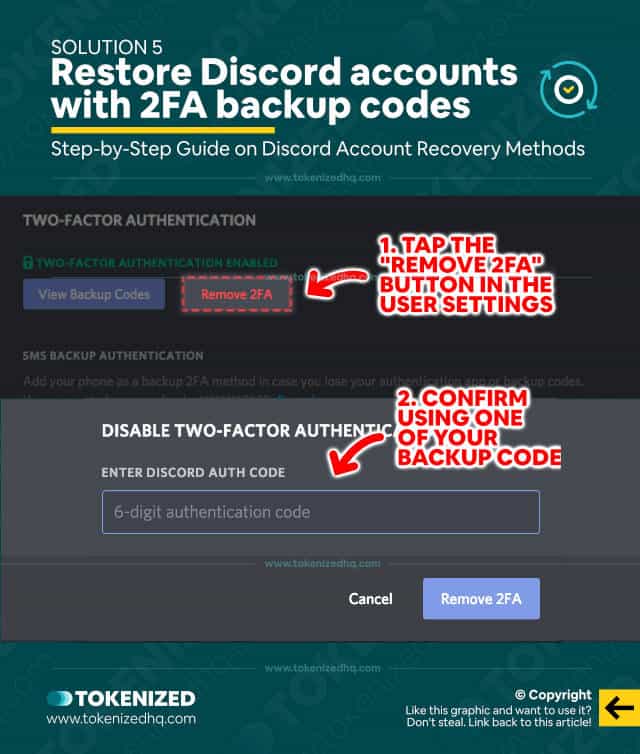
Backup codes recovery
Practical Setup: Step-by-Step
1. Inventory your accounts
Start by listing every account where you store sensitive information or which control payments, personal identity, or significant reputation. Include email, banking, cloud providers, social networks, app stores, and password managers.
2. Prioritize and enable 2FA
Turn on 2FA on the most important accounts first. Use the strongest available option each service offers—if a site supports security keys, register one. If not, use an authenticator app rather than SMS, whenever possible.
3. Register backups
Always register at least two recovery mechanisms: a backup hardware key, printed backup codes stored securely, or an alternate authenticator device. For email accounts that serve as the identity anchor for other services, make recovery particularly robust.
4. Test your recovery process
Intentionally test losing a device and recovering access. This may feel risky, but it prevents the worst-case scenario where you permanently lose access because you never practiced recovery steps.
Handling Common Problems
Lost or stolen device
If your phone is lost or stolen, immediately revoke the device's access where possible: remove registered authenticators from account security settings, change passwords on critical accounts, and use backup methods to regain control. For SIM swaps, contact your carrier to lock your number and notify financial institutions if necessary.
Account recovery nightmares
Some older services still rely on weak recovery flows like knowledge-based questions. For accounts protected with strong 2FA, be prepared: keep recovery codes in a secure offline place, maintain a backup key, and ensure your recovery email or phone is itself well-protected.
Phishing and social engineering
Attackers use real-time phishing pages that request one-time codes. Resist entering codes into unfamiliar sites and adopt phishing-resistant methods (security keys or platform-bound passkeys) where possible. Be suspicious of unsolicited requests to approve logins—pause and verify the attempt before tapping "approve."
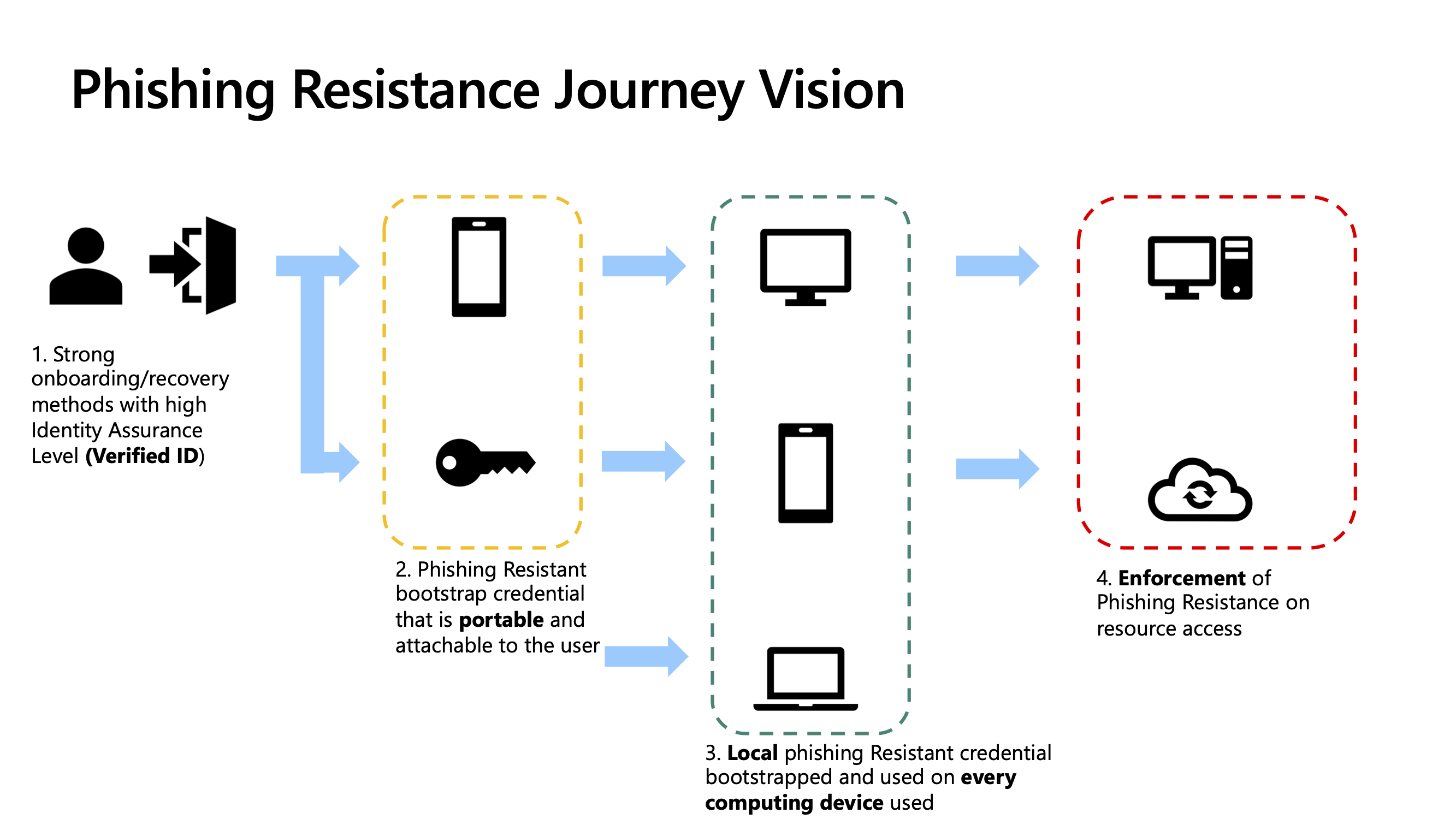
Phishing resistance security
Organizational Best Practices
Enforce strong authentication where it counts
For businesses, enforcing MFA on administrative and cloud accounts is one of the highest-leverage security controls. Use centralized identity providers that support conditional access, device risk evaluation, and hardware-key enforcement for privileged users.
Educate employees
Technology alone won't stop social engineering. Train teams to recognize phishing, verify approval prompts, and follow clear recovery procedures. Maintain an incident playbook that includes steps to revoke device access, reset credentials, and notify affected stakeholders.
The Future: Passwordless and Beyond
Industry momentum is toward passwordless authentication using passkeys and platform-managed credentials under standards like WebAuthn and FIDO2. These approaches reduce the attack surface by removing shared secrets entirely and tying authentication to the device and biometric approval. The migration won't be instantaneous—compatibility and recovery remain practical obstacles—but the direction is clear: easier logins that are also harder to phish.
Final Thoughts and Next Steps
Two-factor authentication is not a panacea, but it is the most effective, practical defense available to nearly every individual and organization today. Start by enabling 2FA on your most critical accounts using an authenticator app or, for the strongest protection, a hardware security key. Register backups, test recovery, and treat authentication hygiene as part of routine digital housekeeping. Over time, move toward phishing-resistant methods like passkeys as they become available across the services and devices you depend on.
- Enable 2FA on high-value accounts today—email, banking, cloud storage, and password managers.
- Prefer authenticator apps or hardware keys over SMS when possible.
- Register backup methods and test recovery procedures to avoid lockout.
- Educate users and enforce MFA in organizational settings for maximum protection.
This guide focuses on practical, implementable steps you can take to make account compromise significantly less likely—starting now.