Planned Obsolescence Exposed: Why Your Calculator Fails
The small plastic device you toss into a drawer after a few years of use tells a much larger story about how modern consumer electronics are made, marketed, and retired. Calculators—once rugged, long-lived instruments of classrooms and offices—now too often die unhelpful deaths: failing screens, non-replaceable batteries, flaky button membranes, or firmware quirks that manufacturers never fix. Behind those failures are deliberate design choices and market incentives that add up to planned obsolescence: a strategy that shortens product life to drive repeat purchases. This feature unpacks how that happens, why it matters, and what practical steps different actors can take to reclaim longevity.
THE ECONOMICS OF SHORT LIVES
Designed lifespans are rarely an accident. For many consumer goods, companies balance three levers: cost of goods sold, perceived value, and replacement frequency. Lowering manufacturing costs increases margin on each unit; designing for faster replacement increases the number of units sold over time. When combined, those incentives can favor cheaper components, glued-in batteries, and minimal testing—choices that reduce initial price but also reduce durability.
Cheap Components, Cheap Outcomes
Calculators are a textbook example. Many inexpensive models rely on membrane keypads that wear out, low-grade LCDs susceptible to delamination, and tiny coin cells soldered or sealed into the chassis. What looks like a modest cost-saving—using a membrane rather than a mechanical switch, or a sealed battery to avoid the expense of an accessible compartment—often translates to a product that cannot be economically repaired. The buyer faces two unattractive options: throw the device away and buy another, or attempt a delicate repair that most people will not undertake.
Caption: A broken calculator membrane keypad
“When the part that fails is cheaply made and hard to replace, planned obsolescence shifts the burden of cost and waste onto the consumer—and the planet.”
Support and Firmware: The Invisible Clock
Hardware can remain functional for decades, but software support and quality assurance determine how useful it stays. Some calculators embed non-upgradable microcontrollers with bugs or limited feature sets. Once a manufacturer decides not to test or patch firmware, small issues compound into unusability. For graphing calculators used in education, where curricula and exam formats evolve, lack of ongoing support can make an otherwise functional device irrelevant.
INSIDE THE DEVICE: DESIGN CHOICES THAT LIMIT LIFESPAN
To see planned obsolescence in practice, you only need to open a typical low-cost calculator—or study teardown photos. A few recurring patterns reveal themselves:
- Sealed power sources: Coin cells glued into place or batteries buried under glued-on boards.
- Proprietary fastenings: Tamper-evident screws, plastic clips that break when opened, or housings that fracture under modest stress.
- Thin PCBs and cheap soldering: Fragile traces and inadequate through-hole reinforcement make vibration and temperature cycling a threat.
- Minimal sealing: Poor ingress protection makes condensation and dust more likely to damage displays and contacts.
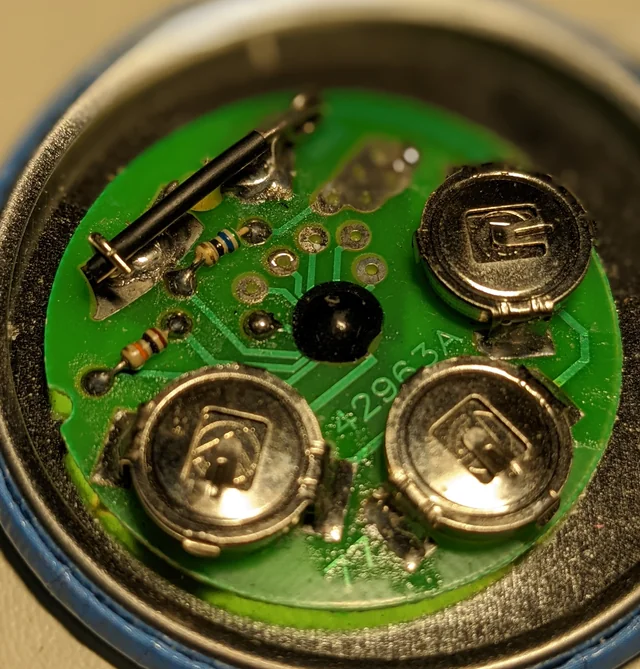
Each of these choices reduces manufacturing time and expense—but they also make repair more difficult or impossible. Repair shops often identify the sealed battery or brittle clips as the failure point: replacing a $0.50 coin cell might cost $15 in labor or risk damaging the unit beyond repair.
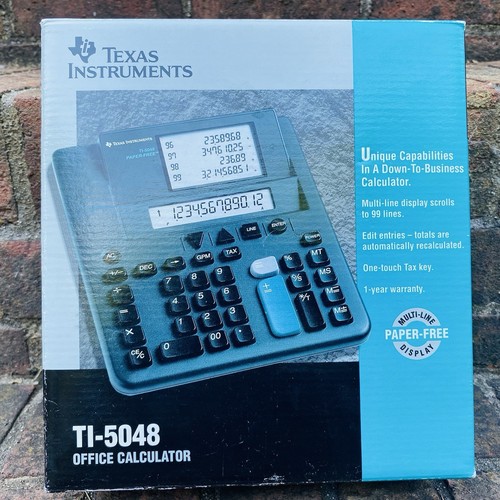
Caption: Calculator with sealed battery - making replacement difficult
Case Study: The Membrane Keypad
Membrane keypads are cheap, lightweight, and easy to assemble—ideal for mass-market calculators. But they wear unevenly, lose tactile feedback, and are sensitive to oils from fingers. A device built around a membrane keypad assumes a shorter life. Conversely, calculators built with mechanical switches or higher-grade dome contacts can survive decades of intensive use, but at higher upfront cost.
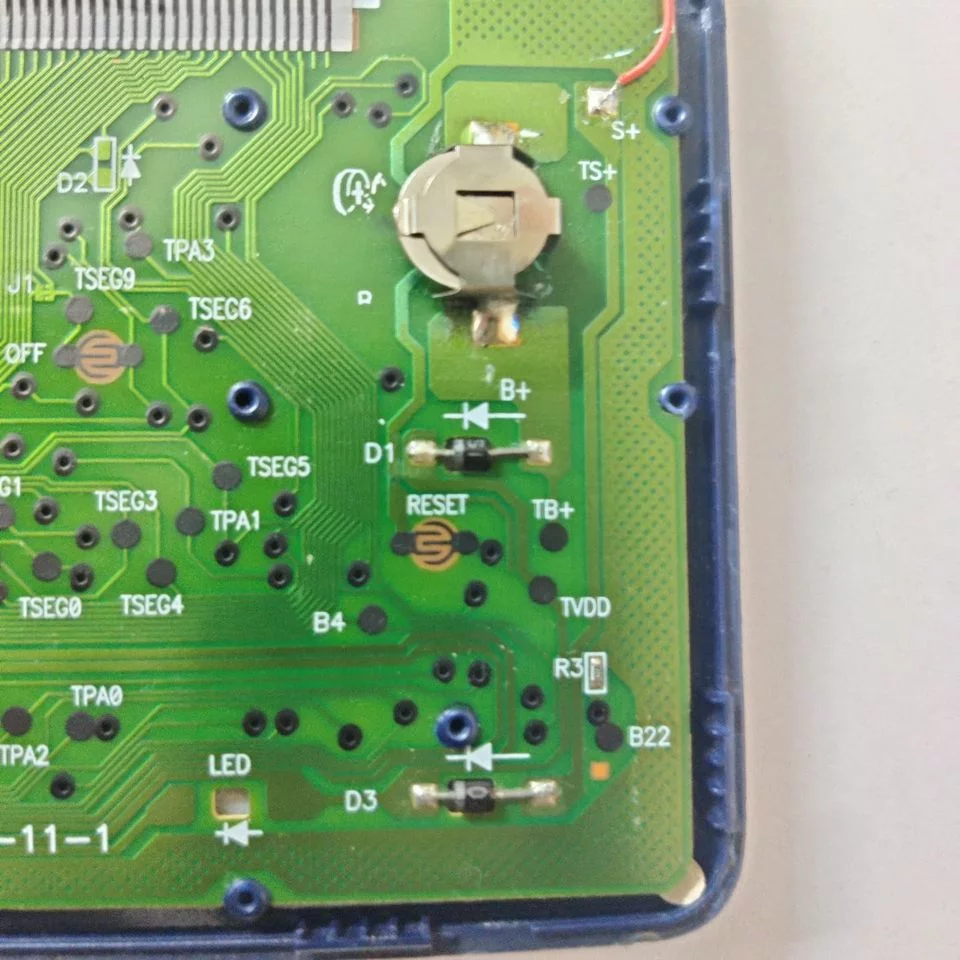
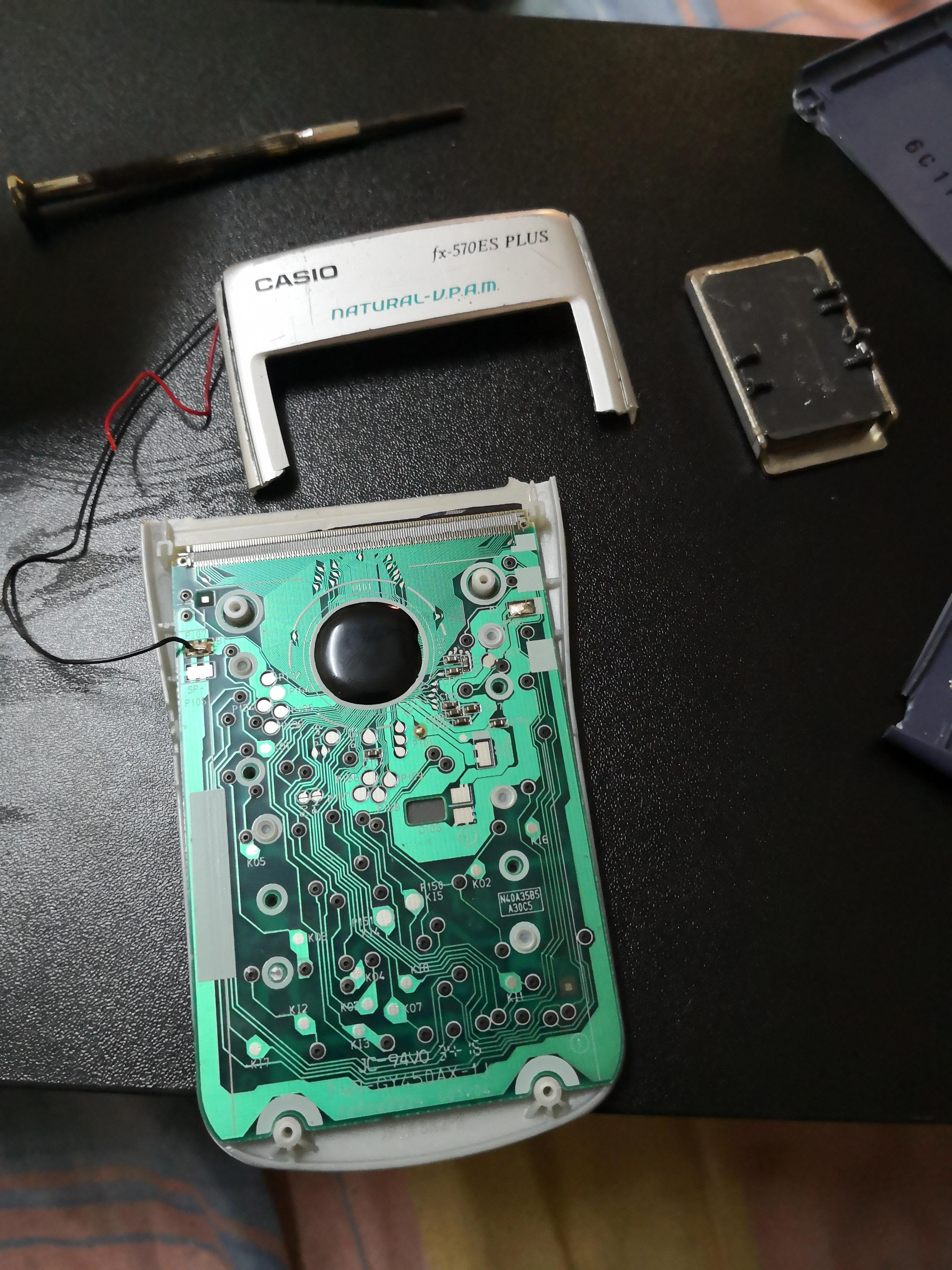
Caption: Calculator circuit board teardown revealing internal construction
WHO BENEFITS FROM PLANNED OBSOLESCENCE?
It’s tempting to blame only manufacturers, but the ecosystem is broader. Retailers profit from repeat purchases. Schools and institutions, pressed for budget, often buy the least expensive models. Consumers reward low sticker prices even if total cost of ownership is higher. Investment pressures on publicly listed companies can emphasize short-term margins over long-term reputational risk. These aligned incentives make short-lived products a predictable outcome.
THE HUMAN AND ENVIRONMENTAL COSTS
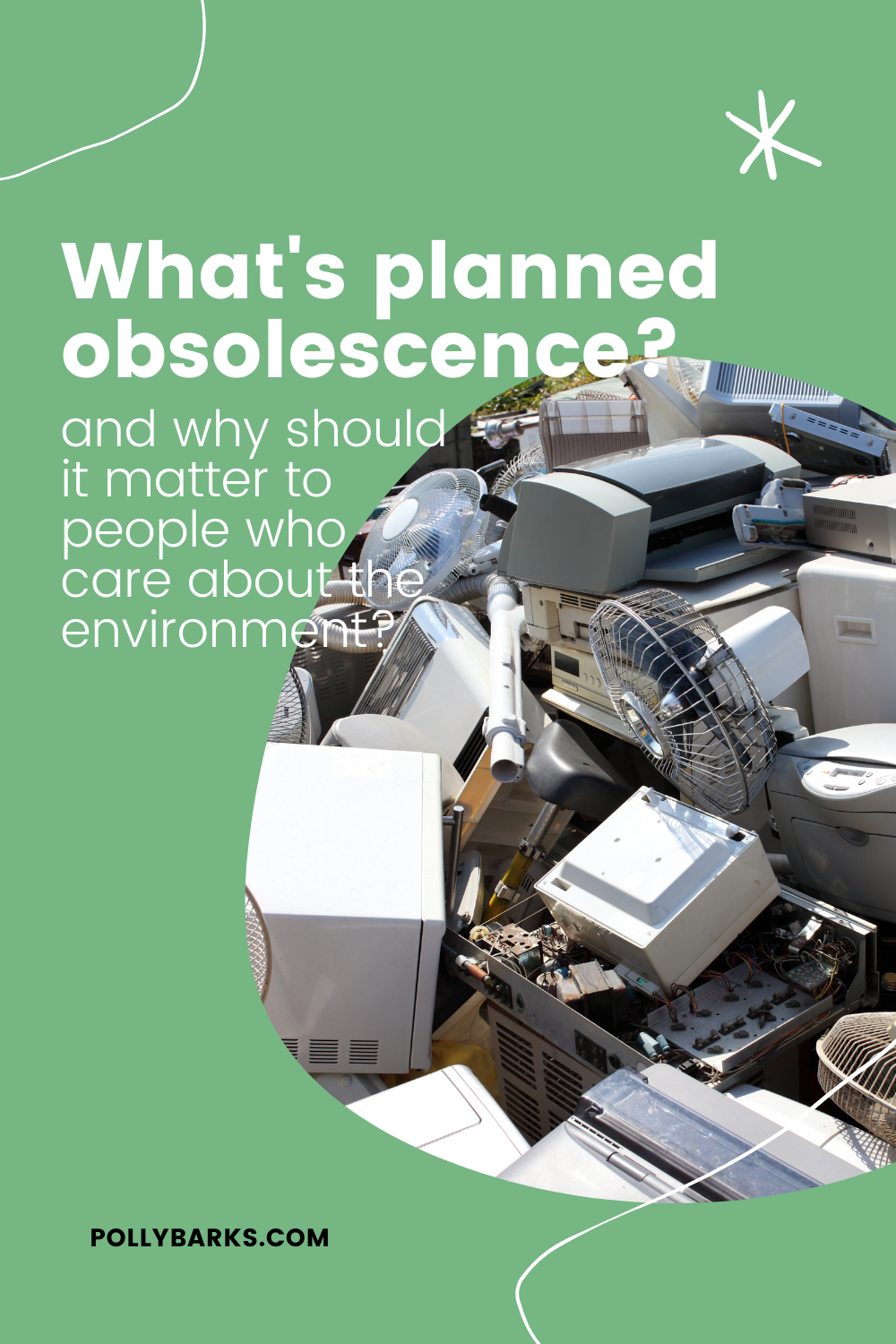
When calculators die early, the immediate economic cost to households is measurable: repeated purchases add up. But the environmental costs are larger and more persistent. Electronic waste (e-waste) contains plastics, heavy metals, and other materials that are expensive to recycle and harmful when incinerated or landfilled. Shortened product cycles amplify e-waste generation and increase demand for virgin materials, with upstream environmental impacts from mining and processing.

Caption: E-waste recycling facility handling discarded electronics
Hidden Costs in Education
For schools, frequent replacement can be especially damaging. Budget-constrained districts may purchase the cheapest models, only to replace them repeatedly. That drains funds that could have paid for teacher training, textbooks, or devices with broader functionality. There's also equity implications: students in wealthier districts more often have access to durable tools or personal devices, while others rely on disposable models that fail mid-term.
Caution Buying the cheapest model is rarely the cheapest decision over three to five years. Consider repairability and available spare parts when budgeting for classroom technology.