Mastering Automation with n8n
In an era where efficiency is key, the ability to automate repetitive tasks can lead to substantial gains in productivity. Enter n8n, a versatile open-source automation tool that allows users to create complex workflows without needing extensive programming knowledge. Whether you are a small business owner, an enterprise-level IT professional, or even a curious hobbyist, n8n provides a robust and flexible platform for workflow automation.
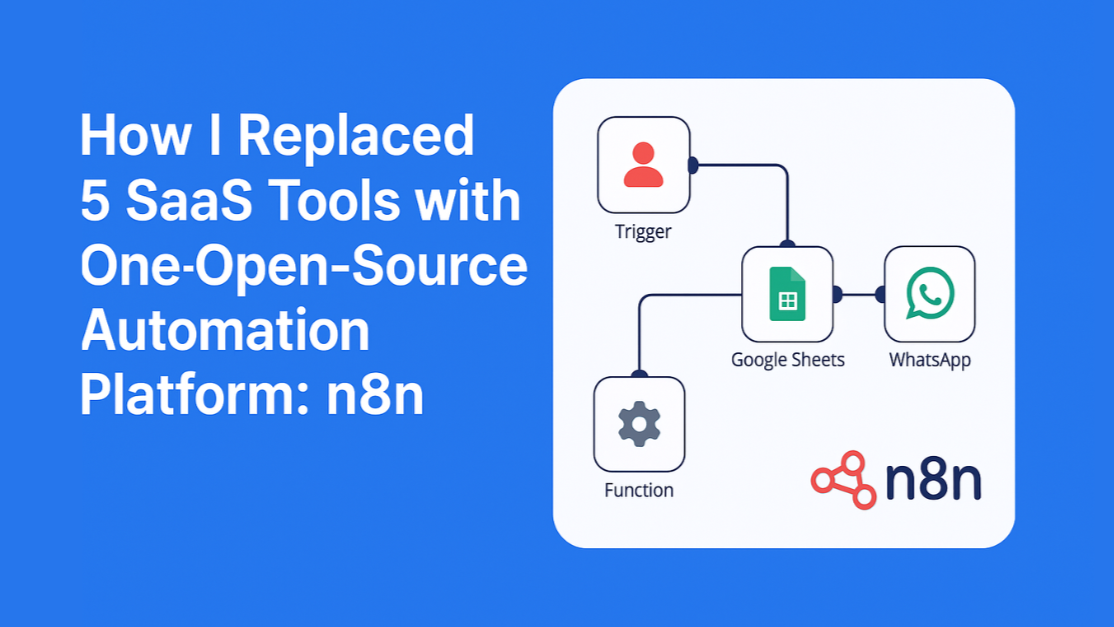
n8n open source platform
What is n8n?
n8n, which stands for "n-eight-n", is an open-source workflow automation tool that enables users to connect different applications and services effortlessly. With a visual interface, it allows even non-technical users to build powerful automation scripts by dragging and dropping various nodes. This no-code approach democratizes automation, making it accessible to everyone.
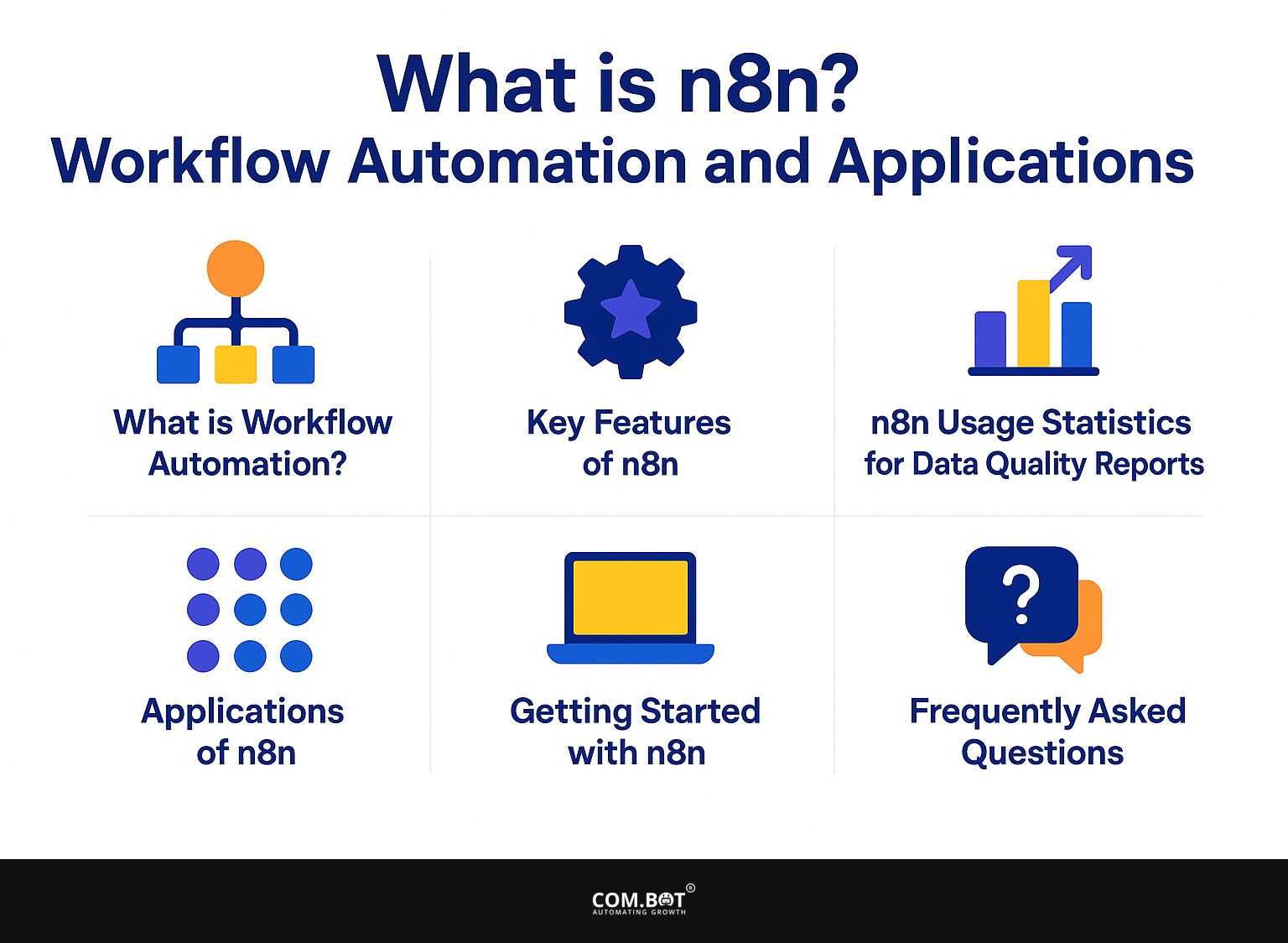
n8n visual workflow builder
Key Features of n8n
1. **Open Source**: One of n8n's standout features is that it's completely open-source, enabling users to self-host the application and customize it according to their specific needs. This flexibility is particularly appealing for businesses requiring tailored solutions.
Self-hosted automation with n8n
2. **Multi-Platform Integration**: n8n allows seamless integration with over 200 different services and applications. This means you can connect your favorite tools like Slack, GitHub, Google Sheets, and many more, streamlining your operations.
Slack GitHub Google Sheets integrations
3. **Visual Workflow Builder**: The intuitive drag-and-drop interface simplifies the process of workflow creation, making it easy to visualize your automation before executing it. New users often find this feature a game-changer when learning to build their first workflows.
4. **Execute Workflows Triggered by Events**: n8n can automatically execute workflows based on triggers—like receiving an email or a specific data entry—allowing for responsive automation that adjusts to your business needs.
Getting Started with n8n
Setting up n8n is straightforward. Follow these steps to get started:
1. **Installation**: Download n8n either via npm, Docker, or by deploying it via a cloud service. The flexibility in installation methods allows you to choose a setup that best suits your environment.
2. **Creating Your First Workflow**: Launch the n8n interface and select "Create New Workflow." Here, you can start by adding your desired nodes. Experiment by connecting different services to grasp how n8n operates.
3. **Testing**: Once you've configured your workflow, n8n allows for easy testing to ensure everything runs smoothly. This testing phase is crucial for validating that your automation behaves as expected.
Use Cases for n8n
The applications for n8n are vast and can be tailored to fit various needs. Here are some popular use cases:
- **Data Collection**: Automatically aggregate data from different platforms and store it in a central database or spreadsheet, reducing manual copy-pasting tasks.
- **Notification Systems**: Set up automatic alerts or notifications via email, SMS, or messaging apps whenever specific conditions are met, keeping your team informed in real-time.
- **API Interactions**: Use n8n to interface with APIs from various platforms, pulling or pushing data between your apps automatically.
- **Marketing Automation**: Automate marketing tasks such as email campaigns, social media posting, and lead generation, helping to streamline your marketing efforts.
Comparison with Other Automation Tools
While tools like Zapier and Integromat (now Make) dominate the automation landscape, n8n offers distinct advantages:
- **Cost**: Being open-source, n8n can be used without incurring monthly fees, whereas many competing platforms charge based on the number of tasks or integrations.
- **Complexity of Workflows**: n8n allows for more complex workflows by enabling custom JavaScript code execution and conditional statements, which might be limited in other platforms.
- **Self-hosting Options**: For those concerned about data privacy and control, n8n's self-hosting capabilities provide peace of mind that sensitive information is not stored on third-party servers.
Tips for Effective Use of n8n
To get the most out of n8n, consider the following tips:
- **Spend Time Learning the Interface**: Understanding how the different nodes and connections work can save you a lot of time when creating complex workflows.
- **Leverage Community Resources**: The n8n community offers forums, documentation, and tutorials that can help you troubleshoot and refine your automations.
- **Start Simple**: As with any new tool, start with simple workflows to grasp the functionality before diving into more intricate integrations.
Conclusion
n8n empowers users to unlock the full potential of automation with its robust, user-friendly platform. Whether enhancing productivity or optimizing processes, the applications for n8n are nearly limitless. By mastering this tool, individuals and businesses can experience the true benefits of automation, ultimately leading to a more efficient and streamlined operation. Start exploring n8n today and see how it can transform your workflows!
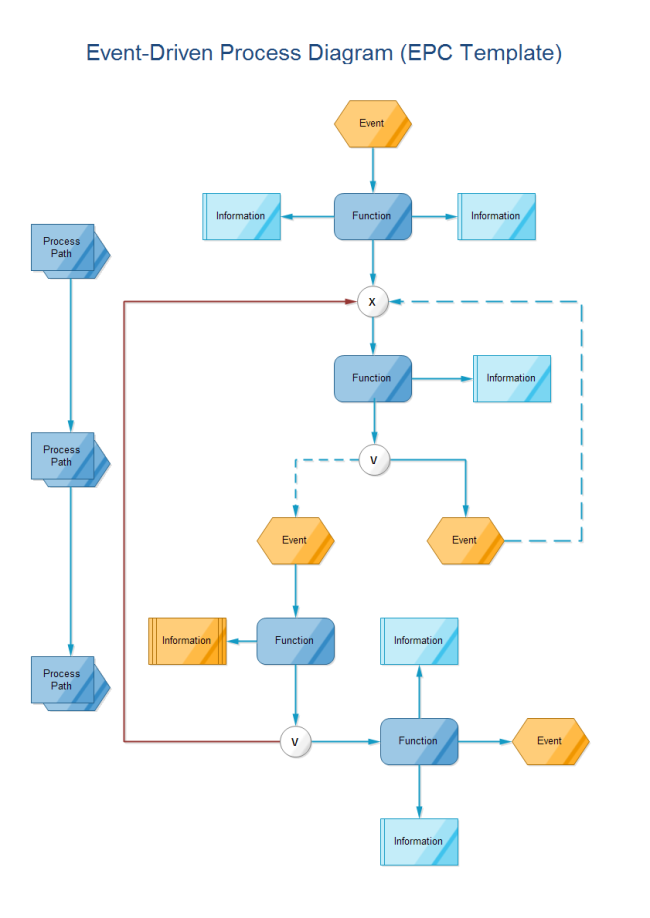
Event-driven workflows and triggers