I Found an AirTag Hidden in My Car — What to Do Next
It started with a notification: your phone warned you that an unknown AirTag was moving with you. That little ping in your pocket is unnerving enough. Then you find the device tucked beneath the trunk liner, where it could have ridden with you for miles. Panic, anger, and a scramble of questions follow: Am I safe? Who put it there? What are my rights? This article walks through a calm, practical, step-by-step response—what to do immediately, how AirTags work, how to gather evidence without spoiling it, when to call the police, and how to reduce the chance it happens again.
Why this matters right now
Small tracking devices like Apple AirTags are a powerful convenience for finding lost keys, bags, or luggage, but their stealth and long battery life also make them useful for unwanted tracking. Lawmakers and tech companies have tried to address misuse, but notifications and safeguards can't replace knowing the right human steps once you find a tracker physically attached to your property. Your response matters for personal safety and for any legal action you may later pursue.

Apple AirTag device close-up
How AirTags and similar trackers work
AirTags are compact Bluetooth Low Energy (BLE) accessories designed to broadcast a rotating identifier to nearby Apple devices. Those devices then relay the AirTag's approximate location to the owner through Apple’s Find My network, all encrypted so Apple doesn’t know who’s tracking what. Because the network relies on millions of iPhones and other Apple devices, a tracker can report its position even when the owner is nowhere near the tracker.
Key technical points to keep in mind:
- Bluetooth signal only: AirTags do not contain GPS. Their location is inferred by proximity to devices in the Find My network.
- Rotating identifiers: The device broadcasts changing IDs to avoid long-term correlations, a privacy design for legitimate use.
- Notifications: Apple devices typically notify an iPhone user if an unknown AirTag is moving with them for a period of time, and Android users can scan for trackers using a companion app or manual detection methods.
- Sound and NFC: AirTags can play a sound and include a small NFC chip that reveals the owner’s contact information if someone taps it with a compatible phone and follows prompts—though the owner’s identity is not revealed directly through that NFC interaction.
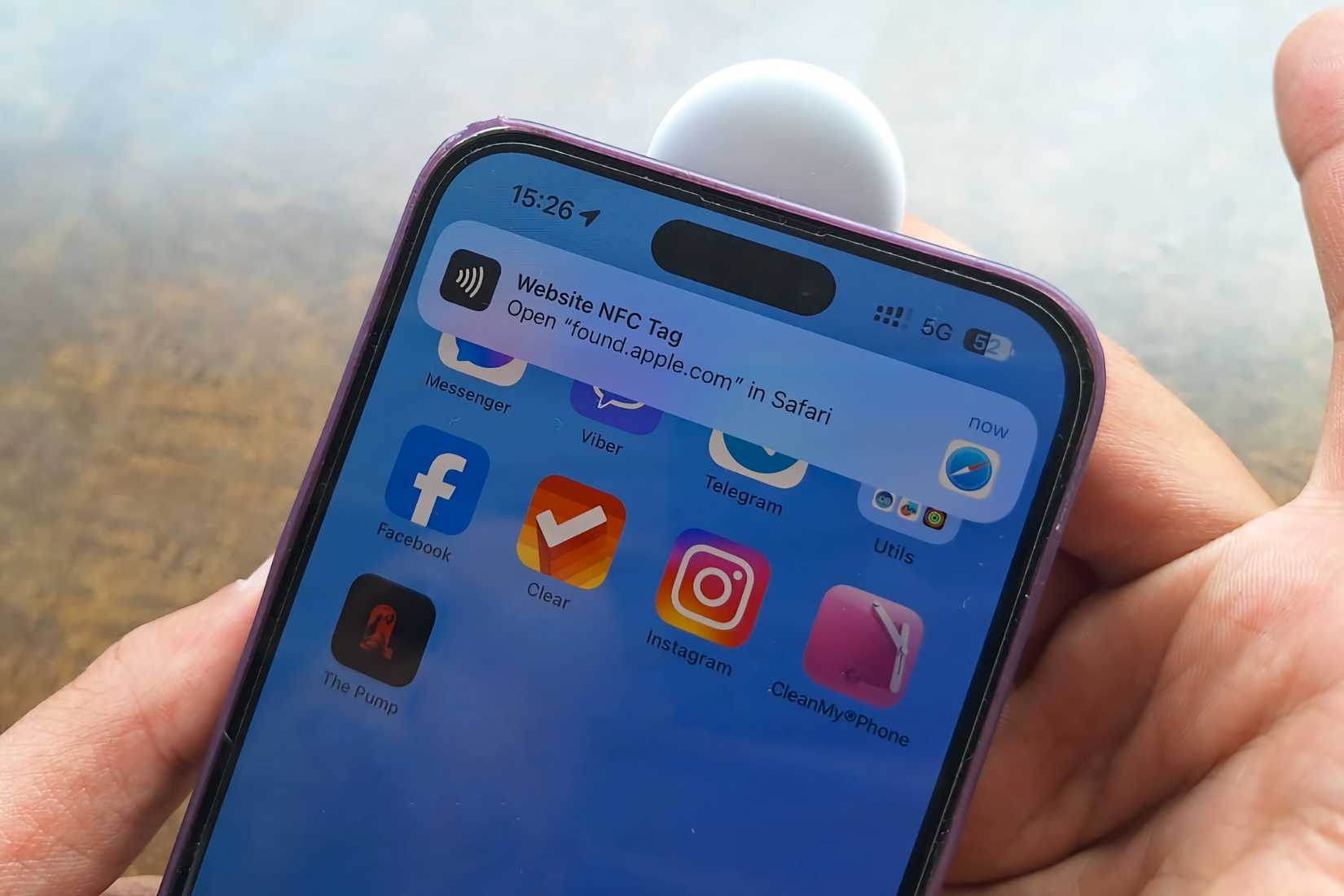
NFC scanning AirTag with phone
Immediate safety steps if you find a tracker in your trunk
When you discover an AirTag under your trunk liner after receiving a moving-with-me alert, your priority should be safety and evidence preservation, not confrontation.
- Do not confront anyone immediately. If you suspect someone you know placed it or you fear escalation, avoid direct confrontation until you have a clearer plan and evidence.
- Document before you move it. Use your phone to take multiple photos: the device in place, its position relative to the trunk liner, and any nearby marks or adhesive. Photos with timestamps, if available, help establish when you discovered it.
- Note recent trips. Write down locations and times of recent drives. If you live with or recently visited people who had access to your car, jot those names and dates as well.
- Carefully remove the device. Use gloves if possible to avoid disturbing fingerprints. Place the device in a small container or bag—do not break it open or tamper with the battery. Preserving the device intact is important for law enforcement and any forensic analysis.
- Check the device for identifiers. Look for a serial number, model number, or any printed ID. On an AirTag, the serial or model information may be visible on the metal back or inside once removed, but do not forcibly open the device—note what you can see without damaging it.
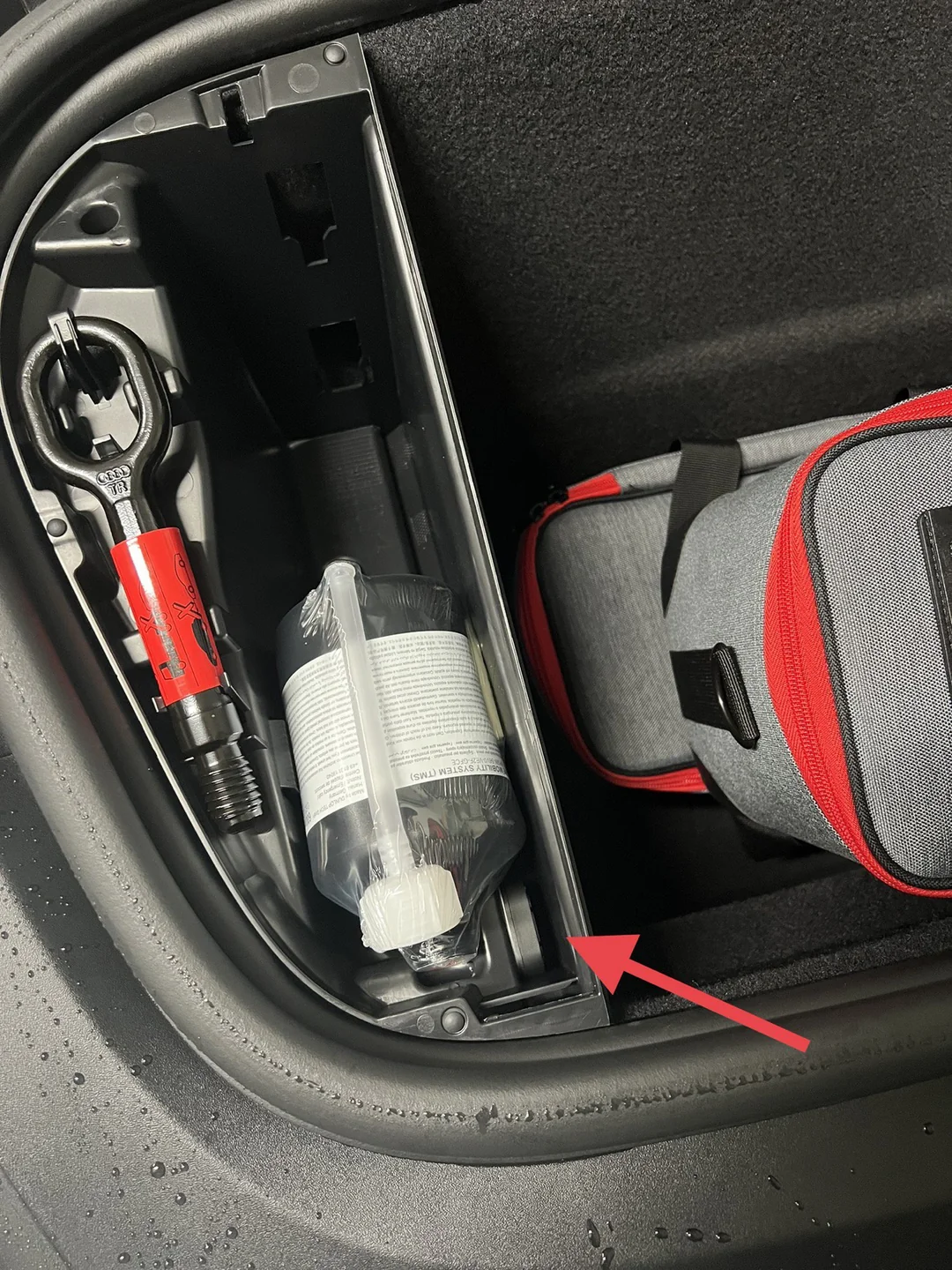
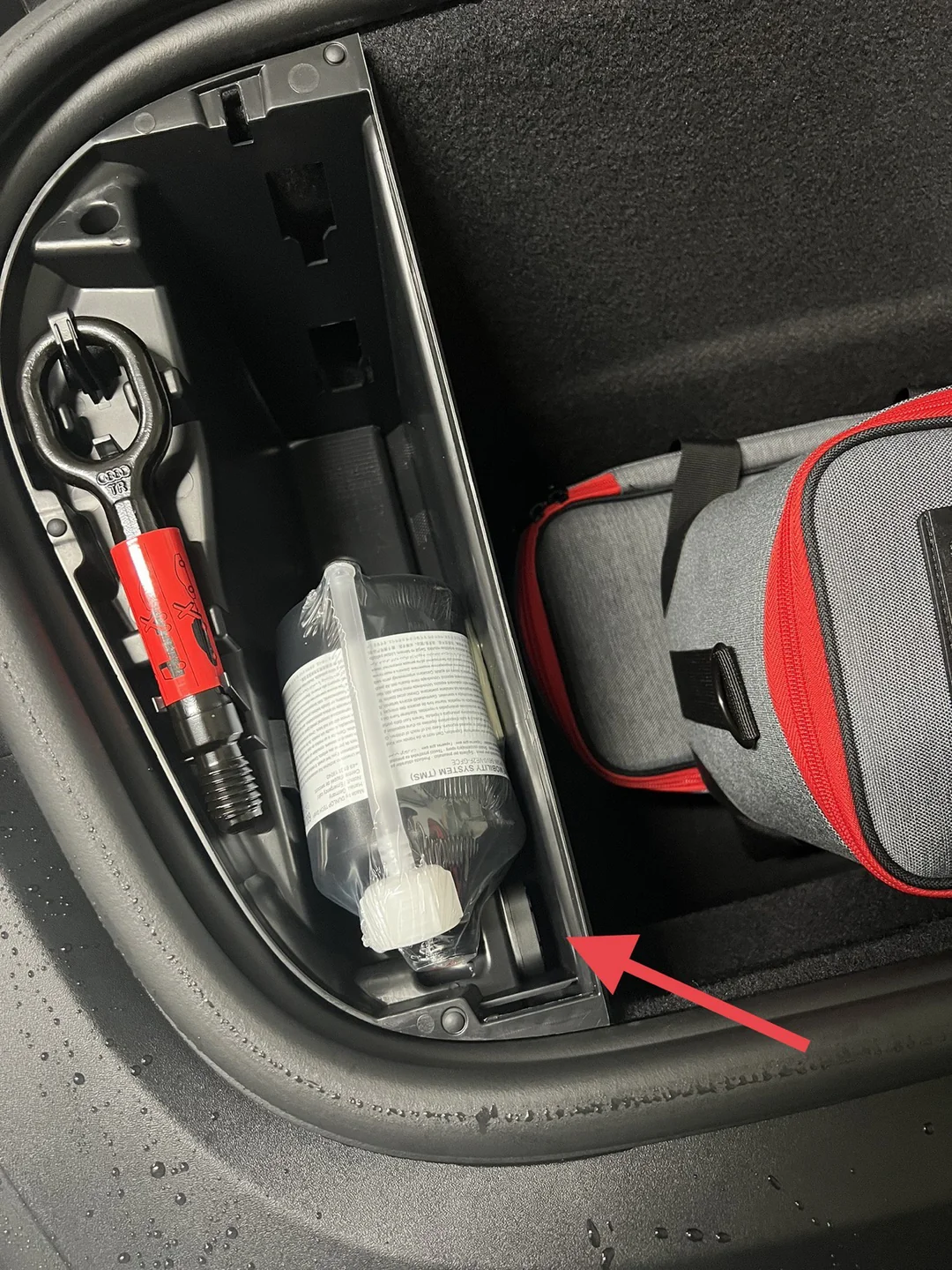
AirTag hidden under trunk liner
Finding a hidden tracker is as much about documenting and preserving evidence as it is about removing the device.
How to use your phone to gather digital evidence
Before you dispose of or disable anything, use your phone to collect the digital trace that connects the device to an owner or to the alert itself.
- Take screenshots of the alert: Capture any notifications that said an unknown AirTag was with you. Include the time, location, and any on-screen options the system gave you.
- Scan the AirTag via NFC: If the device has an exposed NFC surface and your phone supports NFC, tapping it may show a web page with a partial serial number or instructions that can indicate the device’s status. Record that interaction with screenshots.
- Capture Bluetooth details: Use your phone’s Bluetooth settings or a third-party scanner app (if you have one and know how to use it) to note the device name, manufacturer data, and signal strength at discovery time.
- Save a log of locations: If your phone shows a timeline of the alert or associated locations, save or screenshot that history. These can be useful to investigators.
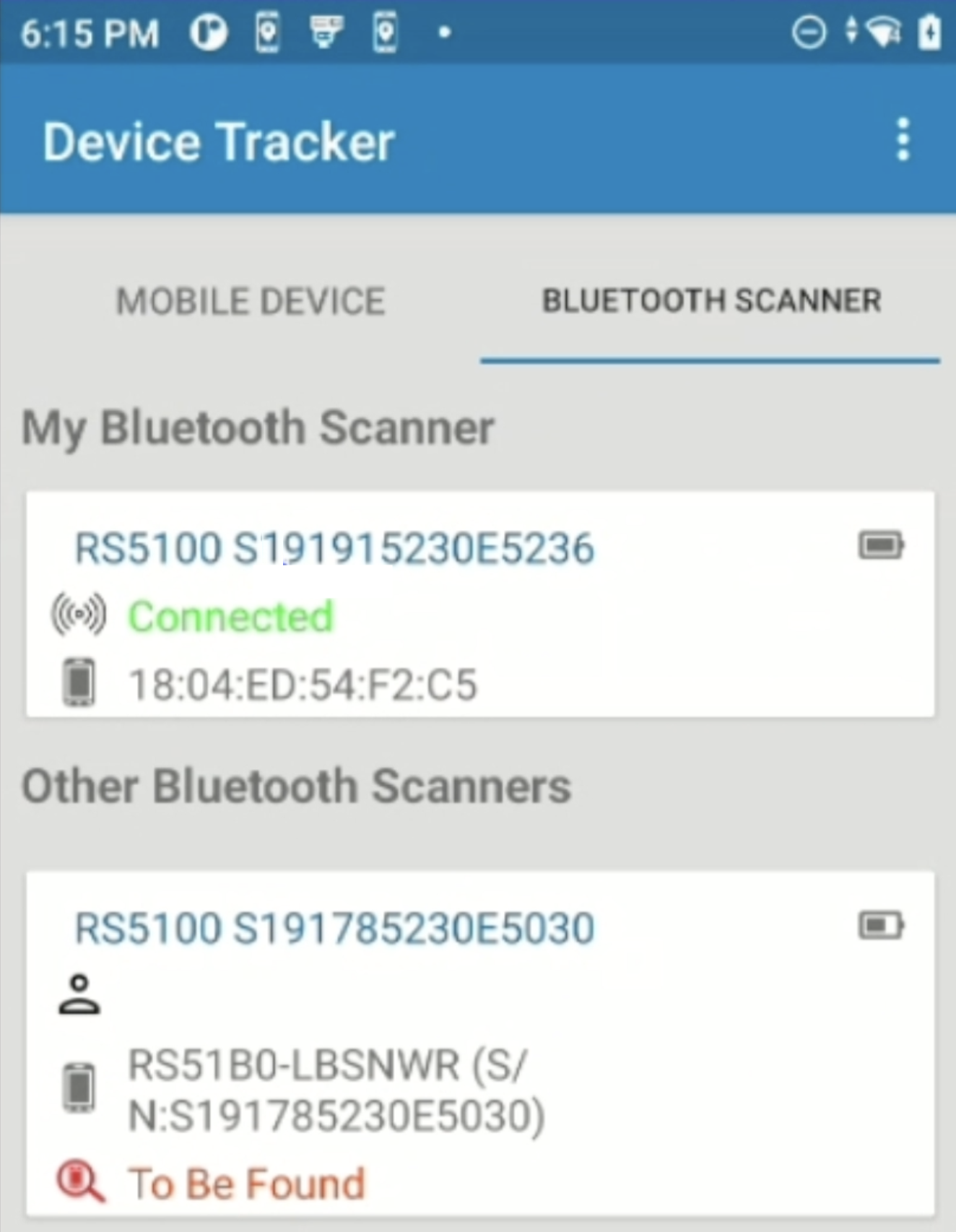
Bluetooth scanner detecting hidden devices
Preserving physical evidence
Treat the tracker like an item of evidence. For law enforcement and civil court purposes, chain-of-custody and minimal tampering matter.
- Put the device in a clean, sealed bag: A small resealable bag or evidence envelope is fine. Label it with the date, time, location, and your name.
- Note who had access to the car: Make a written log of everyone who could reasonably have placed the tracker—mechanics, friends, family, recent taxi or rideshare drivers, valets.
- Avoid damaging the device: Don’t pry it open or remove the battery unless authorities instruct you. Opening it may destroy forensic markers or void important identifiers.

police officer examining tracker evidence
When and how to contact law enforcement
Deciding to call the police depends on the threat level and your comfort. Hidden trackers that follow you without consent can be used for stalking, theft, and other criminal activity. If you feel threatened or notice a clear pattern of being followed, contact law enforcement and provide the evidence you collected.
- Non-emergency situations: For a less immediate case where you want a record but no urgent response, call the non-emergency police number and explain you found a tracking device. They can advise on whether to file a report or bring in detectives for digital forensics.
- Emergency or stalking: If you have been followed, threatened, or the device’s presence dovetails with harassment, call 911 (or your local emergency number) immediately.
- What to bring: Photos, screenshots, the sealed device, timeline notes, and any witness contact information. This helps law enforcement open an investigation quickly.
Legal considerations and privacy rights
Laws vary by jurisdiction, but unwanted tracking and placing a GPS or Bluetooth tracker on someone’s property without consent is illegal in many places. When you bring the device to police, they can determine whether the behavior violates criminal statutes like stalking, harassment, or illegal tracking. Even in civil court, the evidence can support protective orders or claims for emotional distress.
Keep detailed records: A well-documented sequence of events strengthens any legal claim. Dates, times, photos, witness names, and messages or calls that coincide with the tracker being active are valuable.
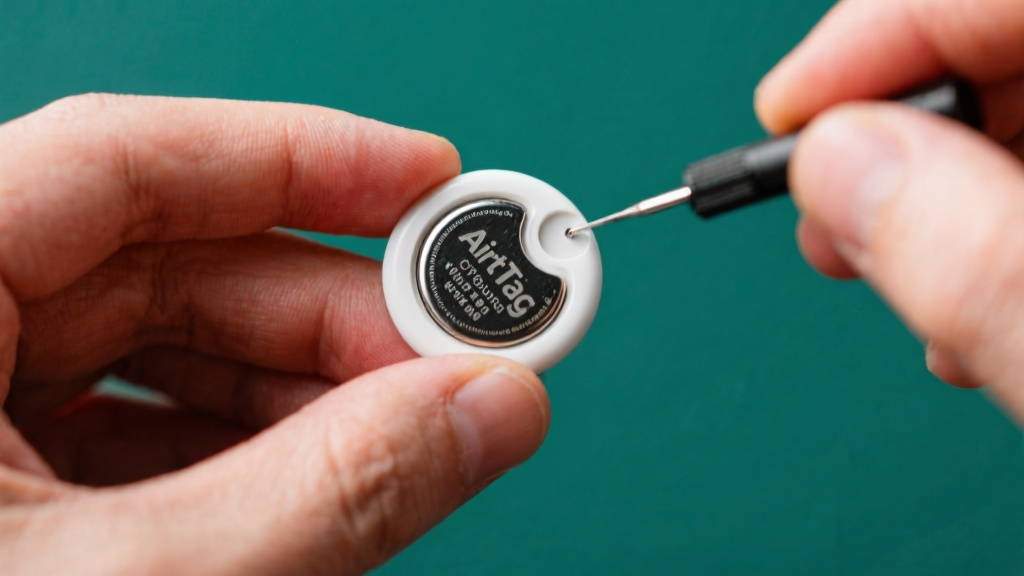
CR2032 battery removal from AirTag
If you’re the device owner by mistake
There are rare cases where an AirTag ends up somewhere legitimately: a shared keychain slipped between cars, a borrowed bag, or by simple mistake. If an owner believes they lost the AirTag and the device belongs to them, law enforcement can mediate. If you find the owner through the device’s NFC page, consider whether the owner’s explanation is plausible and document any interactions carefully.
How to disable or remove an AirTag safely
If immediate safety is your top priority and you are not preserving the device for police, you can disable an AirTag quickly:
- Remove the battery: Press and twist the stainless steel back to open an Apple AirTag and remove the CR2032 battery. Without power the device cannot broadcast.
- Store securely: Keep the battery and the device together in a bag and label them. If you plan to hand the tracker to police, bring both pieces.
- Do not destroy the device: Breaking it apart can destroy forensic evidence and make it harder to trace.
How to scan your vehicle for other trackers
Finding one tracker raises the possibility of others. Do a full sweep of the vehicle: inside wheel wells, under floor mats, inside glove compartments, under seats, and inside spare-tire compartments. Use a flashlight, feel along seams and under liners, and listen for small beeps if the tracker is configured to play a sound.
- Bluetooth scanning apps: These can reveal nearby Bluetooth devices broadcasting identifiers, but they require some technical comfort and may not show the owner details.
- Professional sweeps: If you suspect a targeted stalking campaign, consider hiring a security professional who can perform an RF sweep and physical inspection.
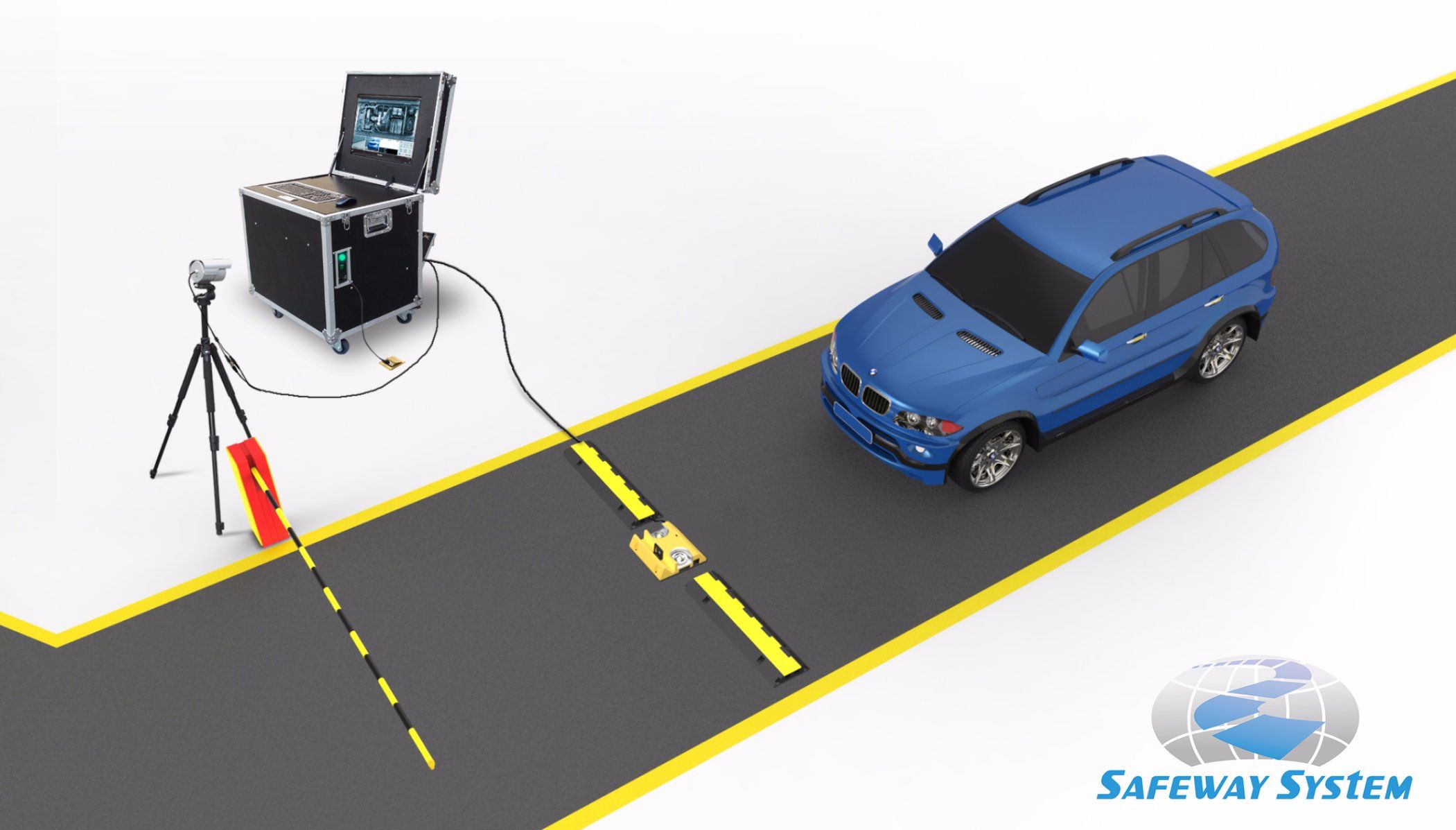
vehicle security inspection for trackers
Prevention: reduce the risk of future unwanted tracking
There are practical habits you can adopt to make unwanted tracking harder:
- Lock and secure your vehicle: Keep doors and trunks locked whenever possible. Limit unsupervised access to your car.
- Be cautious with valet and service access: Use trusted service providers, request attendants keep keys in view, and retrieve your vehicle promptly.
- Regularly inspect your car: A quick weekly check under mats and liners can catch suspicious objects before they travel with you.
- Use anti-tamper methods: Hidden compartments, GPS-blocking pouches for valuables, and motion-activated dashcams can act as deterrents or provide additional evidence.
Broader privacy and tech context
The broader debate around consumer trackers balances convenience and privacy. Companies design features—timed alerts, audible beeps, and owner-proximity checks—to reduce misuse. Legislators in many regions consider or have passed laws criminalizing non-consensual tracking. However, technology evolves faster than policy, and devices designed for good can be repurposed. Staying informed about the capabilities of everyday devices and having a plan for when technology fails you is part of modern safety planning.
What investigators look for
When law enforcement receives a tracker and a related report, investigators will typically attempt to associate the device with an account or look for physical evidence linking it to a suspect. They may use serial numbers, NFC data, and Find My network records if they can obtain legal process to request that information from the device maker. Your documentation speeds that process and makes it easier for investigators to establish patterns or malicious intent.
Emotional aftermath and support
Finding a hidden tracker can be deeply unsettling. Reach out to trusted friends or family and let them know what happened. Record your feelings and any behavioral changes you notice; this is useful both for your wellbeing and if you decide to seek legal protections like a restraining order. Counselors and victim-advocacy organizations can provide strategies for coping and for building a safety plan.
- Quick evidence collection: Photos and screenshots are easy to create and helpful to investigators.
- Device is small and recoverable: A single small object can provide a large technical trail if handled properly.
- Privacy invasion: The psychological impact of being tracked can be severe.
- Limited immediate proof: A tracker tells you it moved with you but not always who placed it.
Realistic scenarios and example timelines
Example 1 — Mistaken ownership: You get an alert on a Saturday evening and later find an AirTag in a shared bag you recently borrowed. You document and return the device, retaining screenshots in case of dispute.
Example 2 — Targeted stalking: You receive multiple moving-with-me alerts over weeks, notice someone following you, and find a tracker under your trunk liner. You preserve the device, call police, and work with investigators to identify the owner.
In both cases, the difference between a routine resolution and a criminal investigation often comes down to your documentation and whether you preserved the device intact.
Conclusion
Discovering an AirTag hidden in your car is jarring, but a measured, evidence-focused response will protect your safety and preserve options. Document the find, avoid tampering, secure the device in a bag, collect screenshots and timeline details, and contact law enforcement if you feel threatened or if the facts suggest criminal intent. Preventive habits—regular inspections, limited access, and cautious use of valet services—reduce future risk. Above all, prioritize your safety; devices can be replaced, your wellbeing cannot.
- Prioritize safety: call emergency services if you feel threatened.
- Document everything: photos, screenshots, and a written timeline matter.
- Preserve the device: avoid opening or damaging it; keep it in a sealed bag for investigators.
- Contact law enforcement in stalking or harassment cases and bring your evidence.
- Adopt preventive habits: inspect your vehicle regularly and limit unsupervised access.
Found an AirTag under your trunk liner? Document, preserve, and prioritize safety before anything else.