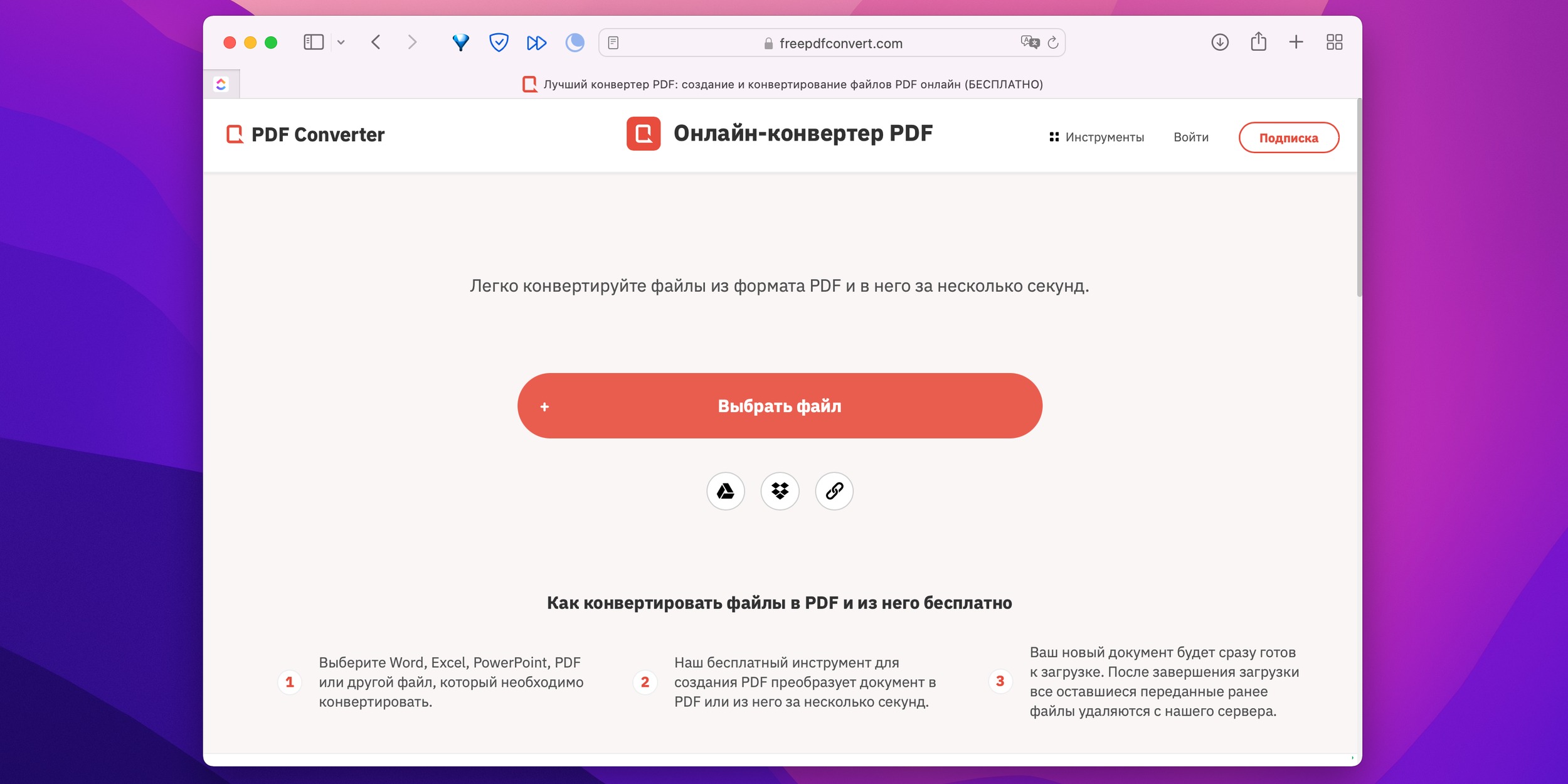
Free PDF Converters Track You: 637 Cookies, 221 Domains
The headline is blunt: when you upload a single document to some free file-conversion websites, your browser can receive hundreds of cookies from scores or even hundreds of external domains. Numbers like "637 cookies from 221 domains" sound extreme, but they are a useful shock to explain a common ecosystem: many "free" web utilities monetize attention and traffic through a sprawling ad and analytics stack that leaves a surprising fingerprint on files you send them.
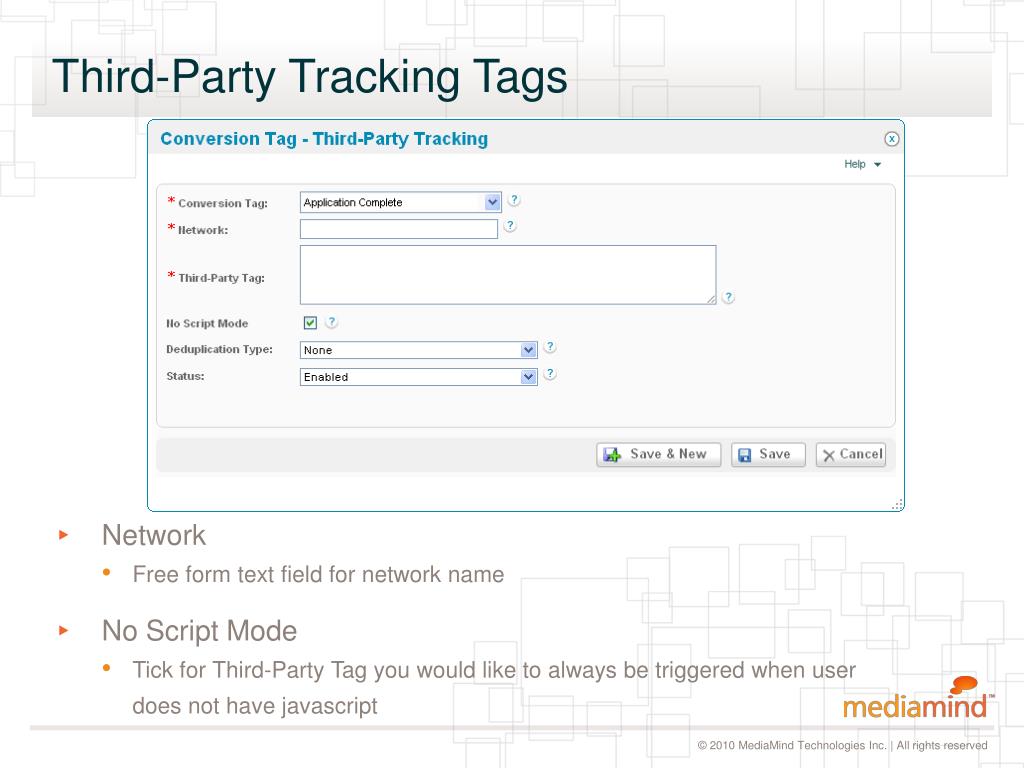
PDF converter third-party tracking
This feature-length explains why a simple document upload can generate so many cookies, what those cookies and third-party connections can do, the real privacy and security risks for individuals and organizations, and practical, realistic ways to convert files without exposing sensitive content.
What happened — and why you should care
At first glance, an online file converter looks innocent: choose a file, press a button, and download the converted result. But behind that single page load are dozens of services — content delivery networks, analytics providers, ad exchanges, marketing tag managers, social widgets, A/B testers, and performance monitors — each often hosted on separate domains and each able to set cookies or run scripts. Those third parties can set persistent identifiers or stitch together behavioral data across sites. For sensitive documents, that is more than an annoyance: it is a potential privacy breach.
How free converters actually work
Free file-conversion sites typically combine three functions: a user-facing interface, a backend conversion engine, and a monetization layer. The first two are straightforward: the interface accepts the file and a server runs a conversion process. The monetization layer is where complexity explodes. To monetize free traffic, operators often integrate ad networks, affiliate trackers, email-capture widgets, and analytics tools. Those services are usually delivered by many external domains, each bringing its own cookies and tracking pixels.
Why a single upload can produce hundreds of cookies
It helps to understand the building blocks that add up.
- Ad networks and exchanges: Each ad partner may involve multiple domains for bidding, serving, and measurement.
- Analytics and marketing tags: Google Analytics, Adobe Analytics, and dozens of marketing vendors and tag managers load scripts that register cookies to measure conversions, retention, and user behavior.
- CDNs and subdomains: Content-delivery networks and resource hosts may set cookies for caching, localization, or load balancing.
- Affiliate and referral partners: Referral systems and coupon widgets add tracking parameters and cookies to capture downstream revenue.
- Testing and personalization: A/B testing platforms and personalization engines create identifiers to remember variants and preferences.
- Social and embed widgets: Social sharing buttons and chat widgets connect to external domains.
Each of those services can add multiple cookie entries, and complex pages load dozens of such services. The result: a single interaction can involve hundreds of distinct domains and cookie stanzas.
cookie proliferation file conversion
A document upload isn't just a file transfer; it's an event that gives an entire ad and analytics ecosystem a window into that interaction.
What those cookies can actually do
Not all cookies are equally valuable. Some are session cookies used for basic functionality and expire when you close the browser. Others are persistent and can be used to create long-term identifiers linked to ad profiles. Here are concrete capabilities to be aware of:
- Cross-site tracking: Third-party cookies and script-based identifiers can follow the same browser across multiple websites, building a profile of sites you visit and actions you take.
- Fingerprinting enrichment: Cookies pair with device and browser fingerprint signals to make tracking more reliable even when cookies are blocked.
- Behavioral advertising: Tracking data can be sold or used to target ads or infer interests tied to document types or content categories.
- Analytics about uploads: Vendors may collect telemetry about the file size, format, and conversion success; that metadata can reveal patterns about the kinds of documents you handle.
- Potential data linkage: If a user is logged into a service that shares an identifier (for example, a social widget or a single sign-on), third parties can sometimes link an upload event to a known account.
Real-world risks — when the content matters
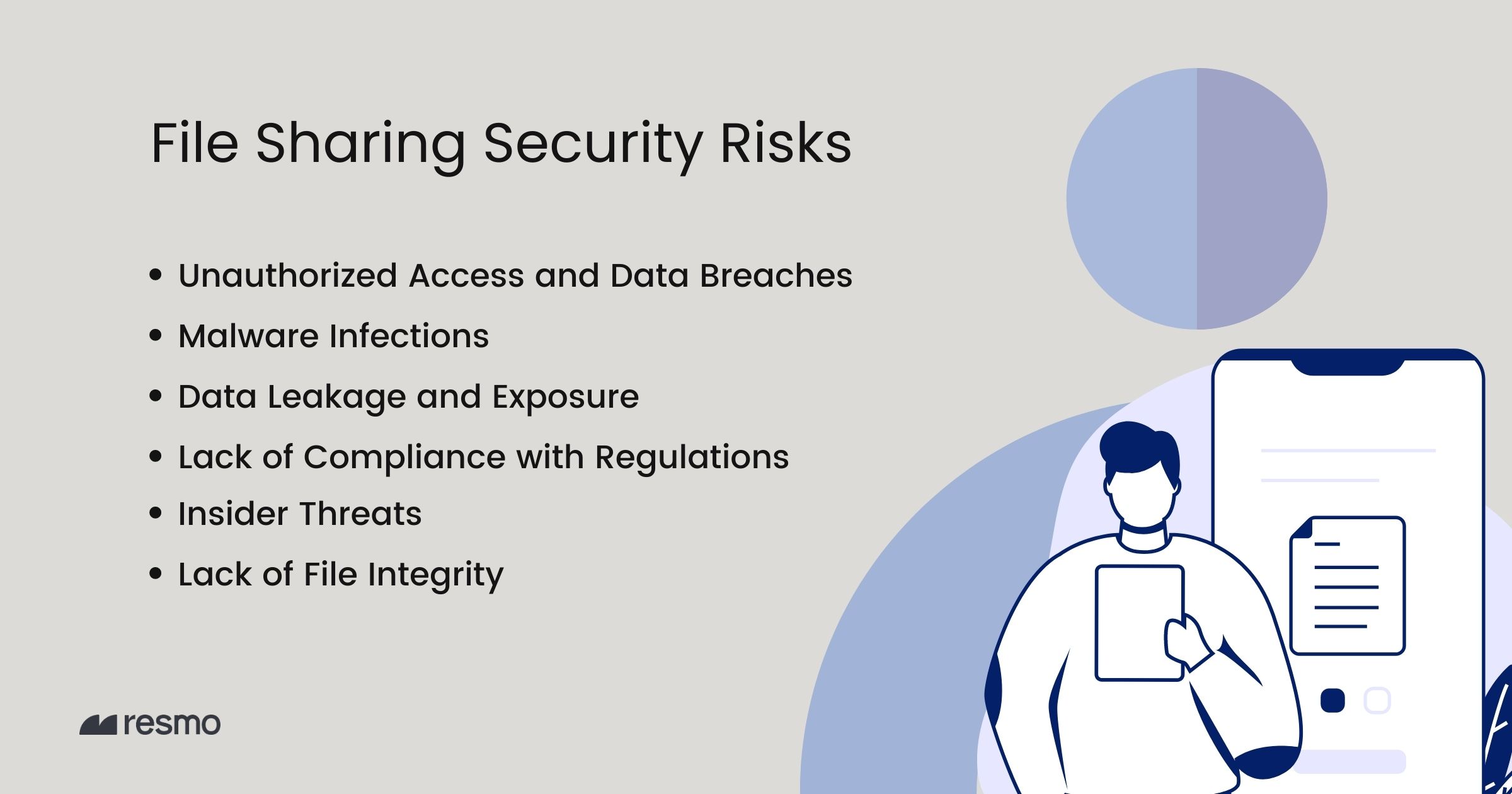
Most casual users will upload innocuous files and never notice the trackers. But for sensitive or regulated documents—legal contracts, medical notes, tax forms, resumes with personal details, non-disclosure agreements, or source code—exposure to broad third-party tracking is risky.
document upload privacy risks
Legal and compliance problems can follow if sensitive data crosses jurisdictions or is processed by vendors who don't respect contractual or regulatory protections. Even where the raw file is not exfiltrated, the telemetry around upload frequency, file types, and associated user identifiers can support unwanted profiling or re-identification attempts.
How to inspect what a site sets — quick steps
Before you upload anything, you can check what a site is doing in the browser. The steps vary slightly by browser, but the essentials are the same:
- Open Developer Tools: In most browsers press F12 or right-click and choose "Inspect;"
- Go to the Network tab: Reload the page and look for external domains that the page requests; each external resource may be a source of cookies or scripts.
- Check the Application or Storage pane: Look under "Cookies" to see domain-by-domain cookie entries and expiration dates.
- Watch upload events: Begin an upload and watch new requests appear in the Network panel; inspect response headers and set-cookie directives.
browser privacy file converters
Those steps give you direct evidence of how many third parties are active and what cookies are being placed during a session.
Practical steps to protect yourself
No one solution fits every need. The right combination depends on sensitivity and convenience. Below are graduated approaches from simplest to most privacy-focused.
- Don't upload sensitive files at all: For highly confidential documents—legal filings, medical records, intellectual property—use offline tools only.
- Use desktop or local conversion tools: Free open-source tools like LibreOffice (export to PDF), PDFtk, qpdf, Ghostscript, or PDFsam Basic perform many conversions without sending files to the internet.
- Temporarily isolate the upload: Use a dedicated browser profile, a privacy window, or a containerized browser to reduce linkage to your regular accounts and cookies.
- Clear cookies and site data after use: Remove site data when you finish, and use browser settings that clear third-party cookies on exit.
- Block third-party cookies and scripts: Use privacy features, tracking protection, or extensions that block known tracking domains. This reduces the number of cookies that can be set during an upload.
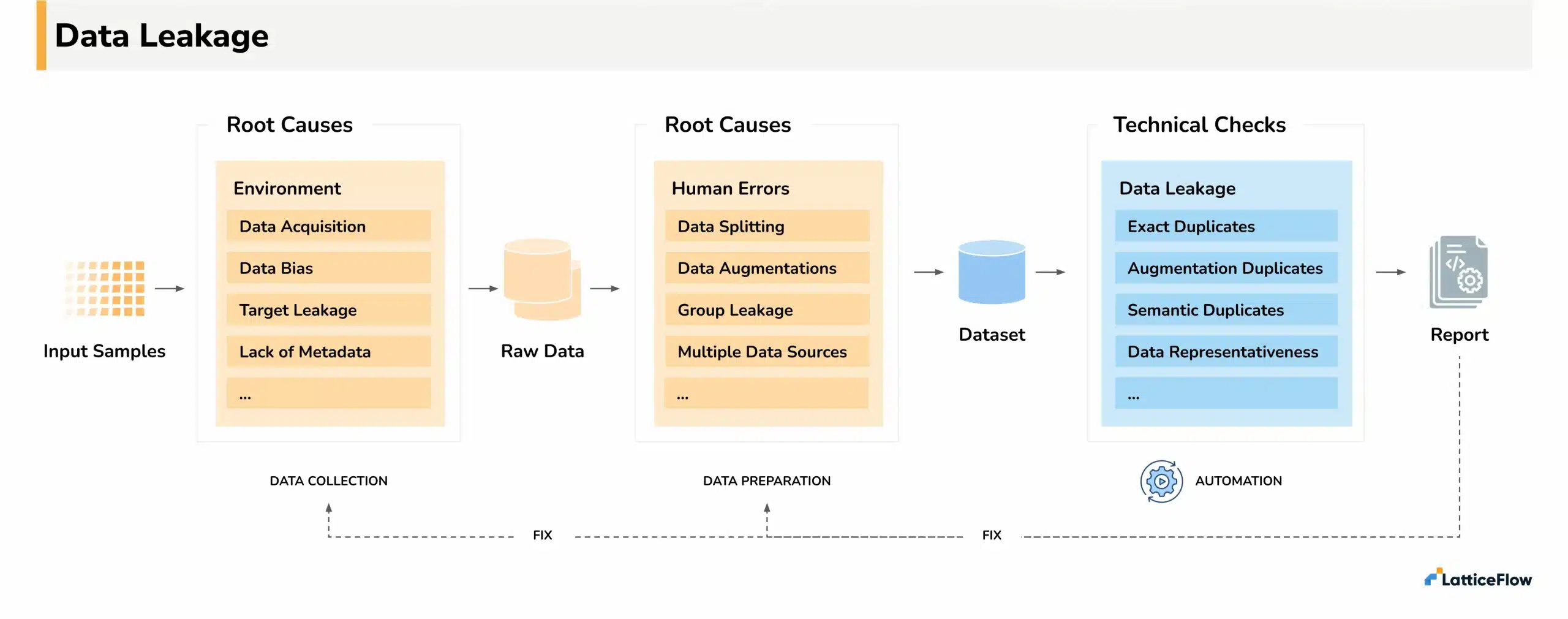
- Strip file metadata before uploading: Remove document metadata (author, comments, hidden data) using local tools or the document editor's "inspect document" feature.
- Use a reputable paid service or enterprise solution: Paid services usually have clearer privacy terms and contractual protections; enterprise tools can be configured to avoid third-party monetization.
data leakage document uploads
For organizations: policies and technical controls
Companies should treat free conversion websites as a potential data loss vector. Practical steps include:
- Create an approved tools list: Maintain and communicate a list of sanctioned conversion tools and desktop alternatives.
- Implement DLP rules: Data-loss prevention systems can block file uploads to unapproved domains or flag unusual transfers.
- Employee training: Train staff on why free utilities are risky and how to use safe alternatives.
- Network controls: Use network-level blocking for known tracking or ad domains in corporate environments.
Safe offline conversion options
Many trusted, free tools let you convert locally without exposing files to third-party domains:
- LibreOffice: Open and export documents to PDF, or convert formats locally.
- PDFtk and qpdf: Command-line tools for basic PDF manipulation and restructuring.
- Ghostscript: Powerful PDF and PostScript processing for batch conversions.
- PDFsam Basic: Split, merge, and rotate PDFs with a GUI on your machine.
These tools work on Windows, macOS, and Linux and are suitable for both individuals and IT departments when installed and maintained properly.
Legal and regulatory context in brief
Privacy laws like the EU's GDPR and various state-level protections in the United States (for example, CCPA-style statutes) require organizations to manage personal data responsibly. Uploading personal data to third-party services without adequate contractual safeguards or user consent can trigger compliance risks. For many consumers, the legal framework is complex; for companies and data controllers, the safe path is explicit policy and technical enforcement.
When speed matters: trade-offs and decision rules
There are moments when using a free web tool is tempting: a tight deadline, a rare file type, or a device with no local tools. A simple decision framework helps:
- Is the document sensitive? If yes, convert offline.
- Can you redact first? If yes, redact and then upload.
- Is a paid or enterprise service available? If yes, prefer those with contractual privacy assurances.
- Is the temporary exposure acceptable? If the file is trivial and you accept the tracking trade-off, use a privacy window and clear site data afterwards.
Final thoughts and next steps
Free web utilities provide real convenience. But that convenience often comes at the cost of broad, sometimes invisible tracking and complex third-party data flows. The example numbers are instructive: hundreds of cookies and scores of domains can be involved in a single upload. That reality should change how you treat the simplest web tasks.
- Fast, easy conversions without installing software.
- Accessible on devices where you can't install tools.
- Extensive third-party tracking and cookie proliferation.
- Potential exposure of metadata and upload telemetry.
- Compliance risk for regulated data.
If you care about privacy, treat uploads like sending an email: once it leaves your device, control is much harder to enforce.
- Free file converters often load many external services; hundreds of cookies from dozens of domains are possible during a single upload.
- Third-party cookies and scripts can enable tracking, profiling, and telemetry collection that may expose sensitive patterns even if the raw file isn't shared widely.
- Prefer local, offline conversion tools for sensitive documents; when using online services, isolate the action, strip metadata, and clear site data afterwards.
Conclusion
Convenience is valuable, but understanding the trade-offs matters. The next time you click "Upload" on a free converter, pause and ask what you are sending and who will see the metadata around that action. Small habits—using offline tools for sensitive files, employing a separate browser profile, and stripping metadata—can dramatically reduce risk without sacrificing productivity. Awareness is the first defense: free services may cost you more than just a few seconds of time; they may silently add you to someone else's tracking graph.
If a document is confidential, convert it locally or consult your organization's policy before using public converters.