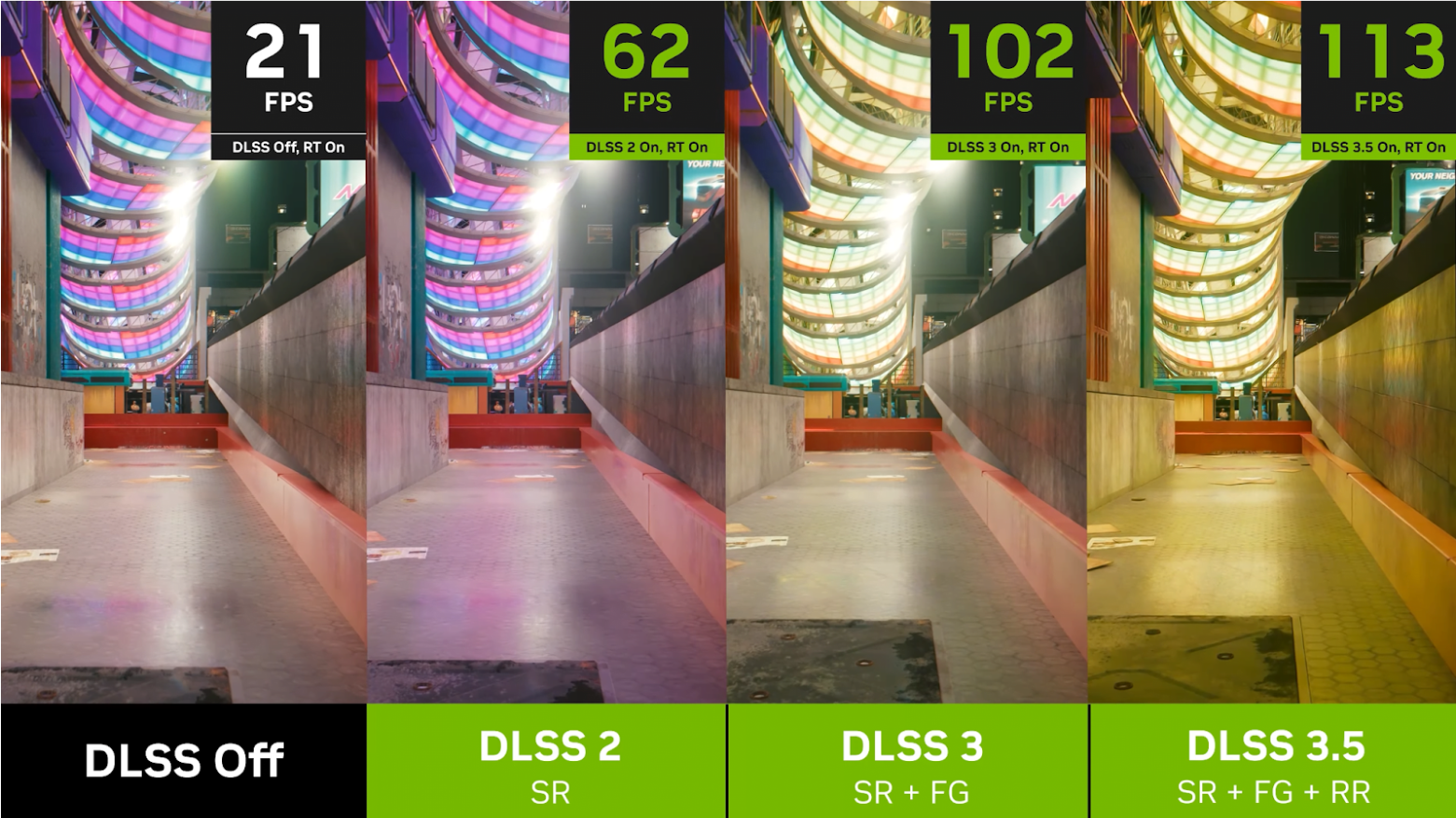
DLSS 5 and Moving Objects: Why Developers Say "This Is Scary"
When a former developer from Red Dead Redemption 2 reacted to early demonstrations of DLSS 5 with the words "This is scary," the comment crystallized a tension that has quietly run through the games industry for years: how do you use aggressive, AI-driven frame reconstruction to get massive performance gains without allowing moving subjects to betray the tricks under the hood? DLSS 5 promises leaps in frame rates and visual improvements, yet handling motion—characters, foliage, particles, vehicles—remains the most delicate, revealing fault lines in both algorithm design and engine integration.
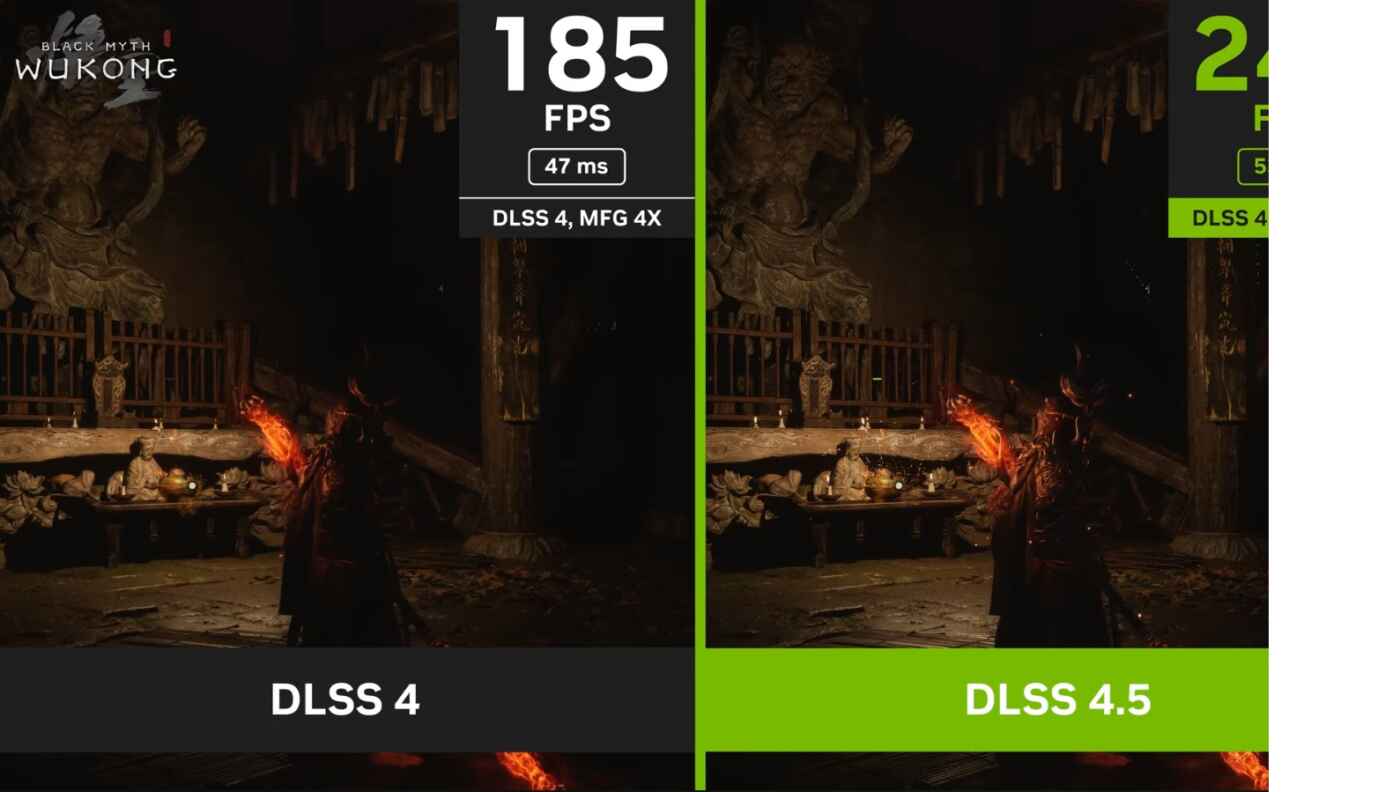
DLSS 5 developer reaction scary
The story is technical, human, and consequential. It is technical because the way modern upscaling and frame-generation systems use motion vectors, temporal history, and neural inference determines whether pixels land where they should. It is human because developers, artists, and QA testers must decide what trade-offs are acceptable—and because players notice motion errors more readily than static ones. And it is consequential because the success or failure of DLSS 5's approach will shape performance expectations and artistic choices across next-generation titles.
What DLSS 5 Changes (and Keeps From Before)
Evolution, not revolution
NVIDIA's DLSS (Deep Learning Super Sampling) has evolved through versions that improved image reconstruction, sharpened upscaling, and added frame generation. DLSS 5 builds on prior techniques by leaning further into neural-rendering and motion-aware interpolation. The headline benefits are higher effective frame rates, cleaner edges at lower native resolutions, and—critically—frame synthesis that can create intermediate frames to smooth motion.
But the underlying mechanism that trips up moving objects is not new: temporal reprojection. Temporal techniques re-use data from previous frames to reconstruct the current one. They rely on correct motion vectors and reliable depth or metadata. If those inputs are imperfect, the neural model must hallucinate or incorrectly blend history, producing visible artifacts.
Frame generation and the motion problem
Frame generation promises fluid motion by synthesizing intermediate states. It can mask judder and increase perceived frame rate with fewer native renders. However, generating plausible in-between frames for complex scenes—think spinning wagon wheels, flapping cloth, or cascading dust—requires an accurate understanding of per-pixel motion and occlusion. Mistakes manifest as doubling, smearing, or objects that appear to tear free of their geometry.
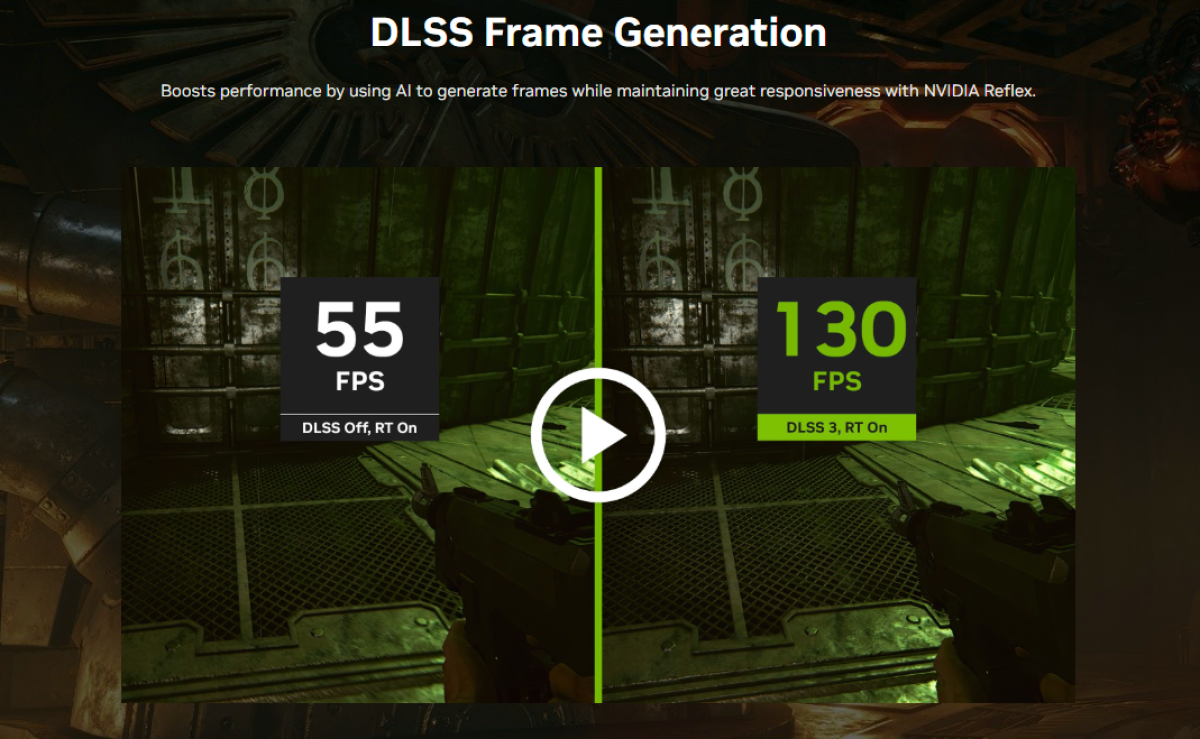
DLSS 5 frame generation
Why Moving Objects Are the Hard Part
Motion vectors are only as good as what's provided
Motion vectors supplied by a game engine describe how pixels moved between frames. They are the backbone of temporal upscaling. But they come in flavors: object motion, camera motion, and per-pixel motion that blends multiple influences. Many engines historically prioritize camera motion and coarse object motion for effects like motion blur and TAA, not the pixel-perfect, per-material precision modern neural upscalers demand.
When vectors are inaccurate—rounded, low precision, or missing for procedural or particle content—the neural model either smears between incompatible histories or invents details that weren’t there. The more aggressive the model is at using history, the worse the hallucination can be. That’s why developers hear "This is scary"—they recognize plausible reconstruction can also plausibly deceive, and the consequences show up on anything that moves.
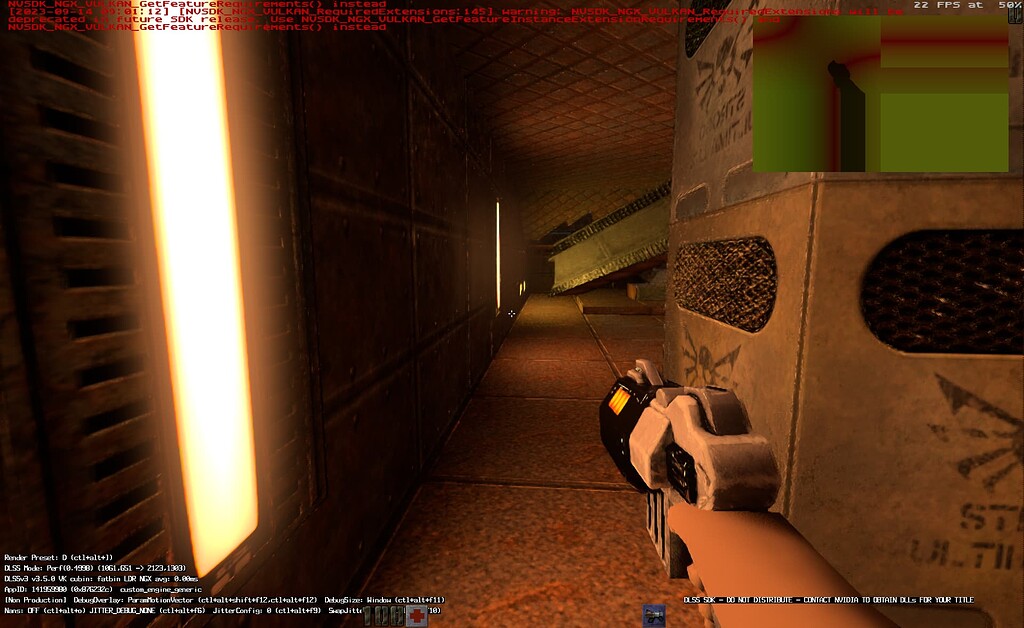
DLSS 5 motion vector issues
Occlusion, depth, and the ghost of prior frames
Occlusion handling is another Achilles' heel. Temporal reconstruction needs to know when a pixel was previously hidden by a foreground object. If occlusion tests are weak, history gets incorrectly blended into the current frame. The result: ghosting—faint remnants of characters or objects lagging behind as they move.
Fast-moving objects amplify the issue: motion blur and temporal aliasing interact with reconstruction, producing micro-ghosts and tearing that are particularly distracting because the human visual system is wired to notice motion inconsistencies.
DLSS 5 ghosting artifacts
When moving pixels don't match history, neural reconstructions can either erase motion or invent it—and players see the lie immediately.
Real-world Symptoms Developers See
Common artifacts
In practice, the following visual issues are common when DLSS-style algorithms confront imperfect motion data:
- Ghosting: faint trails or outlines of objects that were recently occluded.
- Smearing: stretched details that lose crispness in motion.
- Tearing or duplication: parts of an object appear doubled or offset.
- Temporal flicker: details that pop in and out frame-to-frame.
- Particle instability: smoke, dust, and sparks that break spatial coherence.
DLSS 5 moving object smearing
DLSS 5 temporal instability
DLSS 5 particle instability
Why artists and QA raise alarms
Artists are sensitive to unintended changes in shape and silhouette. Even when the average image similarity score is high, moving silhouettes and specular highlights reveal the algorithm's missteps. QA teams, often the first to flag regressions, can produce systematic repro cases: scripted character runs, particle-heavy set pieces, or rapid camera pans. Those test cases map directly to player-facing moments that make or break immersion.
Technical Remedies and Engine-Level Fixes
Improve motion input quality
One obvious answer is to give the AI better inputs. That means higher-precision motion vectors, accurate per-object velocities, and reliable depth or velocity buffers for particles and procedural content. It may require engine changes: exposing per-material velocity, preserving velocity across LOD transitions, and ensuring physics-driven objects emit usable motion data.
History rejection and per-pixel confidence
Advanced implementations add confidence metrics—per-pixel flags that tell the neural model how trustworthy the historic sample is. When confidence is low, the algorithm should fall back to spatial reconstruction or discard history entirely. This hybrid approach reduces ghosting at the cost of some noise or resolution locally; often a worthwhile trade.
Per-object and per-pass handling
Not all content should be treated equally. Developers can mark fast-moving or high-entropy elements (particles, foliage) to skip temporal blending, instead rendering them at native resolution or applying tailored upscalers. A simple rule: if motion is unpredictable or non-deterministic, favor fresh samples over history.
Trade-offs: Performance, Latency, and Visual Consistency
Performance wins vs. perceptual costs
DLSS 5's performance improvements can enable richer effects or higher framerates on the same hardware—but those wins come with perceptual costs if not handled carefully. Turning off frame generation or reducing history reliance restores visual consistency but reduces the benefit. The right choice depends on genre: a competitive shooter may prioritize latency and clarity over buttery interpolation, while a narrative-driven open-world title may favor cinematic smoothness.
Latency considerations
Frame synthesis can increase effective latency if not implemented with care. Techniques like NVIDIA Reflex exist to minimize input lag, but combining several layers—frame generation, temporal anti-aliasing, motion blur—requires holistic tuning to preserve responsiveness for players.
Practical Guidance for Developers and Studios
Audit and prioritize problem areas
Start by identifying scenes where motion artifacts are most visible: crowds, vehicles, environmental effects, and cutscenes. Use scripted tests to reproduce and measure. Prioritize fixes that yield the largest perceived improvement for the least runtime cost.
Design patterns that help
Artists and designers can adopt practices that make motion easier to reconstruct: avoid extreme per-pixel velocity changes across LODs, keep certain silhouettes stable during key moments, and provide artist-driven flags to mark temporal-critical assets.
User-facing options
Offer players toggles: robust vs. performance upscaling presets, frame generation on/off, motion stabilization, and an